
Description
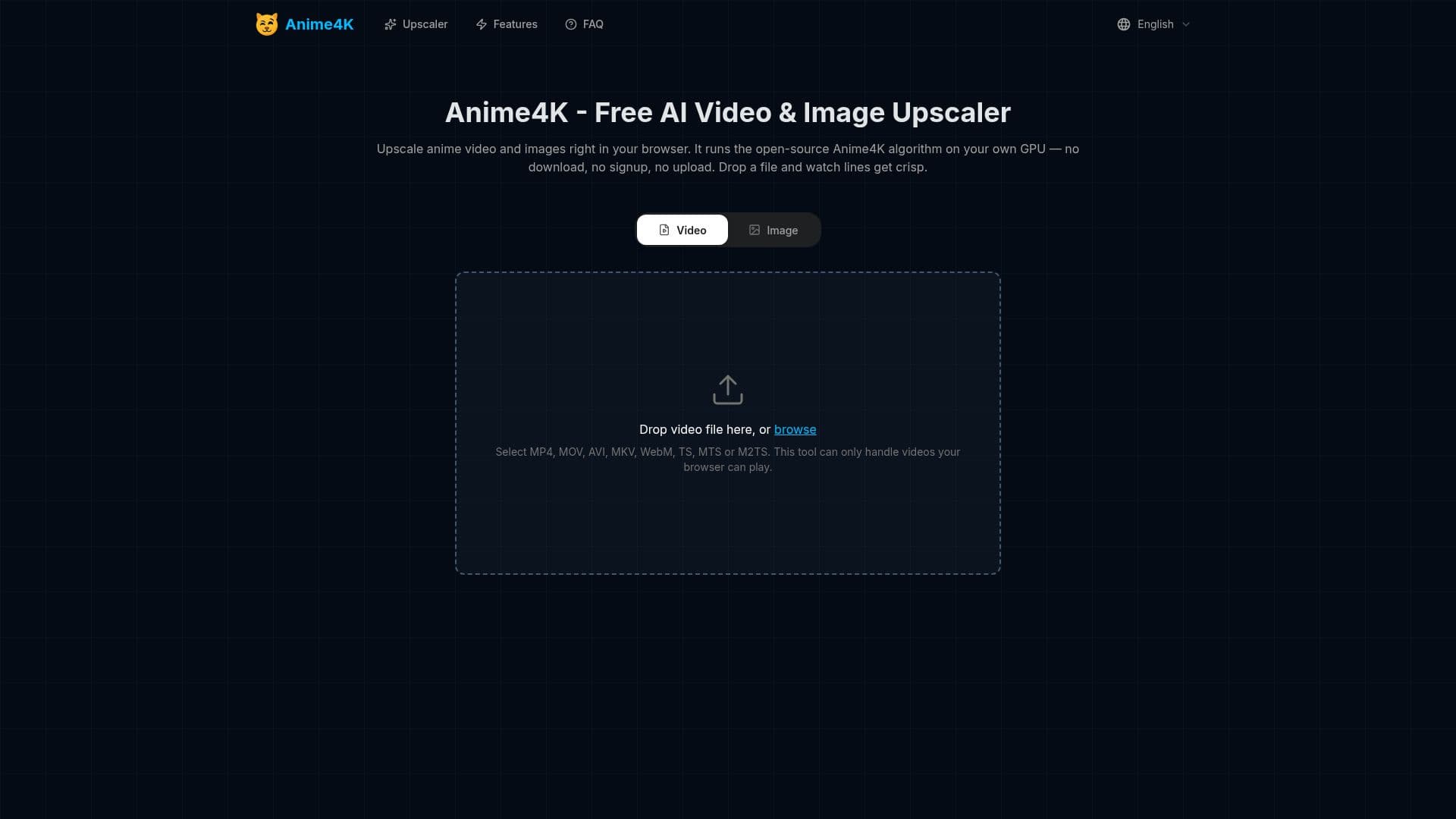
Anime4K is a free, browser-based upscaling tool tailored for anime video and images. It leverages the open-source Anime4K algorithm, known for its real-time, line-aware reconstruction capabilities. Unlike traditional software, Anime4K.app operates entirely within your web browser, utilizing WebGPU to process files directly on your device's GPU. This innovative approach means no software installation is required, and your files never leave your computer, ensuring complete privacy and zero network transfer.
Read More
The tool excels at enhancing anime content by doubling video resolution—transforming 720p to 1440p and 1080p to crisp 4K (3840x2160). For still images, it can achieve up to 4x resolution increases on capable desktop GPUs. The Anime4K algorithm is specifically designed for line art, which is characteristic of anime, allowing it to restore edges and remove blur that generic upscalers often introduce. This results in sharper outlines and cleaner flat regions without the halos or grain associated with photo upscalers.
Anime4K supports a wide range of video formats, including MP4, MOV, AVI, MKV, WebM, TS, MTS, and M2TS, provided your browser can play them. For images, it accepts JPG and PNG files. The output is typically MP4 (H.264), with some browsers exporting WebM. Processing times vary depending on the content's length, resolution, selected network size, and your GPU's performance. A 30-second 720p clip might take 2–5 minutes, while a full episode will take longer, with a live progress bar and pause/resume functionality.
This web tool is an independent implementation of the Anime4K algorithm and is not affiliated with the original Anime4K project. It offers a user-friendly alternative to installing mpv shaders or other software, making high-quality anime upscaling accessible to everyone. It works across various platforms, including Windows, Mac, and Linux, and is compatible with Chrome, Edge, Safari, and Firefox. While it functions on phones in a lighter compatibility mode, desktop GPUs offer optimal performance for longer videos and higher image upscaling factors. The service is completely free, with no accounts, watermarks, credits, or hidden limits, as all processing is done locally.
- CategoryAI Image Upscalers
- Pricing ModelFree
- DeploymentBrowser-based
- PlatformsWindows, Mac, Linux, iPad, Phones
Anime4K's Core Features
Free online video and image upscaling
Utilizes open-source Anime4K algorithm
Runs directly in browser using WebGPU
No software installation required
No signup, account, or watermark
Complete privacy: files never leave your device
Doubles video resolution (720p to 1440p, 1080p to 4K)
Upscales images up to 4x resolution
Line-aware reconstruction for anime art
Hardware video encoding for output
Audio passes through untouched
Supports MP4, MOV, AVI, MKV, WebM, TS, MTS, M2TS video formats
Supports JPG and PNG image formats
Compatible with Chrome, Edge, Safari, Firefox browsers
Works on Windows, Mac, and Linux
How to use Anime4K?
Open Anime4K: Navigate to the Anime4K.app website in your browser.
Drop Your Anime File: Drag and drop your video (MP4, MOV, MKV, WebM, AVI, TS, MTS, M2TS) or image (JPG, PNG) file onto the designated area, or use the browse option.
Choose a Network Size: Select a network size (Small, Medium, or Large) for processing. A preview of the first frame will be shown for comparison.
Process and Download: The tool will process the file on your GPU. Once complete, download the sharpened, higher-resolution version.
Anime4K's Use Cases
- Enhancing Anime Videos
- Improving Anime Images
- Offline Upscaling
- Privacy-Focused Upscaling
- Quick Resolution Boost
- Browser-Based Convenience