
Description
AI Remove Text provides an online solution for editing and removing text from images, leveraging artificial intelligence for advanced processing. The platform is designed for users who own or are authorized to modify the images, ensuring responsible use of the service. It offers a dual approach to text removal: a client-side manual eraser for straightforward edits and an AI-assisted reconstruction feature for more intricate backgrounds.
Read More
The AI processing intelligently detects text regions, including captions, logos, signs, and overlays, and then reconstructs the underlying background based on surrounding visual context. This context-based background filling estimates nearby patterns, textures, and colors to rebuild the selected area, aiming for a realistic result. However, the accuracy of text removal can vary depending on factors such as text size, contrast, image resolution, and background complexity, necessitating user review of every output before publishing or relying on it.
The tool supports common image formats like JPG, PNG, and WebP, with a file size limit of up to 10 MB per image. Users can upload images via drag-and-drop or file browsing. A key feature is the ability to choose between removing all detected text or specifically targeting speech bubbles, offering flexibility for different editing needs. The service also includes high-resolution processing, preserving useful detail for review, though it advises users to check for potential changes in texture, edges, or compression.
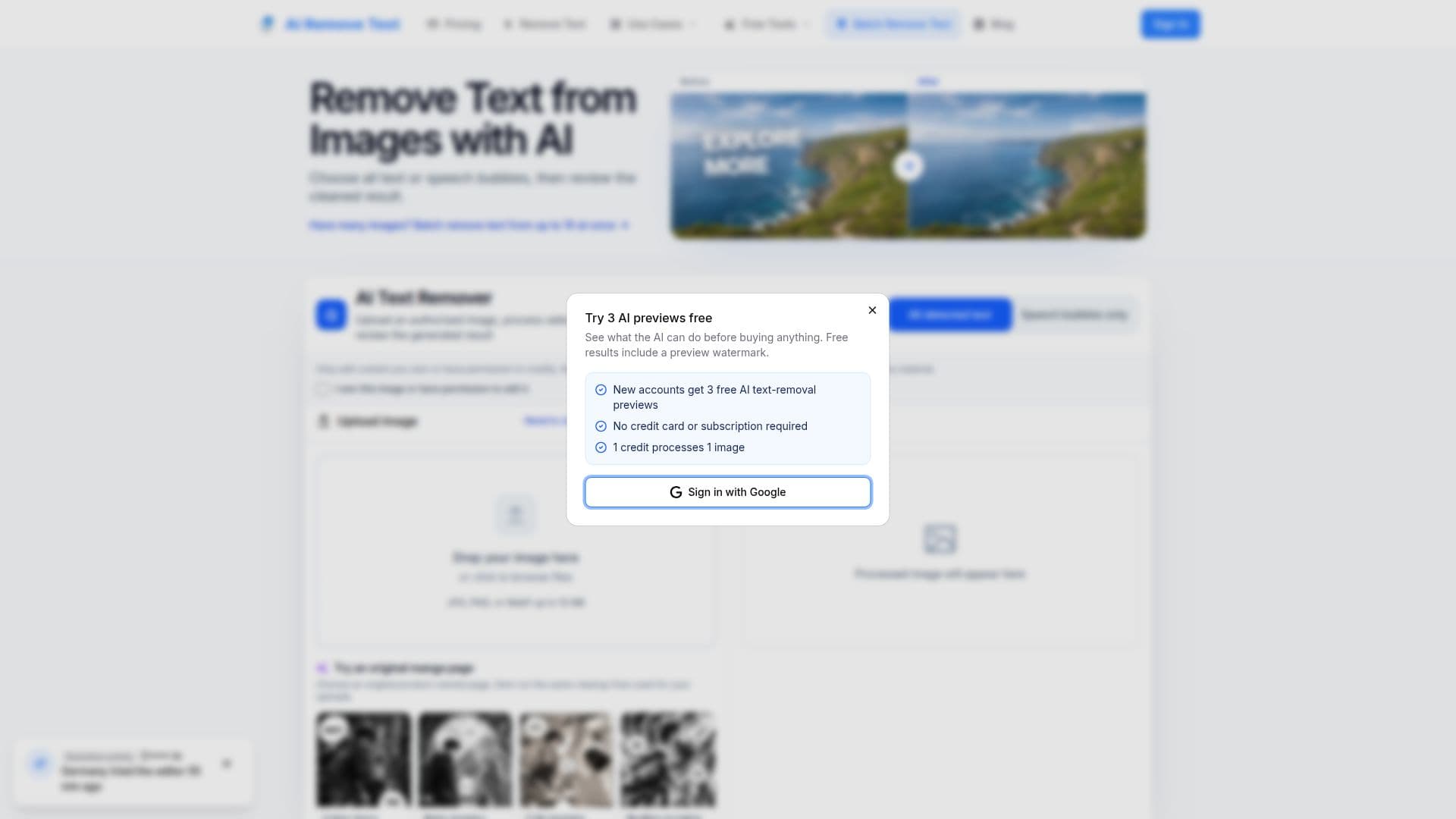
For users with multiple images, AI Remove Text offers a batch processing feature, allowing up to 10 images to be uploaded and processed sequentially in one session. This streamlines workflows for tasks like cleaning product photos for e-commerce or preparing images for social media. Each processed image consumes one credit, and the pricing model is based on one-time credit pack purchases, not subscriptions. New users receive 3 free credits for watermarked previews, enabling them to evaluate the AI's capabilities before committing to a purchase.
Security and privacy are addressed, with uploads transmitted securely and retained as needed for processing and generation history. Users can request data deletion as outlined in the Privacy Policy. The platform emphasizes that removing watermarks, logos, or attributions does not grant rights to third-party material, reinforcing the importance of using only authorized content. Additionally, the site integrates an Ideogram 4.5 image generator, allowing users to create new images from text prompts, further expanding its utility for visual content creation.
- CategoryAI Photo Editors
- Pricing ModelPay-as-you-go
- DeploymentCloud
- PlatformsWeb
AI Remove Text's Core Features
AI-Assisted Text Removal: Automatically detects and removes text from images using AI processing.
Manual Eraser: Provides a free, client-side tool for simple text removal.
Speech Bubble Focus: Option to specifically target and remove text within speech bubbles.
Context-Based Background Fill: Reconstructs selected areas by estimating nearby patterns and textures.
High-Resolution Processing: Maintains image detail during processing for thorough review.
Flexible Workflows: Choose between browser-based manual editing or AI processing for complex scenes.
Multiple Text Types Support: Edits captions, owned logos, signs, and overlays.
Batch Processing: Remove text from up to 10 images at once.
Image Format Support: Accepts JPG, PNG, and WebP files up to 10 MB.
Output Review: Users can inspect reconstructed backgrounds, edges, and remaining text before download.
Commercial Use Authorization: Processed images can be used commercially if the user owns or has permission to modify the source material.
Secure Data Transmission: Uploads are transmitted securely.
Generation History: Retains processed images for review and re-download.
One-Time Credit Packs: Pay-as-you-go model with no subscriptions.
Free Previews: New users receive 3 free credits for watermarked AI text-removal previews.
How to use AI Remove Text?
Upload Image: Drag and drop or select a JPG, PNG, or WebP image (up to 10 MB) that you own or are authorized to edit.
AI Detects Text: The AI automatically attempts to detect text regions. For faint or stylized text, manual selection or another attempt may be needed.
Review Result: Inspect the reconstructed background, edges, and any remaining text at full size.
Download Clean Image: Download the processed image in PNG or JPG format for use.
AI Remove Text's Use Cases
- E-commerce Product Photo Cleanup
- Social Media Graphic Updates
- Manga and Comic Translation
- Personal Photo Editing
- Marketing Material Revision
- Digital Asset Management