Description
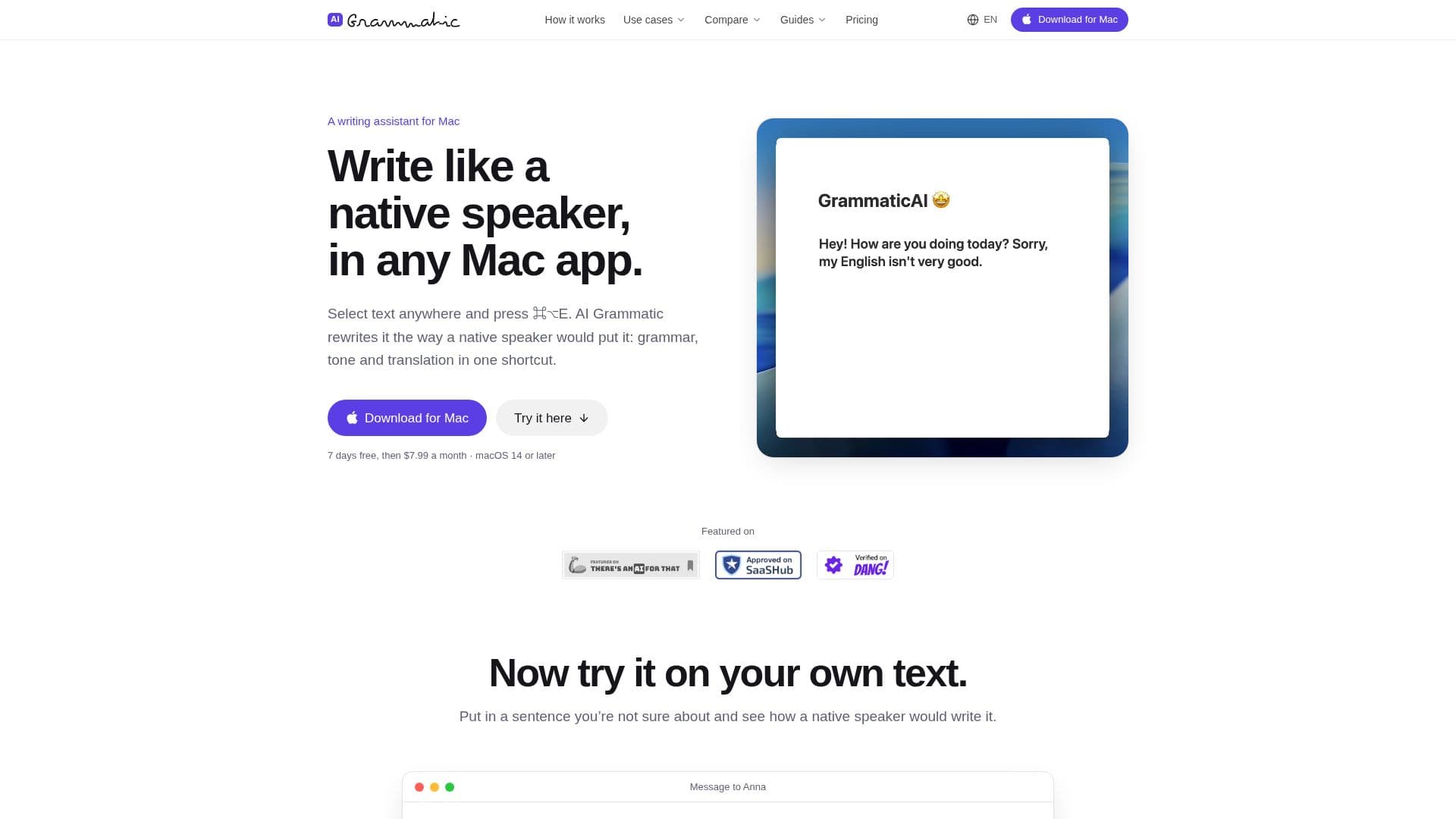
AI Grammatic is a dedicated Mac menu bar application designed to help users write like native speakers in any macOS app. It addresses common challenges faced by non-native English speakers, such as word-for-word translations, stiff phrasing, incorrect prepositions, or missing articles, which often make text sound unnatural even if grammatically correct. By simply selecting text and pressing ⌘⌥E, AI Grammatic rewrites the content, focusing on natural phrasing, appropriate tone, and accurate translation.
Read More
The application integrates seamlessly into the macOS environment, working across various apps like Slack, Mail, Notion, Linear, Messages, code editors, and web browsers. It utilizes a global keyboard shortcut for quick rewrites, and users can easily revert to their original text with ⌘Z. A key feature is its ability to control the tone of the rewrite, offering both casual and formal versions, which can be activated by adding the Shift key to the shortcut.
AI Grammatic supports more than 30 languages, including English (US and UK), German, Spanish, French, Portuguese, Italian, Dutch, Polish, Ukrainian, Russian, Japanese, Korean, and Chinese. Users can assign specific keyboard shortcuts for different languages, making it versatile for multilingual communication. Unlike traditional grammar checkers that primarily focus on mistakes, AI Grammatic aims to refine technically correct but unnatural-sounding text, preserving the original meaning, names, numbers, links, and emojis.
The service includes the AI processing, meaning users do not need their own API keys. It offers a choice of AI providers, including OpenAI, Claude, Gemini, and DeepSeek. Privacy is a core aspect, as user text passes through their server to the AI provider and is discarded immediately after the rewrite, with only daily word counts being retained. The application is available via direct download, signed and notarized by Apple, as it requires macOS Accessibility access not permitted by the Mac App Store sandbox.
AI Grammatic offers a single plan with a 7-day free trial, followed by a monthly or annual subscription. The plan includes everything the tool offers, such as a daily limit of 50,000 words, access to all supported languages and tones, and the ability to set custom writing instructions. It is particularly beneficial for developers writing PR descriptions, commit messages, and code reviews, ensuring clear and professional communication without altering code or identifiers.
- CategoryAI Translators
- Pricing ModelFreemium
- DeploymentCloud
- PlatformsmacOS
AI Grammatic's Core Features
System-wide text rewriting in any Mac app
Grammar and clarity correction
Tone control (casual and formal)
Translation across more than 30 languages
Per-language global keyboard shortcuts
Choice of AI provider (OpenAI, Claude, Gemini, DeepSeek)
AI processing included (no API key needed)
Preserves meaning, names, numbers, links, and emoji
Rewrites in place with ⌘⌥E shortcut
Undo rewrite with ⌘Z
Direct download, signed and notarized by Apple
7-day free trial available
50,000 words daily rewrite limit
Custom writing instructions
How to use AI Grammatic?
Select Text: Highlight the text you wish to rewrite in any macOS application.
Activate Shortcut: Press ⌘⌥E (or your custom shortcut for the specific language). Add ⇧ for a formal version.
Review Rewrite: The selected text is replaced in place with the native-sounding version.
Undo (Optional): Press ⌘Z to revert to your original text if needed.
Customize Settings: Adjust AI provider, language shortcuts, and writing instructions in the app's settings.
AI Grammatic's Use Cases
- Professional Email Writing
- Developer Communication
- Academic Writing
- Social Media Posts
- Instant Messaging
- Content Creation
- Multilingual Translation
- Code Review Comments
- Documentation Writing