Description
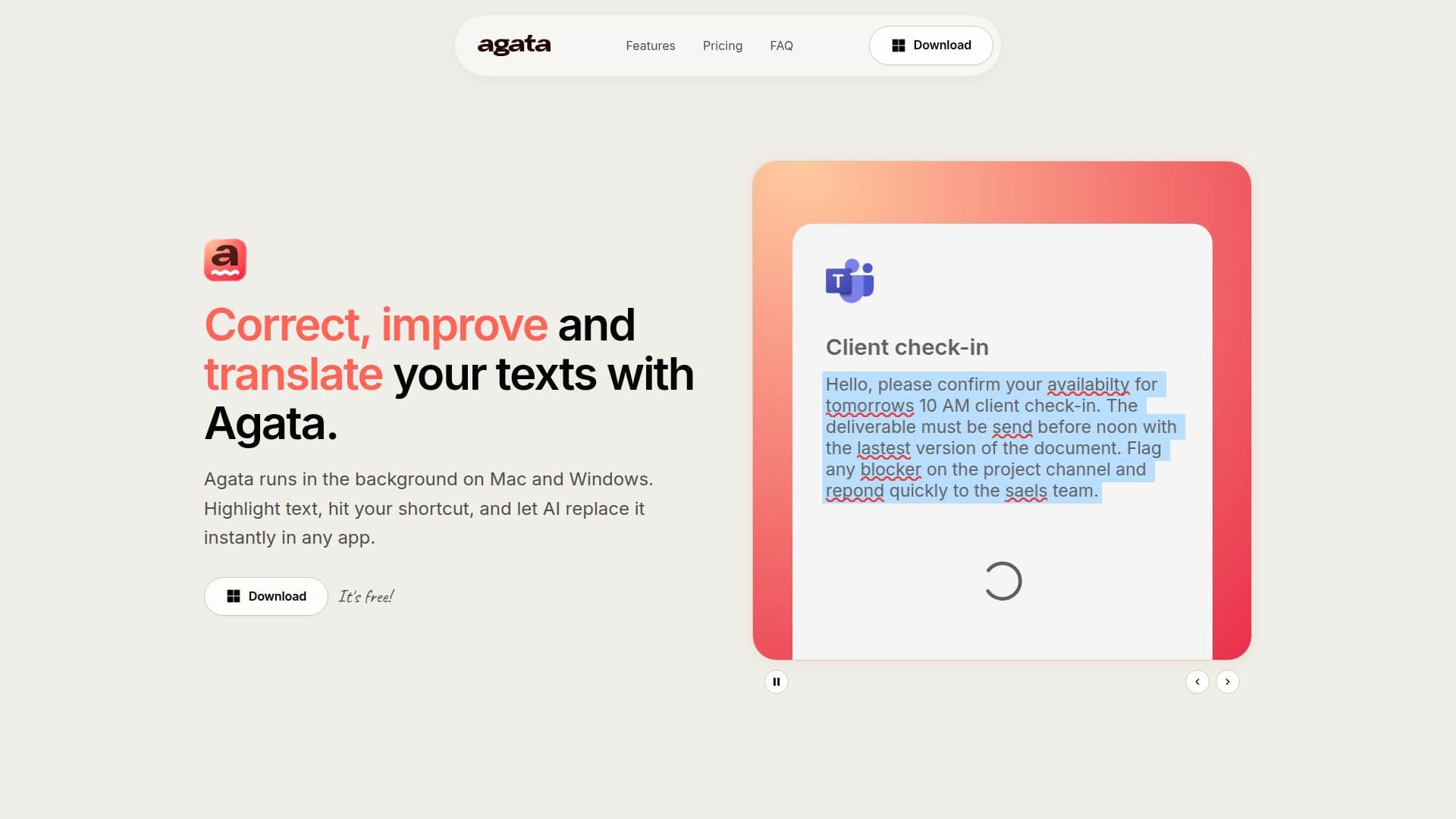
Agata is a desktop productivity tool designed for professionals and teams, available on both Windows and Mac. It operates in the background, allowing users to highlight text in any application and apply corrections or translations with a simple keyboard shortcut. This functionality ensures that users can maintain their workflow without interruption, making it particularly useful for those who frequently write or communicate in digital formats.
Read More
The tool offers two modes: Basic and Agata Pro. In Basic mode, users can connect their own AI model API key to access core features such as Auto-Correct and Refine Style. This mode is free and allows users to control their usage and costs. Agata Pro, priced at $5.99 per month, unlocks additional capabilities including unlimited translation, custom actions, and access to the Agata-hosted Gemini Flash model, which enhances the AI's performance.
Agata is compatible with a wide range of applications, including Microsoft Word, Google Docs, Slack, and many others. This extensive compatibility means that users can utilize Agata's features across their favorite tools, whether they are drafting emails, creating documents, or engaging in team collaboration. The ability to correct grammar, refine tone, and translate text instantly makes Agata a versatile assistant for anyone looking to improve their writing efficiency.
Privacy is a key consideration for Agata. The tool does not continuously monitor user content; it only activates when prompted by a keyboard shortcut and processes the selected text. This ensures that users' data remains secure and private, as Agata does not store or review content beyond what is necessary for the task at hand. Overall, Agata is designed to help users write better and faster, providing a seamless integration into their daily workflows.
- CategoryAI Translators
- Pricing ModelFreemium
- DeploymentCloud
- PlatformsWindows, Mac
Agata, AI Text Correction & Translation's Core Features
Auto-Correct
Refine Style
Translation
Custom Actions
Keyboard Shortcuts
API Key Integration
System-wide Functionality
Multi-Application Support
How to use Agata, AI Text Correction & Translation?
Highlight text: Select the text you want to correct or translate.
Use shortcut: Press the designated keyboard shortcut to activate Agata.
Choose action: Select whether you want to correct, refine, or translate the text.
Review changes: Check the modified text in your application and make adjustments if necessary.
Agata, AI Text Correction & Translation's Use Cases
- Email Communication
- Document Editing
- Social Media Posts
- Translation Tasks
- Team Collaboration