
Description
Ginger Software is an AI-powered grammar and writing assistant designed to help users improve their English writing skills. With its innovative technology, Ginger provides powerful solutions for grammar checking, style enhancement, and overall writing productivity. The software is available on both desktop and mobile platforms, allowing users to access its features anywhere they write.
Read More
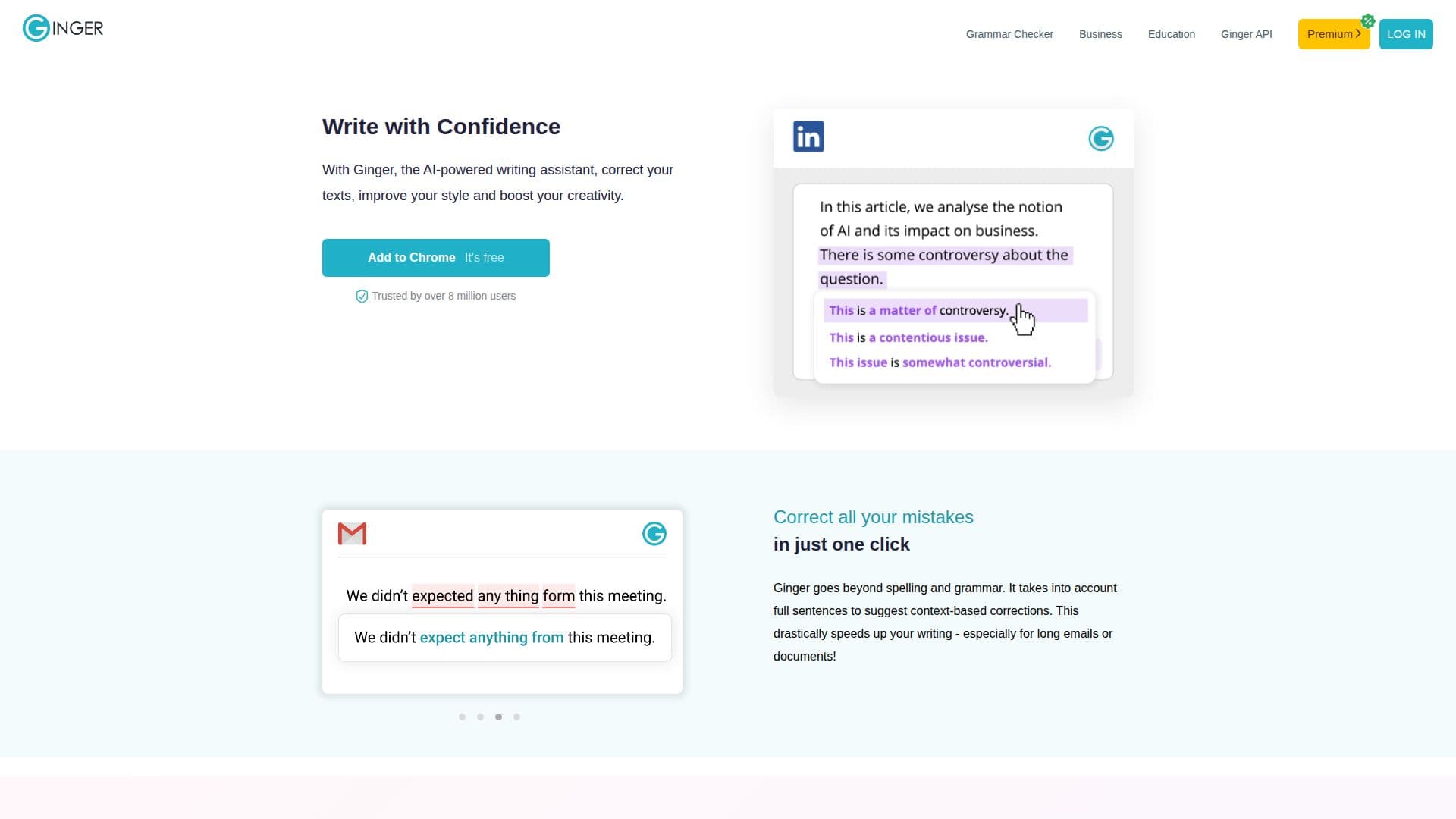
One of the standout features of Ginger Software is its ability to correct not just spelling and grammar, but also to provide context-based suggestions for full sentences. This capability significantly speeds up the writing process, especially for longer documents and emails. Users can write with confidence, knowing that Ginger will help them avoid common mistakes and enhance their writing style.
Ginger Software is trusted by over 8 million users worldwide, who rely on it to improve their communication skills. The platform offers a free version with essential functionalities, as well as a premium subscription that unlocks advanced features such as unlimited rephrasing, tone adjustments, and translation into over 40 languages. This makes it suitable for a wide range of users, including students, professionals, and anyone looking to enhance their writing skills.
In addition to its grammar checking capabilities, Ginger Software includes a unique Personal Trainer feature that tailors English practice sessions based on the user's writing mistakes. This personalized approach helps users learn from their errors and improve their language skills more effectively than traditional methods.
Ginger also integrates seamlessly with popular applications like Microsoft Office and Google Docs, ensuring that users can benefit from its features without disrupting their workflow. Whether drafting an email, writing a report, or creating content for social media, Ginger Software is designed to make the writing process smoother and more efficient.
- CategoryGrammar Checkers
- Pricing ModelFreemium
- DeploymentCloud
- PlatformsWindows, Mac, Mobile
Ginger Software's Core Features
AI-powered grammar checker
Context-based sentence corrections
Personalized English learning with Personal Trainer
Unlimited rephrasing suggestions
Translation in 40+ languages
Browser extensions for Gmail, Facebook, and more
Desktop app for Windows and Mac
Microsoft Word add-in
How to use Ginger Software?
Install the app: Download and install Ginger Software on your device.
Write your text: Start writing in any application or directly in Ginger.
Get corrections: Use Ginger to check your text for grammar, spelling, and style errors.
Review suggestions: Examine the context-based corrections and suggestions provided by Ginger.
Learn from mistakes: Utilize the Personal Trainer feature to practice and improve your English skills.
Rephrase sentences: Use the Sentence Rephraser to enhance your writing style.
Translate text: If needed, translate your text into over 40 languages using Ginger.
Ginger Software's Use Cases
- Academic Writing
- Professional Communication
- Social Media Posts
- Language Learning
- Content Creation