Description
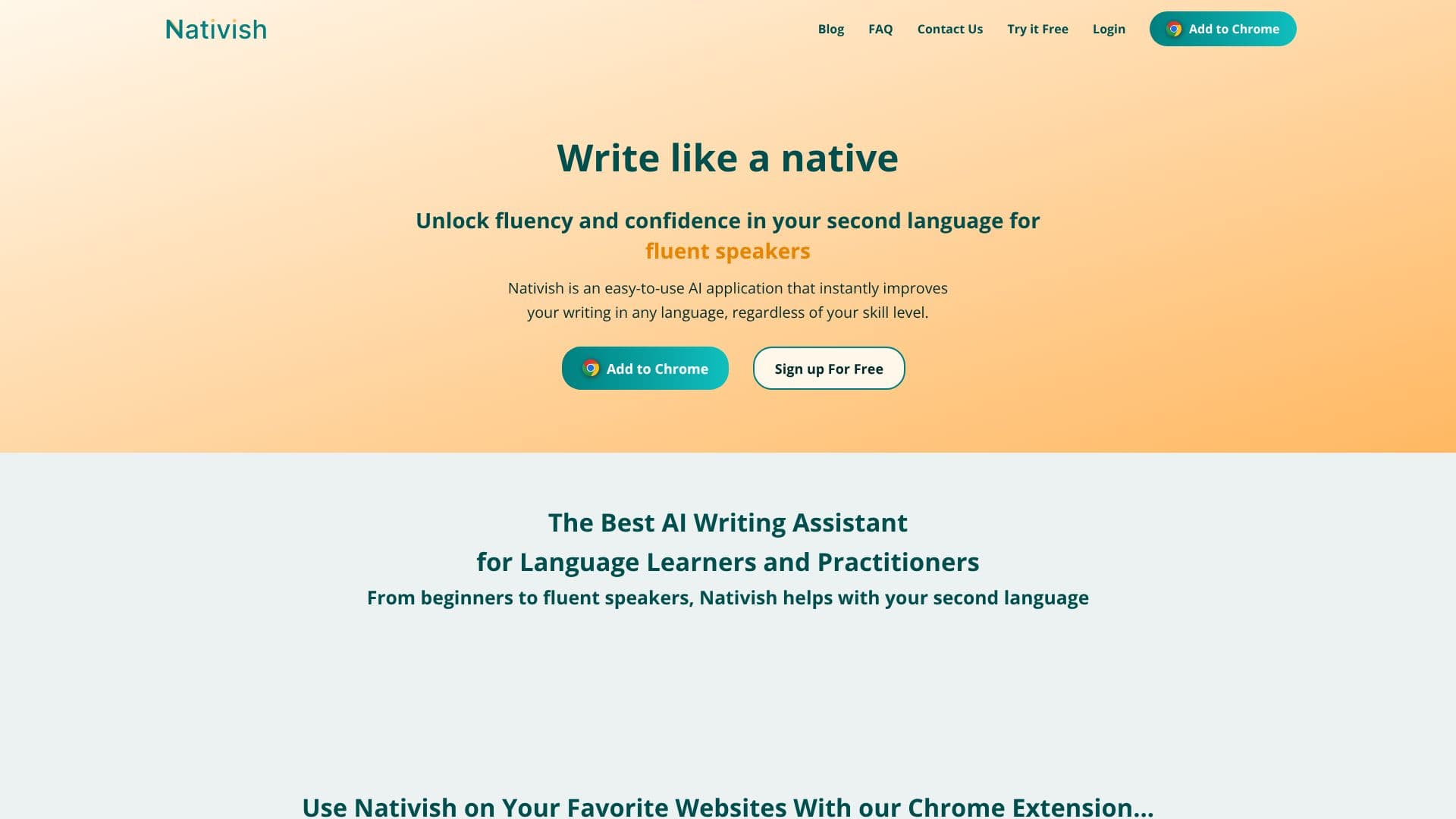
Nativish empowers users to achieve native-level writing proficiency in any second language. This AI-powered application acts as an instant text enhancer, refining grammar, spelling, and word choice to ensure clarity and confidence in communication. Whether you are a beginner navigating the complexities of a new language or an advanced speaker aiming for perfect fluency, Nativish adapts to your needs.
Read More
The tool offers context-aware adjustments, meaning it understands the nuances of your writing and suggests improvements that go beyond basic spellcheck. It can identify when you've used a word incorrectly or when a better, more idiomatic expression would be suitable. This feature is invaluable for avoiding common linguistic pitfalls and ensuring your message is conveyed precisely as intended.
Nativish is designed to be accessible and user-friendly, available as a Chrome Extension for seamless integration with your favorite websites and as a mobile-friendly web app for on-the-go use. This dual accessibility ensures you can receive writing assistance wherever you are, whether drafting an email in Gmail, working on a document in Google Docs, or posting on LinkedIn.
Beyond simple corrections, Nativish serves as a learning tool. It provides clear explanations for every suggestion, allowing users to understand the underlying grammar rules and writing patterns. This educational aspect helps users develop their language skills over time, making them more independent and confident writers. The application supports a wide array of languages, including Swedish, Chinese (Mandarin and Cantonese), Norwegian, Japanese, Polish, English, Filipino, French, Arabic, Dutch, Bengali, Spanish, Turkish, Hindi, Russian, Irish, Romanian, Thai, German, Indonesian, Urdu, Malay, Persian, Italian, Ukrainian, Danish, Vietnamese, Hebrew, Portuguese, Czech, Korean, Romansh, and Hungarian.
Professionals will find Nativish particularly beneficial for boosting confidence in various communication contexts, from formal reports and emails to casual social media posts. It helps adapt writing to different styles, improves clarity and concision, and includes helpful features like a character counter. Even native speakers can leverage Nativish to polish their drafts, find the perfect word, and ensure their writing is unambiguous and compelling.
- CategoryGrammar Checkers
- Pricing ModelFreemium
- DeploymentCloud
- PlatformsWeb, Chrome Extension
Nativish's Core Features
Instant AI-powered text enhancements
Context-aware grammar and spelling adjustments
Word choice suggestions for idiomatic accuracy
Supports writing in any language
Adaptable to all skill levels, from beginner to fluent
Provides clear explanations for all suggestions
Chrome Extension for web integration
Mobile-friendly web app for on-the-go use
Improves clarity and concision
Adapts to formal and casual writing styles
Built-in character counter
Easy copy-paste functionality to popular platforms
Helps native speakers polish drafts
How to use Nativish?
Install: Add the Nativish Chrome Extension or access the web app.
Write: Begin typing in your chosen language on any website or in the web app.
Review: Nativish instantly highlights suggested improvements for grammar, spelling, and word choice.
Accept/Reject: Review each suggestion and accept or reject it to refine your text.
Learn: Understand the explanations provided for each suggestion to improve your language skills.
Publish: Copy your polished text and use it confidently in emails, documents, or social media.
Nativish's Use Cases
- Improve Second Language Writing
- Professional Communication
- Language Learning Aid
- Expat Communication
- Content Creation
- Academic Writing
- Cross-Cultural Communication