
Description
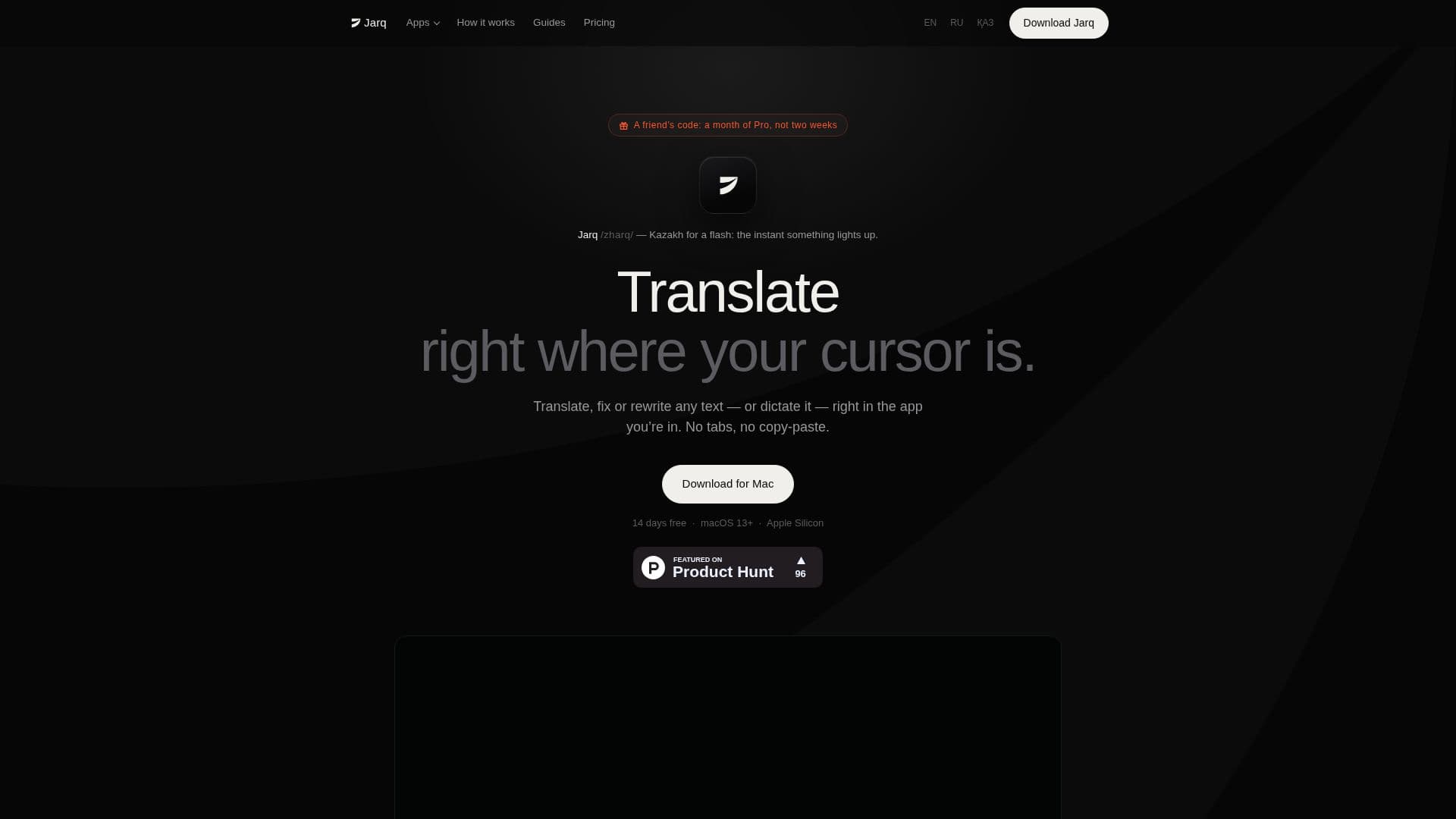
Jarq is a versatile macOS menu-bar application designed to streamline text manipulation tasks such as translation, shortening, fixing, rewriting, and dictation. It operates directly where your cursor is, across any application on your Mac, eliminating the need for copy-pasting or switching between tabs. This functionality is particularly beneficial for users who frequently work with text in various languages or require quick edits without disrupting their workflow.
Read More
The app supports translation between 13 languages, allowing users to speak in one language and have the text appear in another. Jarq also offers an on-device speech recognition option, ensuring that audio never leaves your Mac, thus maintaining user privacy. This feature is complemented by the ability to dictate finished, punctuated text directly into any app, making it ideal for professionals who need to input text quickly and accurately.
Jarq is available for free with a plan that includes 5 dictations or translations per day. Users can opt for a Pro plan, which offers unlimited usage for $4.99 per month, $39 per year, or a one-time payment of $179 for a lifetime license. The app is compatible with Macs running on Apple Silicon (M1 or later) and macOS 13 Ventura or newer.
The app's design focuses on keeping users in their current workflow, reducing the cognitive load associated with switching contexts. Privacy is a core principle, with all processing done in memory and no data stored or used for training. Jarq is developed by Birzhan Abishev, a product designer from Kazakhstan, and is supported by Paddle for payments.
- CategoryAI Translators
- Pricing ModelFreemium
- DeploymentCloud
- PlatformsmacOS
Jarq's Core Features
Translate, shorten, fix, rewrite text in place
Supports 13 languages
On-device speech recognition
Free plan with 5 daily actions
Pro plan for unlimited usage
Compatible with macOS 13+ and Apple Silicon
No copy-paste or tab switching required
Privacy-focused with no data storage
How to use Jarq?
Install: Download and install Jarq from the website
Configure: Set up permissions for accessibility and microphone
Use: Select text and choose an action from the menu
Dictate: Press the hotkey, speak, and press again to insert text
Jarq's Use Cases
- Multilingual Communication
- Efficient Text Editing
- Seamless Dictation
- Privacy-Conscious Users
- Workflow Optimization