
Description
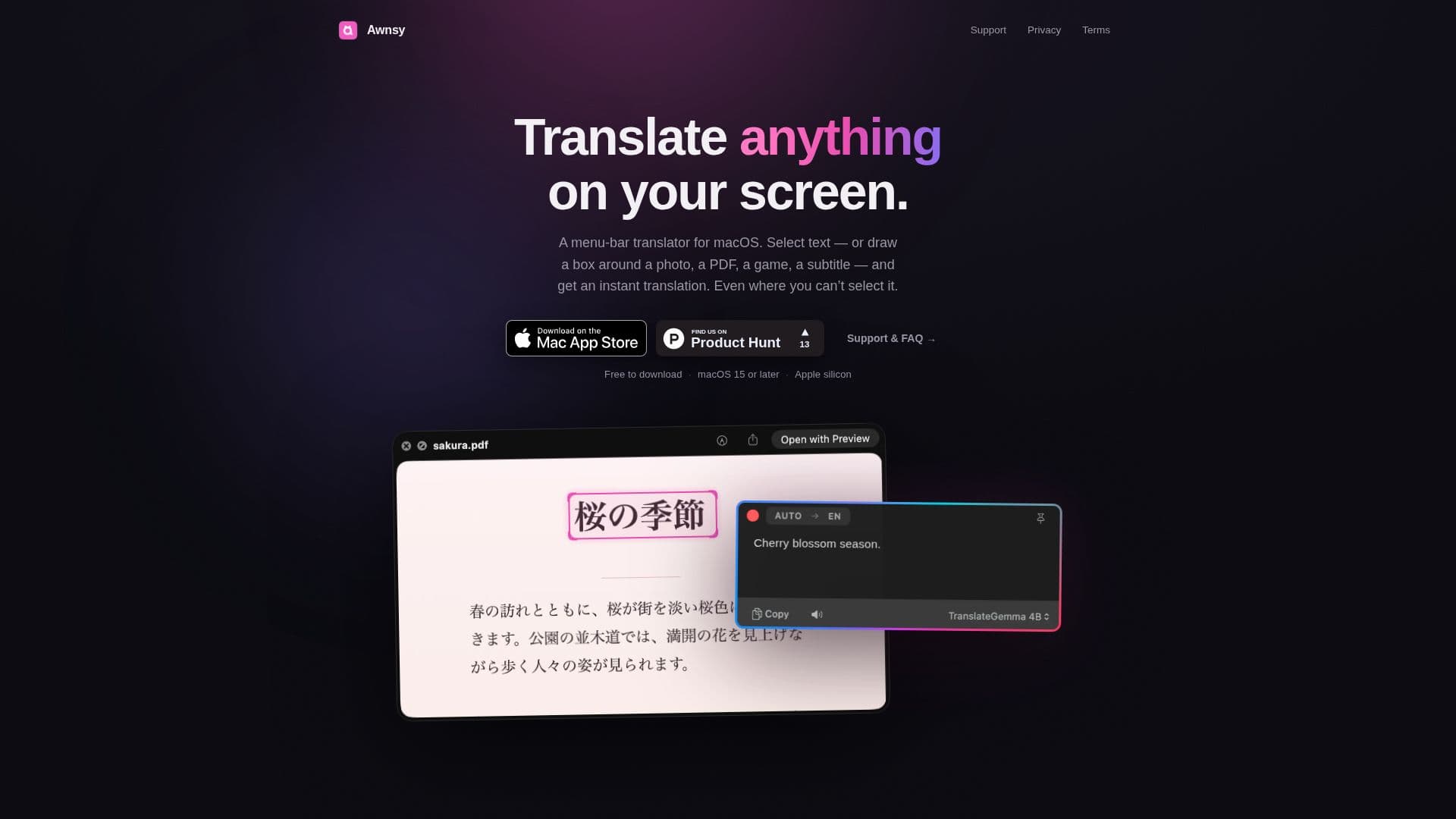
Awnsy is a versatile menu-bar translator designed specifically for macOS users. It provides a seamless translation experience by allowing users to select text or draw a box around any content on their screen to receive an instant translation. This tool is particularly beneficial for those who require quick translations without the need for internet connectivity, as it operates with a private on-device model. This ensures user privacy and data security, as no account, key, or telemetry is required.
Read More
For users seeking enhanced translation quality, Awnsy offers the flexibility to integrate their own OpenAI or Anthropic key, which is securely stored in the user's Keychain. This feature allows for top-quality translations tailored to individual needs. The app is designed to be lightweight and efficient, built using Swift rather than Electron, ensuring it remains unobtrusive by residing in the menu bar and not cluttering the Dock.
Awnsy is available for free on the Mac App Store, with an option to upgrade to Awnsy Pro for unlimited screen translation capabilities. Its intuitive interface is accessible through a simple keystroke, such as Double-⌘C, or a customizable hotkey, making it easy to switch languages or models within the translation window. Additionally, Awnsy's on-device text recognition can extract words from images, videos, and applications that do not allow text selection, further enhancing its utility.
Overall, Awnsy is an ideal tool for macOS users who need a reliable, private, and efficient translation solution that can handle a variety of content types directly from their screens.
- CategoryAI Translators
- Pricing ModelFreemium
- DeploymentOn-device
- PlatformsmacOS
Awnsy's Core Features
Menu-bar translator for macOS
Instant translation by selecting text or drawing a box
Private on-device model for offline use
Option to use OpenAI or Anthropic key
Secure storage in Keychain
Built with Swift for lightweight performance
Free version available on Mac App Store
Pro version for unlimited screen translation
How to use Awnsy?
Install: Download from Mac App Store
Configure: Set up preferred hotkey
Use: Select text or draw a box for translation
Optimize: Integrate personal API key for enhanced quality
Awnsy's Use Cases
- Instant Translation
- Offline Translation
- Enhanced Quality
- Text Recognition
- Privacy Focused