
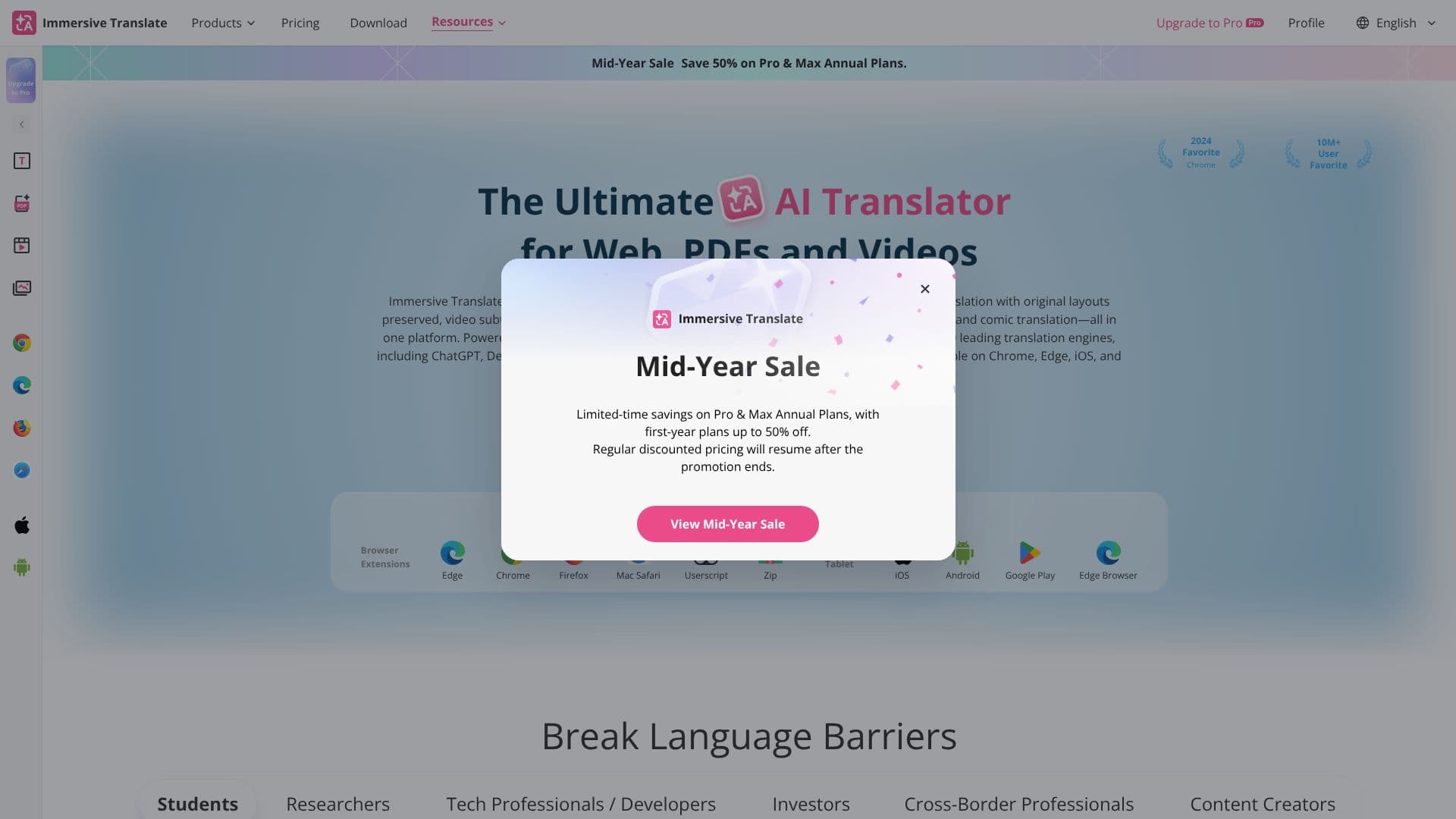
Description
Immersive Translate is a powerful, free AI-powered bilingual translation tool designed to break down language barriers across various digital content. It integrates more than 20 top-tier AI translation engines, including OpenAI (ChatGPT), DeepL, Deepseek, and Gemini, ensuring highly accurate and context-aware translations. This tool is available as a browser extension for Chrome, Edge, Firefox, and Safari, as well as mobile apps for iOS and Android, making it accessible on virtually any device.
Read More
Its core functionality extends to translating entire websites with a pioneered side-by-side vertical bilingual layout that enhances readability without disrupting original content. For documents, Immersive Translate offers robust PDF translation, preserving original formatting and supporting OCR for scanned PDFs, making academic papers, contracts, and reports easily understandable. It also excels in translating video subtitles in real-time for platforms like YouTube and Netflix, and can even translate videos lacking original subtitles.
Beyond websites and documents, the tool provides real-time translation for online meetings on platforms such as Zoom, Google Meet, and Microsoft Teams, fostering better cross-language collaboration. Image translation is another key feature, supporting both local files and web images with advanced OCR and inpainting technology to maintain visual styles. Furthermore, it offers instant translation for comics and manga, allowing users to enjoy the latest chapters as soon as they are released.
Immersive Translate is built for a diverse user base, including students, researchers, tech professionals, investors, cross-border professionals, and content creators. Students can use it to translate academic essays and literature, researchers can process academic papers and technical reports, and content creators can reach global audiences by translating videos and articles. The tool's context-aware AI translation, powered by customizable terminology libraries, ensures that translations are not only fluent but also domain-specific and accurate.
Innovative features like text selection translation, input box translation (activated by a triple spacebar press), and hover translation provide immediate access to translations without interrupting the user's workflow. This focus on seamless integration and user experience makes Immersive Translate an indispensable tool for anyone needing to navigate multilingual content efficiently and effectively. With over 10 million users, it has established itself as a trusted solution for accessing information and communicating across languages.
- CategoryAI Translators
- Pricing ModelFreemium
- DeploymentCloud
- PlatformsWeb, iOS, Android
Immersive Translate's Core Features
Integrates over 20 leading AI translation engines including ChatGPT, DeepL, Deepseek, and Gemini.
Supports bilingual website translation with a side-by-side vertical layout.
Offers high-accuracy PDF translation with original layout preservation and OCR for scanned documents.
Provides real-time bilingual subtitle translation for over 100 video platforms like YouTube and Netflix.
Enables real-time translation for online meetings on Zoom, Google Meet, and Microsoft Teams.
Supports local and web image translation using advanced OCR and inpainting technology.
Instantly translates Japanese manga, Korean webtoons, and Western comics.
Features context-aware AI translation with customizable terminology libraries.
Allows instant translation of selected text or paragraphs via shortcuts.
Enables in-page input box translation with a simple shortcut.
Available as browser extensions for Chrome, Edge, Firefox, and Safari.
Offers mobile apps for iOS and Android devices.
How to use Immersive Translate?
Install Browser Extension: Download and install the Immersive Translate extension for your preferred browser (Chrome, Edge, Firefox, Safari).
Translate Websites: Navigate to any website, and the extension will automatically offer bilingual translation or allow manual activation.
Translate Documents: Upload or open PDF, ePub, and other supported document types within the extension's interface for translation.
Translate Videos: Play videos on supported platforms (YouTube, Netflix) and activate subtitle translation.
Translate Images: Use the image translation feature for local files or web images by selecting them.
Translate Meetings: Join online meetings on supported platforms and enable real-time translation for conversations.
Utilize Text Features: Select text or hover over paragraphs to get instant translations, or use the input box translation shortcut.
Immersive Translate's Use Cases
- Website Browsing
- Academic Study
- Content Creation
- Cross-Border Business
- Manga & Comics
- Video Consumption
- Document Analysis
- Multilingual Communication