
Description
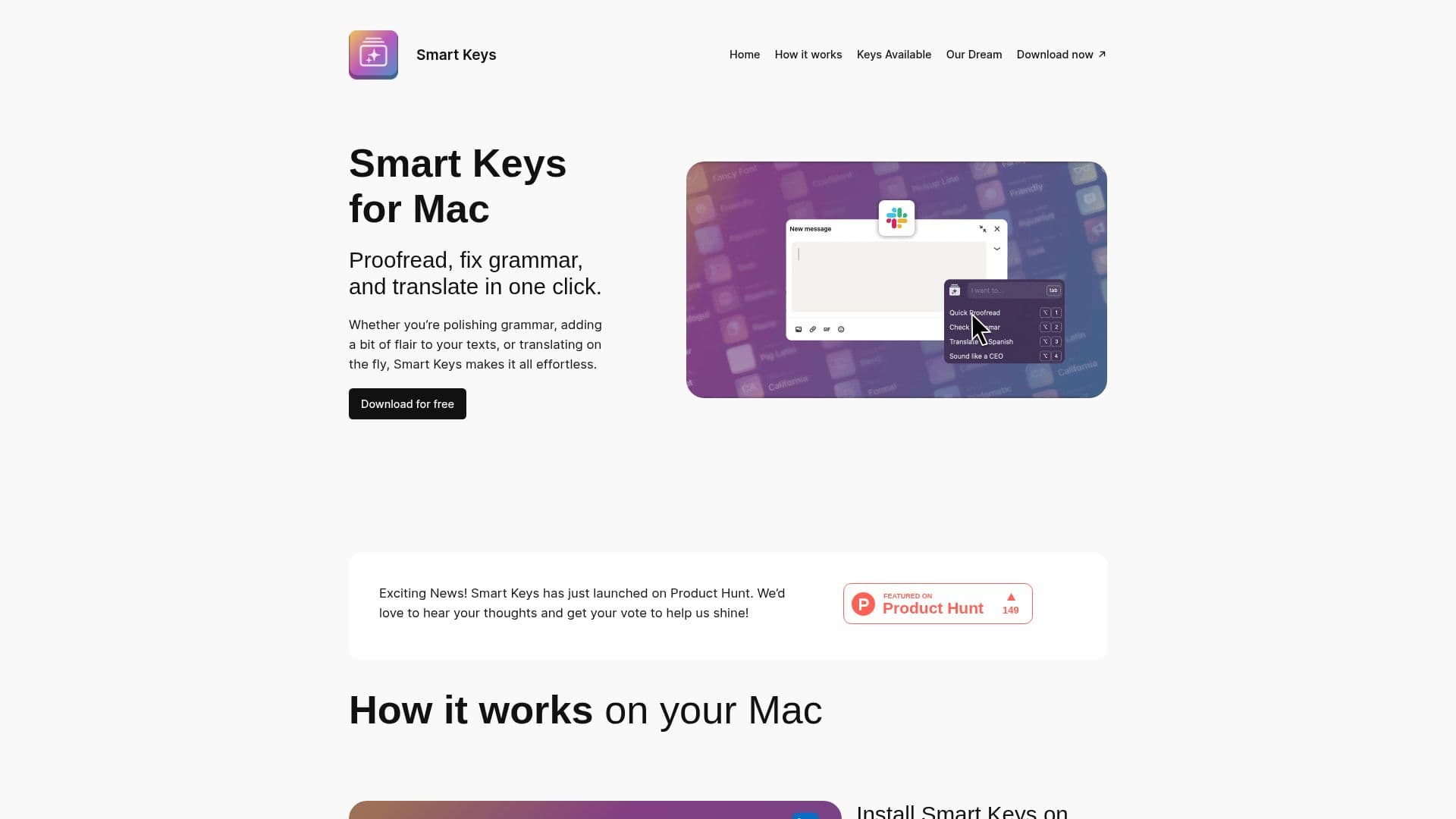
Smart Keys is an AI keyboard for macOS designed to make everyday writing tasks effortless. Whether you are polishing grammar, adding a bit of flair to your texts, or translating on the fly, Smart Keys aims to handle it all in one place.
Read More
The tool is built to help people communicate boldly and authentically, offering assistance with fixing grammar, refining tone, translating between languages, and adding a touch of creativity to text. It also provides coding help among its capabilities.
By bridging language gaps and refining how messages read, Smart Keys is positioned as a way to break down communication barriers and make it easier to write clearly and confidently on a Mac.
- CategoryAI Writing Assistants
- DeploymentCloud
- PlatformsmacOS
Smart Keys's Core Features
AI keyboard for macOS
Grammar fixing
Tone refinement
On-the-fly translation
Creative flair for texts
Coding help
How to use Smart Keys?
Install Smart Keys: Set up the AI keyboard on your Mac.
Select your text: Highlight the text you want to work with.
Choose an action: Fix grammar, refine tone, translate, or add flair.
Apply the result: Insert the improved text into your writing.
Smart Keys's Use Cases
- Grammar fixing
- Tone adjustment
- Translation
- Coding help