Description
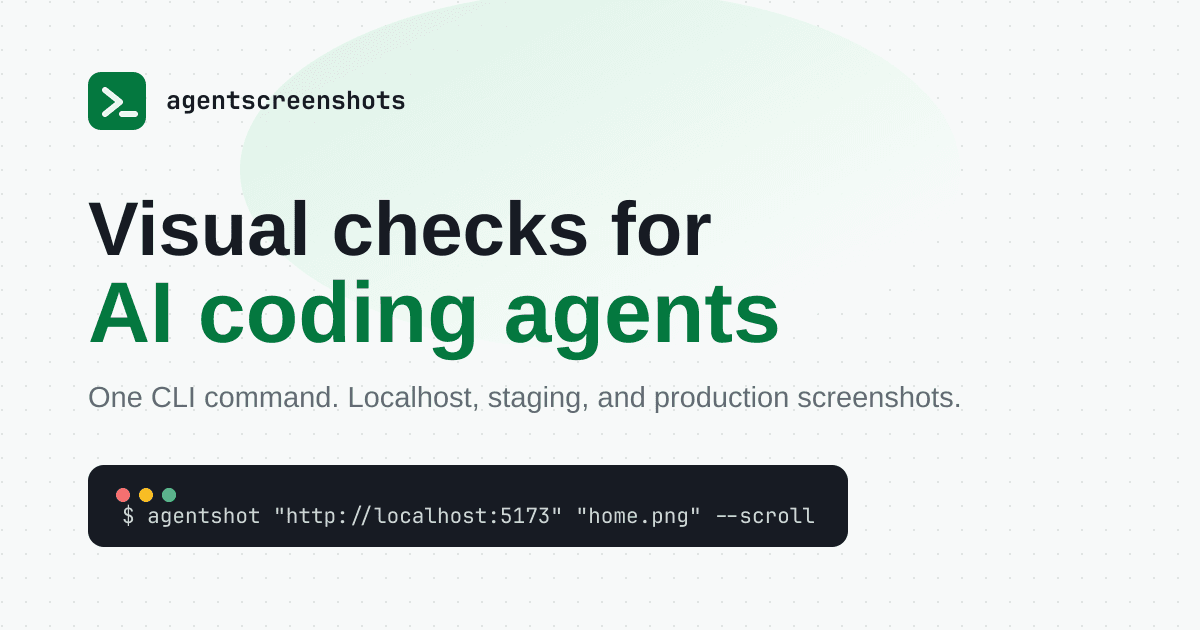
AgentScreenshots is a command-line interface (CLI) tool designed to empower AI coding agents with visual feedback on the user interfaces they are developing. It addresses a critical "blind spot" where AI agents write code for UIs but cannot see the rendered pixels, often leading to repetitive questions like "Does it look right?" The tool allows agents such as Claude Code, Codex, and Cursor to capture precise section screenshots of live or localhosted websites quickly and efficiently.
Read More
Unlike traditional methods like manual screenshots or complex browser automation protocols (MCP) that can be slow and flood the agent's context with noisy data, AgentScreenshots offers a streamlined approach. It operates a local headless browser, generating a PNG image on disk in approximately two seconds. This speed significantly reduces the feedback loop, making continuous visual checks feasible for AI agents.
The tool is built for fast frontend development, providing features like localhost native support, eliminating the need for tunnels or public URLs. It ensures precise capture capabilities, allowing agents to screenshot entire pages, specific sections, single components, or deeply nested elements using various CSS selectors, visible text, and data attributes. Furthermore, AgentScreenshots supports rendering at any width (mobile, tablet, desktop, ultrawide), enabling agents to verify responsive designs across devices. It can also screenshot live URLs for design inspiration or staging/production checks.
AgentScreenshots operates headlessly, meaning it captures screenshots without opening a visible browser window, minimizing disruptions to the developer's workflow. Advanced features include the ability to simulate clicks and hovers before capture to dismiss cookie banners, open menus, or reveal hover states, ensuring the page is in the exact state needed for the screenshot. It is also lazy-load aware, capable of simulating scrolling to trigger lazy-loaded content before capture. The tool ships with an agent instruction package, making it easy to integrate into AI agent prompts or skills. Its license key system is simple, with one key working across multiple projects, machines, or teammates, and pricing is quota-based, offering a free tier for 100 checks per month.
- CategoryAI Code Review & Testing
- Pricing ModelFreemium
- DeploymentLocal CLI
- PlatformsWeb (Localhost, Live URLs)
AgentScreenshots's Core Features
CLI Command for Visual Checks
Localhost Native Support
Precise Screenshot Capture (CSS selectors, text, data attributes)
Render Any Viewport Width (mobile, tablet, desktop, ultrawide)
Live URL Screenshot Capability
Headless Browser Operation
Click/Hover Before Capture Functionality
Lazy-Load Aware Scrolling
Agent Instruction Package Included
Simple License Key System (no seats)
Fast Feedback Loop (~2 seconds per check)
Scoped PNG Output (no full-page dumps)
No Context Bloat for Agents
Works with any agent (Claude Code, Codex, Cursor, Windsurf, OpenCode)
Scriptable Output (JSON metadata, temporary files)
How to use AgentScreenshots?
Install: Install the global npm package for AgentScreenshots.
Authenticate: Paste your provided license key to authenticate the tool.
Prompt: Add the lightweight instructions to your AI agent's spawn prompts or skills.
Capture: Instruct your AI agent to use the CLI command to capture screenshots of UI sections.
Review: Your agent sees the rendered result as a precise PNG and can make necessary edits.
AgentScreenshots's Use Cases
- AI Agent UI Development
- Responsive Design Testing
- Frontend Visual QA
- Live Site Design Inspiration
- Component State Verification
- Lazy-Loaded Content Checks
- Automated UI Regression Testing
- Debugging UI Issues