Description
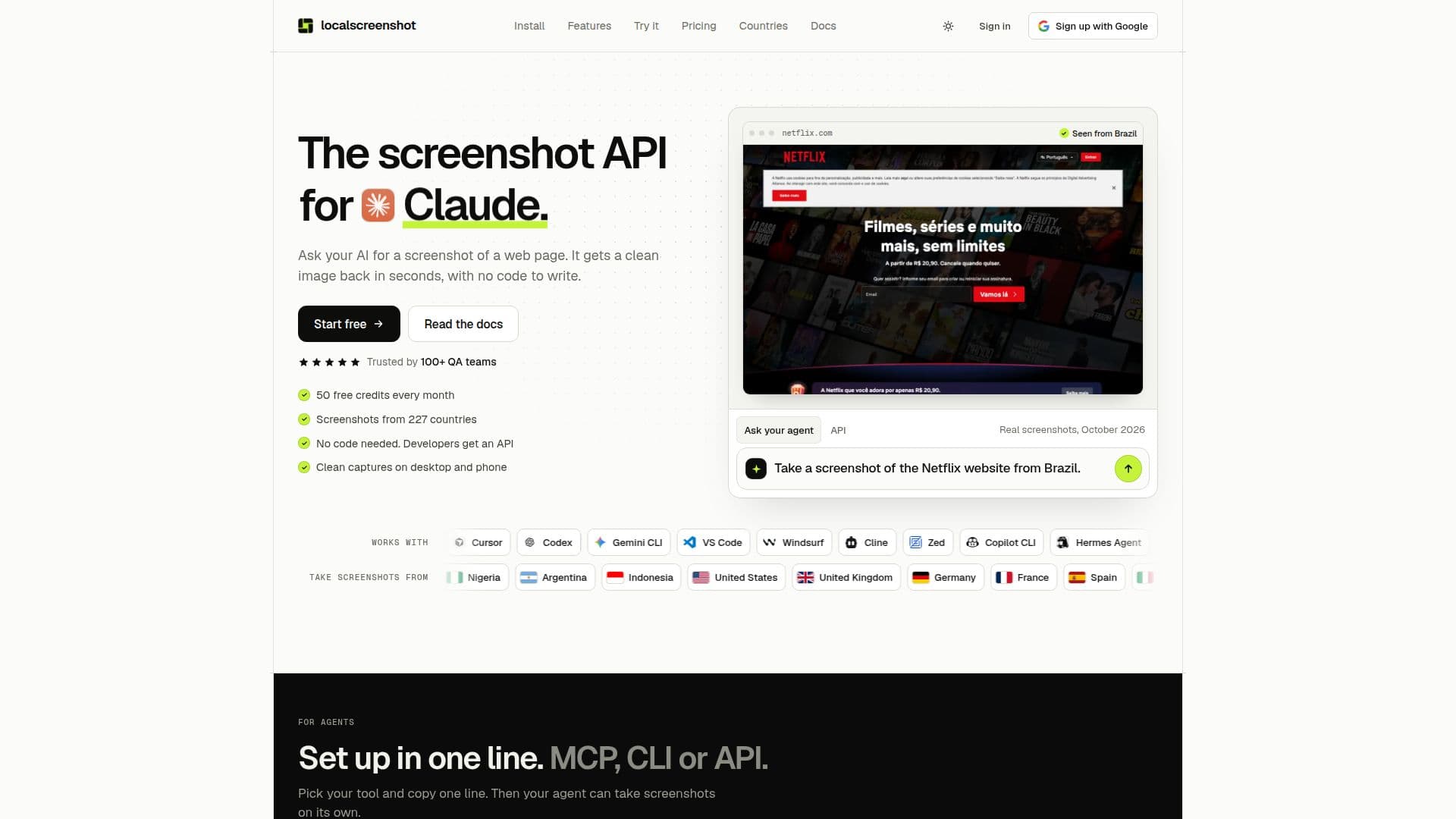
localscreenshot is a versatile screenshot API tailored for AI agents, enabling users to capture clean images of public web pages. It supports integration with various AI tools through MCP, command line, or REST API, making it accessible from 227 countries. The service offers 50 free credits each month, allowing users to test its capabilities without financial commitment.
Read More
The API is designed to work seamlessly with AI tools like Claude, Cursor, Codex, and Gemini, providing a straightforward setup process. Users can choose to capture entire pages or specific elements, with options to remove most cookie banners and ads for a cleaner result. The service supports multiple devices, including desktops, tablets, and phones, and allows users to specify the viewport size and orientation.
One of the key features of localscreenshot is its ability to capture screenshots from different countries, providing insights into how web pages appear to users in various regions. This feature is particularly useful for businesses looking to understand geo-specific content or pricing.
Pricing for localscreenshot is flexible, starting at €19 per month for 2,000 credits, with additional credit packs available for purchase. The service ensures that failed screenshots are not charged, and users can cancel their plans at any time without commitment.
Overall, localscreenshot is ideal for developers, QA teams, marketers, and SEO professionals who need reliable and customizable screenshot capabilities integrated into their AI workflows.
- CategoryBrowser & Web Automation
- Pricing ModelFreemium
- DeploymentCloud
- PlatformsMCP, CLI, REST API
localscreenshot's Core Features
Screenshot API for AI agents
Supports MCP, CLI, and REST API
50 free credits monthly
Works in 227 countries
Removes most cookie banners and ads
Capture full pages or specific elements
Supports multiple devices and orientations
Flexible pricing with no commitment
How to use localscreenshot?
Configure: Set up API key in your environment
Use: Send a GET request with the page address
Capture: Choose full page or specific elements
Optimize: Adjust settings for device and orientation
localscreenshot's Use Cases
- Visual QA
- Geo-specific Analysis
- Marketing Previews
- Content Monitoring
- Record Keeping