Description
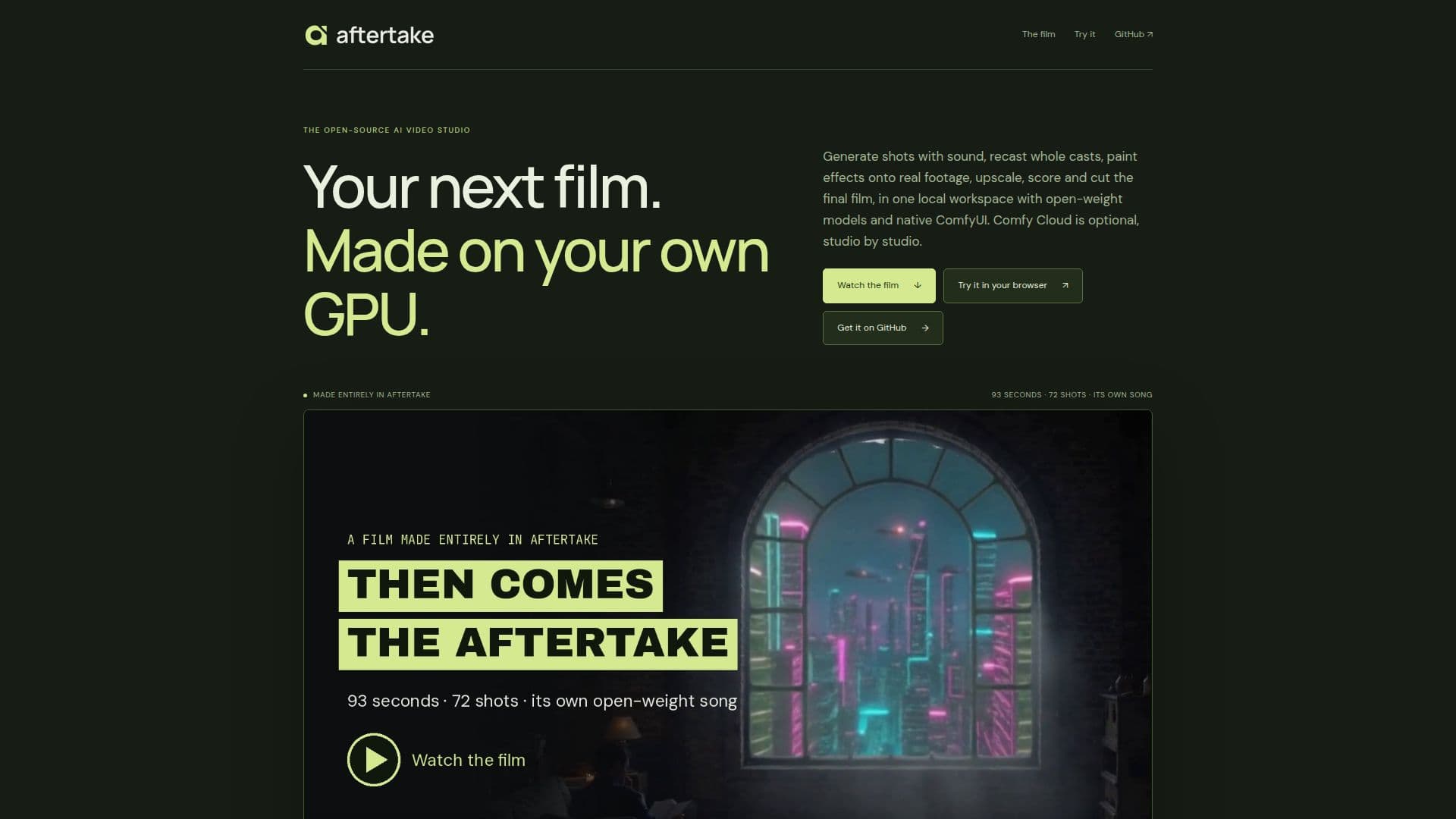
Aftertake is an innovative open-source AI video studio designed to empower creators by allowing them to generate, recast, enhance, and cut video content directly on their own machines. This tool leverages open-weight models and the native ComfyUI interface, providing users with a comprehensive suite of video editing capabilities. Users can generate shots with sound, recast entire casts, and apply effects to real footage, all within a local workspace. The platform supports upscaling, scoring, and cutting of final films, offering a seamless editing experience.
Read More
One of the standout features of Aftertake is its ability to generate portals, castles, and recast characters, all while maintaining editable film layers. The platform also supports text-to-video conversion with sound, utilizing LTX-2.5 for video and Z-Image Turbo for stills. Users can start from 18 recipe starters, ensuring a streamlined creative process.
Aftertake offers a flexible deployment model, allowing users to run the studio on their own GPU or switch to Comfy Cloud for enhanced rendering capabilities. The tool is compatible with NVIDIA GPUs, and its local renders have been validated using an RTX 5080 with 16 GB VRAM. The platform's open-source nature, coupled with its optional cloud rendering, makes it a versatile choice for both amateur and professional video creators.
The platform is designed for filmmakers, video editors, and content creators looking to harness the power of AI in their video production workflows. With its comprehensive feature set and flexible deployment options, Aftertake provides a robust solution for creating high-quality video content.
- CategoryAI Video Editors
- Pricing ModelOpen Source
- DeploymentLocal and Cloud
- PlatformsNVIDIA GPU
Aftertake's Core Features
Open-source AI video studio
Generate and recast video content
Enhance and cut video with ComfyUI
Optional Comfy Cloud rendering
Text-to-video conversion
Supports NVIDIA GPUs
Local and cloud deployment
Comprehensive editing capabilities
How to use Aftertake?
Install: Set up Aftertake on your machine
Configure: Choose your video models and settings
Create: Generate and edit video content
Render: Use local GPU or Comfy Cloud for rendering
Aftertake's Use Cases
- Video Generation
- Recasting
- Video Enhancement
- Local Editing
- Cloud Rendering