
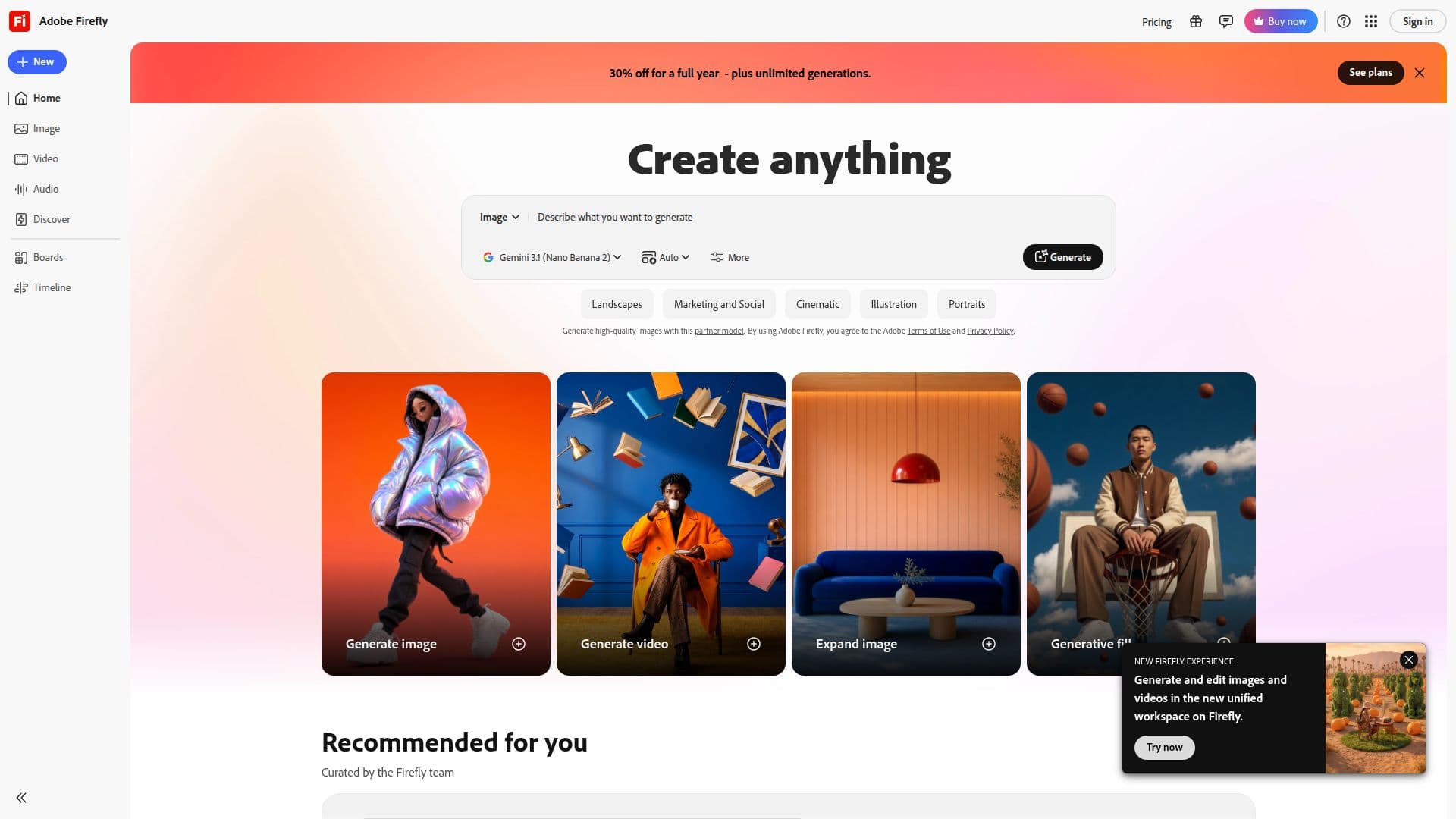
Description
Adobe Firefly is designed to provide users with a comprehensive AI creative studio that streamlines the process of content creation. With the ability to generate images, video, audio, and more, Firefly empowers creators to transform their ideas into high-quality content efficiently. The platform features over 30 AI models, allowing for a diverse range of creative outputs, from text to image generation to audio production.
The core capabilities of Adobe Firefly include Text to Image, Generative Fill, Scene to Image, and Text to Vector, among others. Users can also utilize features like Generative Recolor, Template Generation, and Text Effects to enhance their creative projects. The platform supports various media types, enabling users to create not only static images but also dynamic video content through Text to Video and Image to Video functionalities.
In addition to visual content, Adobe Firefly offers audio generation capabilities, including Generate Music and Text to Sound Effects. Users can also create voice effects and translate video or audio, making it a versatile tool for multimedia projects. The platform is particularly beneficial for content creators, marketers, and designers looking to elevate their work with AI-driven solutions.
Adobe Firefly is suitable for a wide range of users, from professionals in creative industries to hobbyists seeking to explore their artistic potential. By providing a user-friendly interface and powerful AI tools, Firefly enables users to focus on their creativity without being hindered by technical limitations. The platform's integration of various AI models ensures that users can find the right tools for their specific needs, making it an invaluable resource for anyone looking to produce high-quality content quickly and effectively.
Adobe Firefly's Core Features
Text to Image
Generative Fill
Scene to Image
Text to Vector
Generative Recolor
Template Generation
Text Effects
Text to Video
Image to Video
Generate Music
Text to Sound Effects
Voice to Sound Effects
Translate Video or Audio
Text to Avatar
Generate or Enhance Speech
How to use Adobe Firefly?
Configure: Set up your workspace and tools within Adobe Firefly.
Select: Choose the type of content you want to create, such as images or audio.
Input: Provide the necessary text or parameters for the AI models.
Generate: Use the AI models to create your desired content.
Refine: Edit and enhance the generated content using available tools.
Export: Save or share your final content in the desired format.
Adobe Firefly's Use Cases
- Content Creation
- Audio Production
- Graphic Design
- Social Media Marketing
- Video Editing