Description
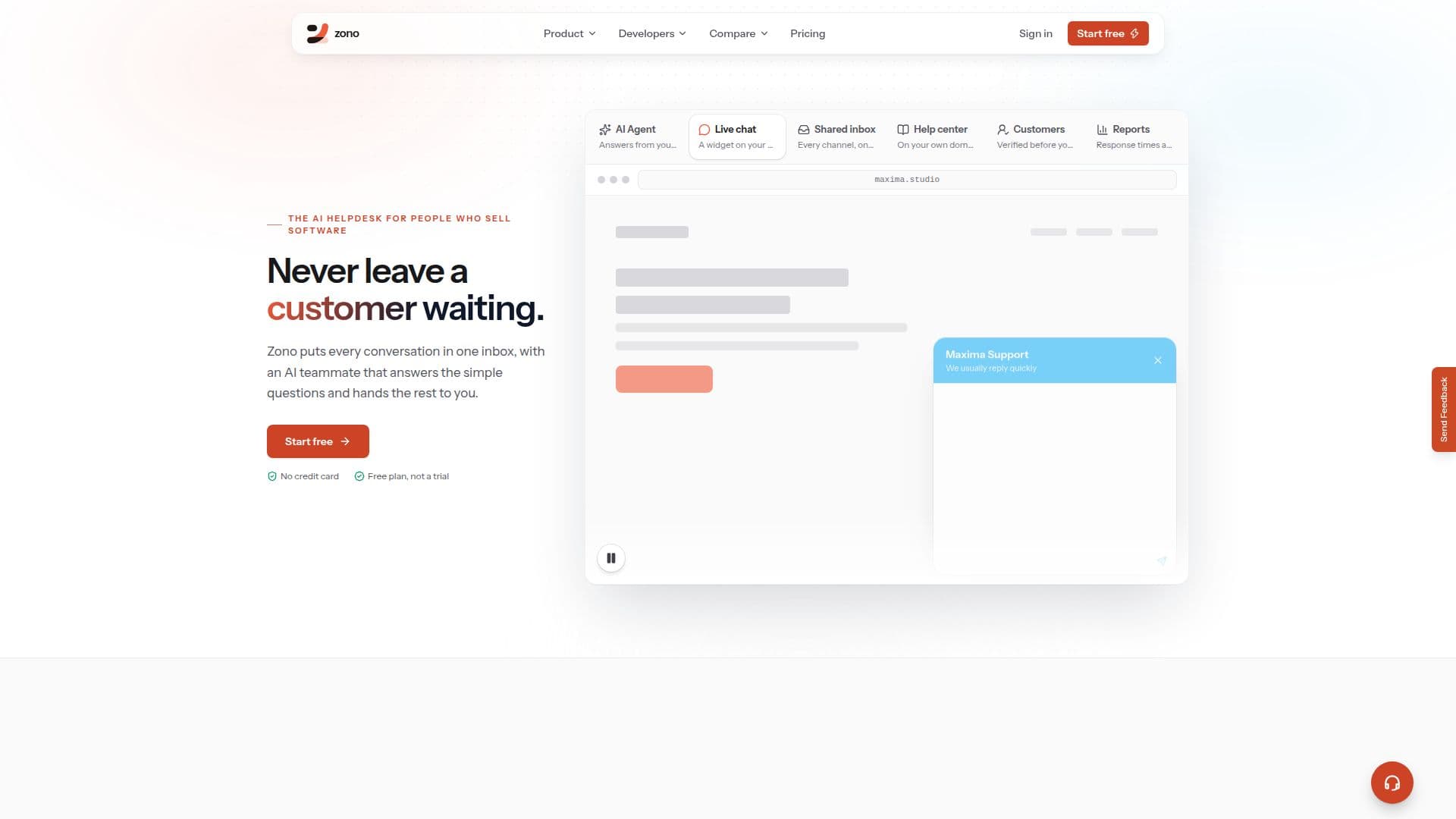
Zono Support is an AI helpdesk specifically tailored for software teams, offering a comprehensive solution to manage customer interactions efficiently. The platform unifies all communication channels—including email, live chat, Slack, Discord, WhatsApp, Instagram, Messenger, Telegram, LINE, and TikTok—into a single, shared inbox. This consolidation ensures that no customer query is missed and replies are consistently sent back through the original channel.
Read More
A core feature of Zono Support is its AI agent, which is grounded in your existing knowledge base, saved replies, and resolved tickets. This AI agent can draft replies, suggest answers, and even respond autonomously to simple questions, operating above a configurable confidence threshold. For complex issues or specific keywords like "refund," the AI intelligently hands off the conversation to a human agent. Users retain full control, with a live activity feed and a stop button to intervene at any time. Sensitive financial data is masked before reaching the AI to ensure security.
Customer verification is another key aspect, allowing teams to instantly verify purchases from platforms like Envato, Shopify, WordPress, Gumroad, and LemonSqueezy, or through their own license servers. This means agents know who bought what before replying, eliminating the need for customers to provide purchase codes. The platform also supports custom domain customer portals with automatic SSL, branded help centers, and knowledge bases that can be translated into multiple languages.
Zono Support offers a Free plan, which is a full-featured offering rather than a trial. It includes email and live chat, a branded help portal, customer verification, and limited AI credits for a small team. The Premium plan, priced at $49 per month or $490 annually, expands on this with unlimited seats, access to all social channels, 10x more AI credits, advanced AI features like AI triage and AI Knowledge from websites/PDFs, automation workflows (Flows), SLA policies, CSAT reports, and developer tools like a REST API and signed webhooks.
The platform is built for team collaboration, featuring real-time collision detection, ownership assignment, and internal notes. It integrates with popular tools like Linear and GitHub for issue syncing, and offers a Chrome extension for in-browser support. Security features include TOTP two-factor authentication, GDPR data export and deletion, an audit log, and EU-region data storage. Zono Support aims to provide a scalable, AI-assisted helpdesk that grows with software teams, offering transparent pricing without per-seat charges.
- CategoryAI Help Desk Tools
- Pricing ModelFreemium
- DeploymentCloud
- PlatformsWeb
Zono Support's Core Features
Unified Inbox for All Channels
AI Agent Grounded in Your Knowledge Base
Customer Verification (Envato, Shopify, WordPress, Gumroad, LemonSqueezy)
Branded Help Portal & Knowledge Base on Custom Domain
Multi-Language Support for Help Center and Chat
AI Suggested Replies and Composer Rewrites
Automation Engine with Triggers and Actions
Flows Visual Workflow Builder with AI Steps
REST API, MCP Server, and Signed Webhooks
Linear and GitHub Issue Sync
SLA Policies, Business Hours, and CSAT Reports
Real-time Collision Detection and Team Collaboration
GDPR Data Export and Customer Deletion
Sensitive Data Masking Before AI Processing
How to use Zono Support?
Sign Up: Create a free account without needing a credit card to access the Free plan.
Connect Channels: Integrate email and live chat immediately; add social channels like Slack, Discord, WhatsApp, and Instagram with a Premium plan.
Build Knowledge Base: Populate your help center with articles, saved replies, and resolved tickets to train the AI agent.
Verify Customers: Connect marketplace accounts (Envato, Shopify, WordPress) or your own license server for automatic customer verification.
Configure AI Agent: Define confidence thresholds and escalation keywords for the AI agent to draft replies or respond autonomously.
Set Up Automations: Create rules with 22 triggers and 17 actions, or build visual workflows with Flows for advanced automation.
Invite Team Members: Add team members and assign roles, leveraging features like collision detection and SLA policies.
Monitor Performance: Utilize KPI dashboards, CSAT reports, and audit logs to track team performance and customer satisfaction.
Zono Support's Use Cases
- Centralized Customer Support
- Automated Customer Responses
- Customer License Verification
- Multi-Language Help Centers
- Workflow Automation
- Team Collaboration
- Developer Tool Integration
- Performance Monitoring
- Secure Data Handling