
Description
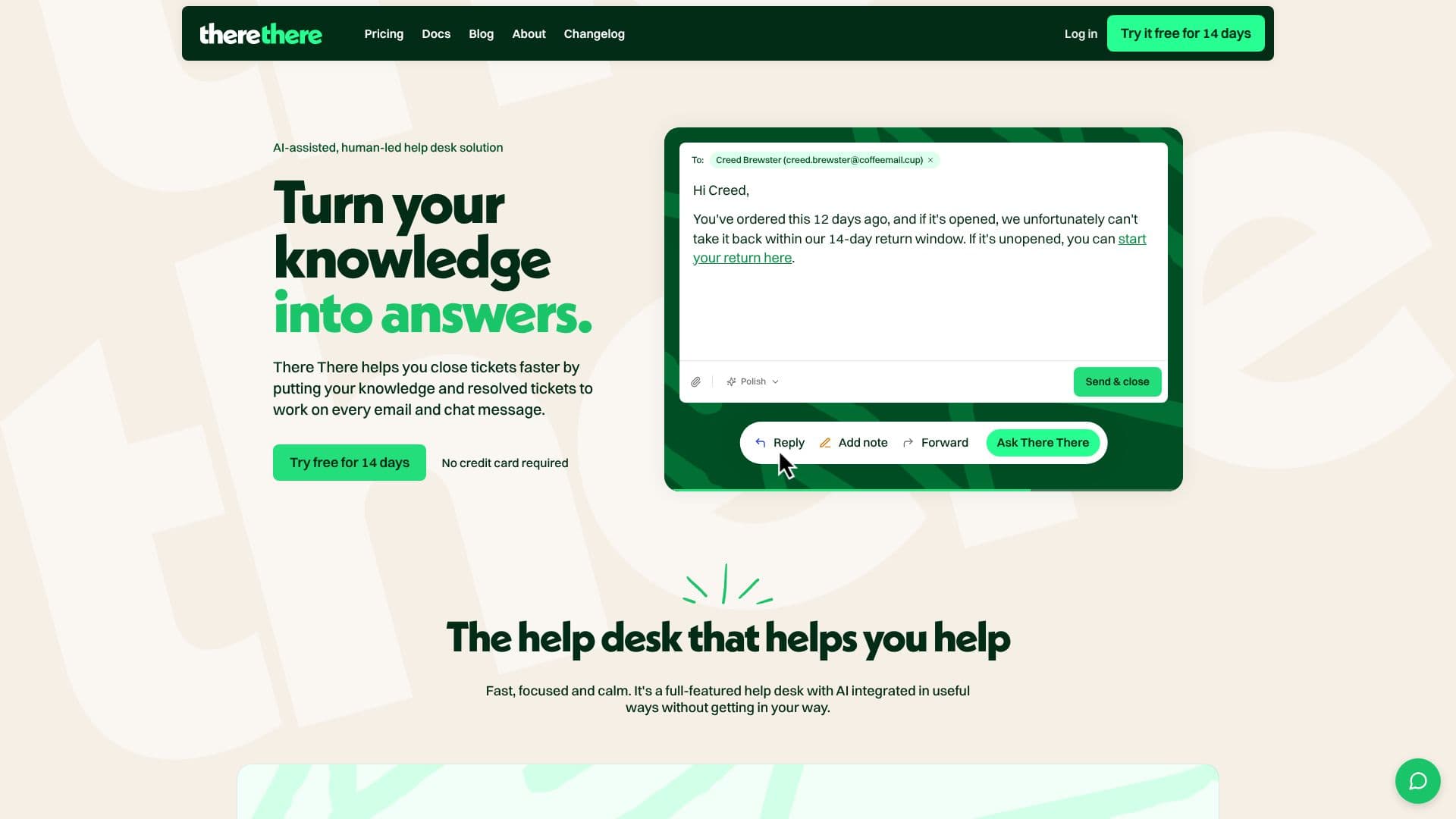
There There AI Helpdesk offers an AI-assisted, human-in-the-loop solution for support teams, streamlining ticket resolution by utilizing a team's knowledge and past resolved tickets. The platform integrates with every email and chat-widget message, where AI drafts responses and human agents send them, maintaining a human-led approach.
Read More
Unlike other AI-powered help desks, There There emphasizes optional AI features designed to assist rather than intrude. All tickets, conversations, and documentation contribute to a general knowledge base that the AI accesses. This knowledge is then used to draft replies, answer team or product-related questions, and power the AI chat widget.
The platform includes a powerful and user-friendly help desk with features such as tickets, automation workflows, tagging, search, and public knowledge bases. It supports Model Context Protocol (MCP), allowing AI to pull context from external tools like error trackers or uptime monitors via API, ensuring agents have all necessary information without switching tabs.
There There offers flexible pricing, including a pay-per-user plan, an unlimited plan, and a free tier. All paid plans include a 14-day free trial with full AI features. Data is hosted on EU infrastructure via UpCloud, a Finnish cloud provider, ensuring GDPR compliance. For services relying on US-based providers (like AI features and transactional email), Standard Contractual Clauses and additional safeguards are in place.
Key AI capabilities include drafting replies in your tone of voice using past tickets and knowledge base context, suggesting one-line titles for new tickets, summarizing long threads, and answering questions about tickets. It also provides AI-written weekly and monthly recaps of support activity, delivered to your inbox. Workflow automation allows for rules based on ticket arrival or changes, enabling auto-assignment, tagging, status changes, and notifications without code. The platform is actively developed based on user feedback, offering a direct line to the building team.
- CategoryAI Help Desk Tools
- Pricing ModelFreemium
- DeploymentCloud
- PlatformsWeb
There There AI Helpdesk's Core Features
AI-assisted reply drafting
Human-in-the-loop control for AI responses
Unified inbox for email and chat messages
Knowledge base integration for AI context
Optional AI features
Automation workflows for tickets
Tagging and search functionalities
Public knowledge base setup
Model Context Protocol (MCP) support for external tool integration
AI chat widget
AI-generated ticket titles and summaries
Weekly and monthly AI recaps of support activity
Multi-channel support
Team collaboration features
API and integrations
How to use There There AI Helpdesk?
Sign Up: Start a free 14-day trial of the Pay per user plan with all AI features, no credit card required.
Set Up Channels: Configure inboxes for customer-facing destinations like support emails or website chat bubbles.
Add Knowledge: Point There There to your documentation URLs to crawl content for the AI knowledge base.
Configure AI: Customize AI settings, including chat assistant, knowledge base, and custom prompts.
Integrate Tools: Connect external tools via Model Context Protocol (MCP) or API for comprehensive context.
Automate Workflows: Create rules for auto-assigning, tagging, and notifying based on ticket events.
Manage Tickets: Utilize the help desk platform for tickets, automation, tagging, and search.
Monitor Performance: Review AI-written weekly and monthly recaps for insights into support activity.
There There AI Helpdesk's Use Cases
- Customer Support Automation
- Knowledge Base Utilization
- Multi-Channel Helpdesk
- Agent Productivity Enhancement
- Workflow Streamlining
- Performance Reporting
- External Tool Integration
- Self-Service Support