Description
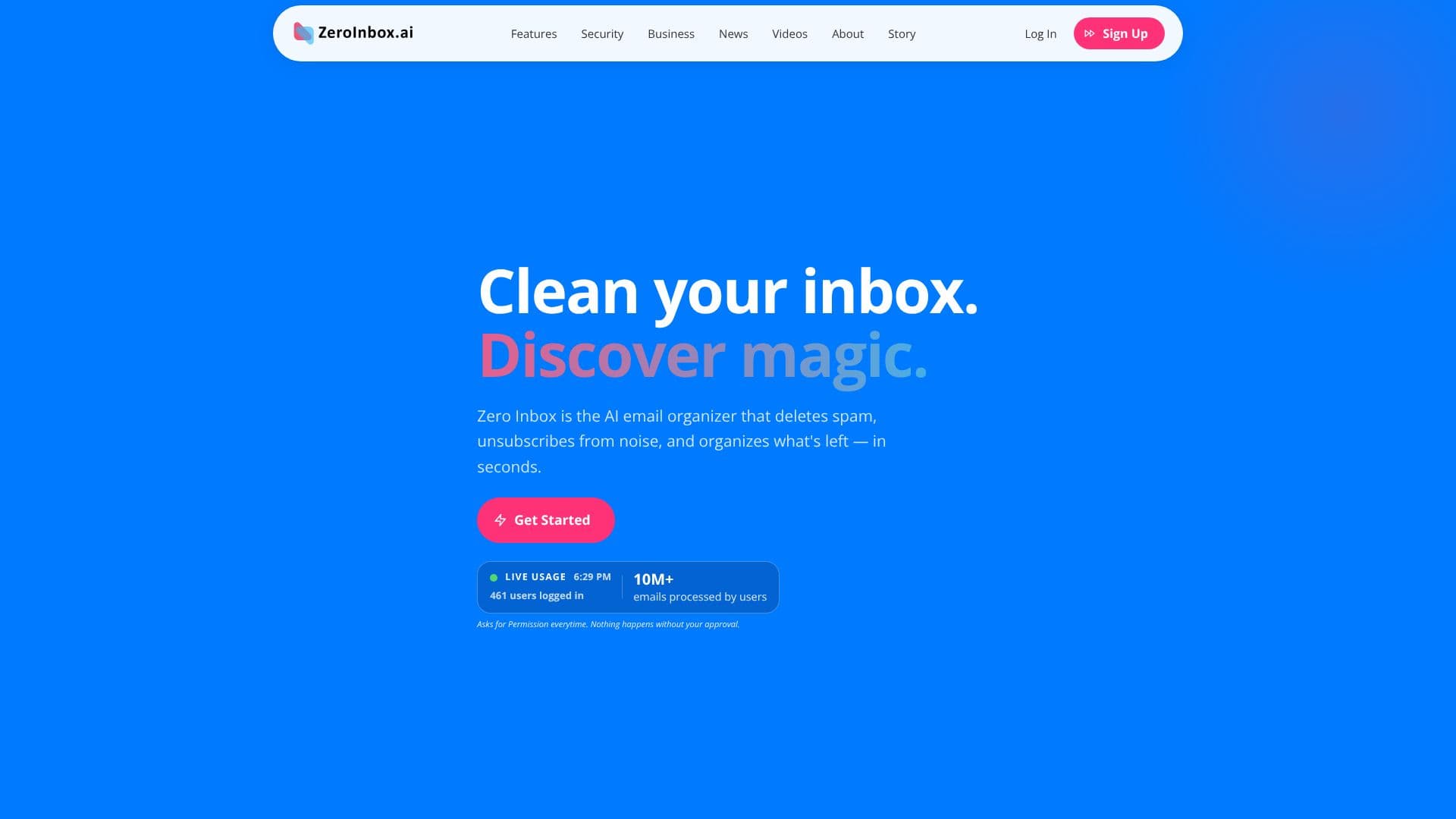
Zero Inbox is an advanced AI email organizer designed to help users reclaim their inboxes and achieve inbox zero efficiently and securely. The platform leverages artificial intelligence to automatically identify and delete spam, unsubscribe users from unwanted newsletters and promotional emails, and intelligently organize the remaining messages. This process happens in seconds, significantly reducing the time spent on email management.
Read More
At its core, Zero Inbox prioritizes user control and security. The AI categorizes emails into spam, promotions, newsletters, and important messages, but crucially, it always asks for explicit user approval before performing any actions like deleting or moving emails. This ensures that users remain in complete command of their inbox. Security is paramount, with Zero Inbox being a certified Google Security Partner. The service employs end-to-end encryption for all data, and email content is never stored or shared on their servers. Users also have the ability to delete their account and data instantly, with full transparency over what the platform accesses.
The platform offers a suite of tools to enhance email management. Its AI-powered organization handles clutter swiftly, while bulk deletion allows users to clear thousands of emails with a single click. Smart filters ensure that important messages are kept visible. The one-click unsubscribe feature makes it easy to permanently block unwanted senders, with a tracker for all unsubscribe actions. For businesses, Zero Inbox provides enterprise-grade security, per-user controls, and an admin dashboard to boost team productivity by allowing them to focus on work rather than email clutter.
Zero Inbox is designed for a wide range of users, from business professionals and freelancers to students and remote workers, and even teams and companies. Whether an individual has a few hundred or hundreds of thousands of unread emails, Zero Inbox can clean it up quickly. The process is straightforward: create an account, connect your Gmail or Microsoft account securely, let the AI scan and categorize your inbox, and then review and clean with one click. The platform supports Gmail, Google Workspace, Outlook, and Hotmail accounts, making it accessible to a broad user base seeking a smarter, more organized inbox.
- CategoryAI Email Assistants
- Pricing ModelFreemium
- DeploymentCloud
- PlatformsWeb
Zero Inbox's Core Features
AI-powered email organization
Automatic spam deletion
One-click unsubscribe from newsletters and promotions
Bulk delete thousands of emails
Smart filters for important emails
User approval required for all actions
End-to-end encryption for data
Google Security Partner certified
No email content storage or sharing
Instant account and data deletion
Inbox Insights for email analytics
Enterprise-grade security for businesses
Per-user controls and admin dashboard for teams
Supports Gmail, Google Workspace, Outlook, and Hotmail
How to use Zero Inbox?
Create your account: Sign up and securely connect your Gmail or Microsoft account.
Let Zero AI scan: The AI analyzes your inbox, categorizing emails instantly.
Review and clean: Approve the AI's recommendations to delete, unsubscribe, or organize.
Maintain inbox zero: Regularly use the tools to keep your inbox clean and organized.
Zero Inbox's Use Cases
- Spam and clutter removal
- Unsubscribe management
- Email organization
- Inbox zero achievement
- Business productivity
- Secure email handling
- Freelancer and creator inbox
- Student and academic inbox