Description
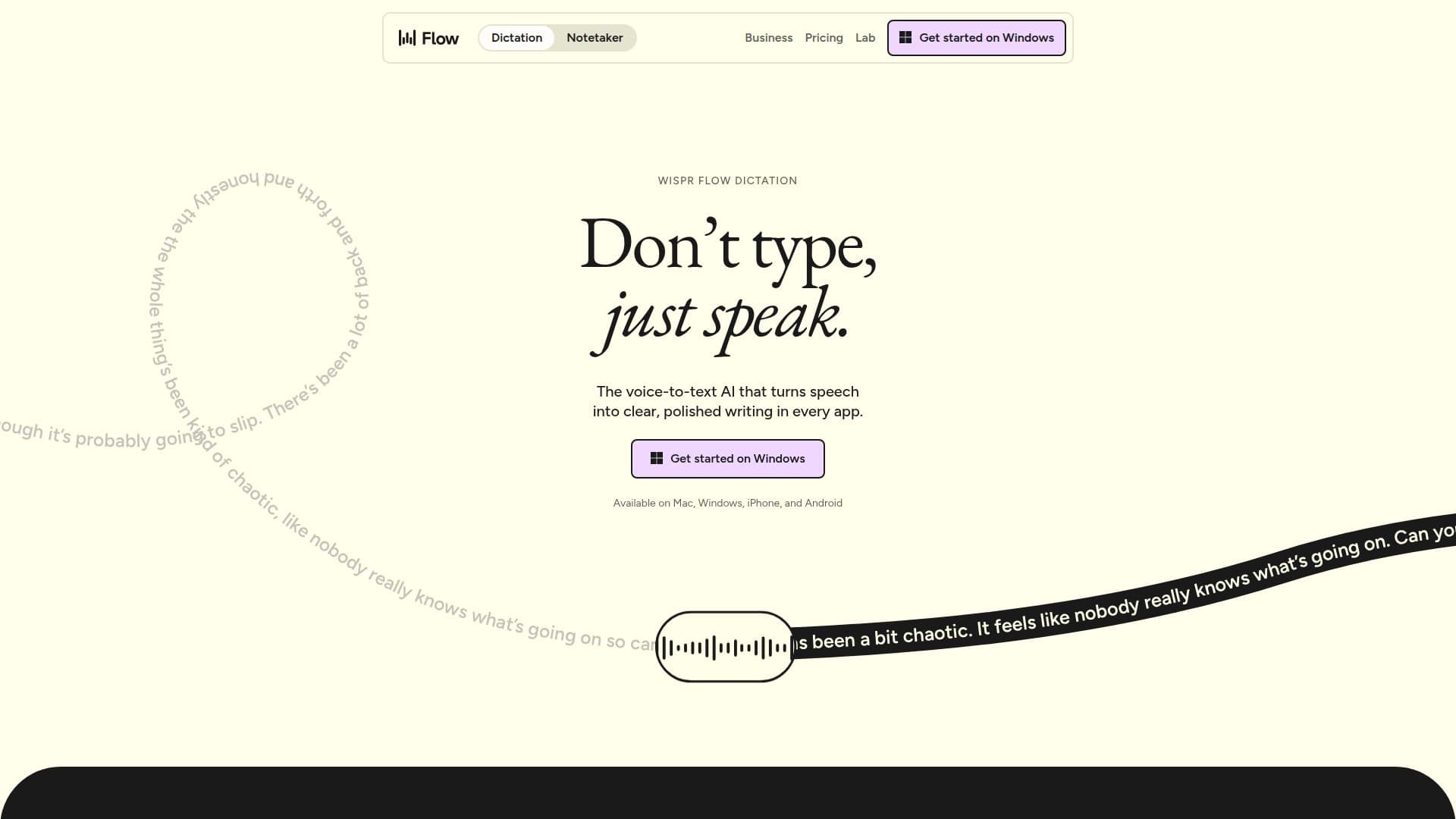
Wispr Flow is designed to make writing quick and clear through effortless voice dictation. It enables users to speak naturally and at the speed of thought, providing a dictation experience that is four times faster than traditional typing. With Wispr Flow, users can dictate in any application and on any device, ensuring that their voice remains their own.
Read More
The tool is built around user workflows, allowing for corrections and formatting as users speak. For instance, if a user says, "let's meet at 5... actually 6pm," Wispr Flow accurately transcribes it to "Let's meet at 6pm." This capability extends to formatting text into numbered lists, paragraphs, and structured emails, making it ready for immediate use.
Wispr Flow is particularly adept at recognizing uncommon names and terms, utilizing a personal dictionary that adapts to the user's vocabulary over time. Unlike other voice typing tools that may be limited to specific ecosystems, Wispr Flow offers consistent accuracy and personalization across all applications and devices.
The service is available for free, allowing users to dictate up to 2,000 words per week without the need for a credit card or trial countdown. For those requiring more extensive features, such as unlimited dictation and enhanced meeting note retention, Wispr Flow offers a Pro plan. Larger organizations can opt for the Enterprise plan, which includes advanced security features and compliance options.
Wispr Flow is not just for casual users; it is also tailored for developers who can benefit from hands-free dictation while coding. The tool supports over 100 languages and is HIPAA-ready, making it suitable for various professional environments. With its focus on enhancing productivity through voice, Wispr Flow is a powerful tool for anyone looking to streamline their writing process.
- CategoryAI Writing Assistants
- Pricing ModelFreemium
- DeploymentCloud
- PlatformsMac, Windows, iOS, Android
Wispr Flow's Core Features
4x faster than typing
Formats text as you speak
Personal dictionary for accuracy
Works across all devices and apps
Free plan available
Pro plan for unlimited dictation
Enterprise plan with advanced features
Supports over 100 languages
How to use Wispr Flow?
Start dictating: Open Wispr Flow and begin speaking your text.
Use corrections: If you make a mistake, simply say the correction, and Wispr Flow will adjust the text.
Format your text: Speak naturally to create lists, paragraphs, or structured emails.
Utilize your personal dictionary: Add uncommon names and terms for better accuracy in future dictations.
Wispr Flow's Use Cases
- Professional Writing
- Coding
- Meeting Notes
- Content Creation
- Accessibility