Description
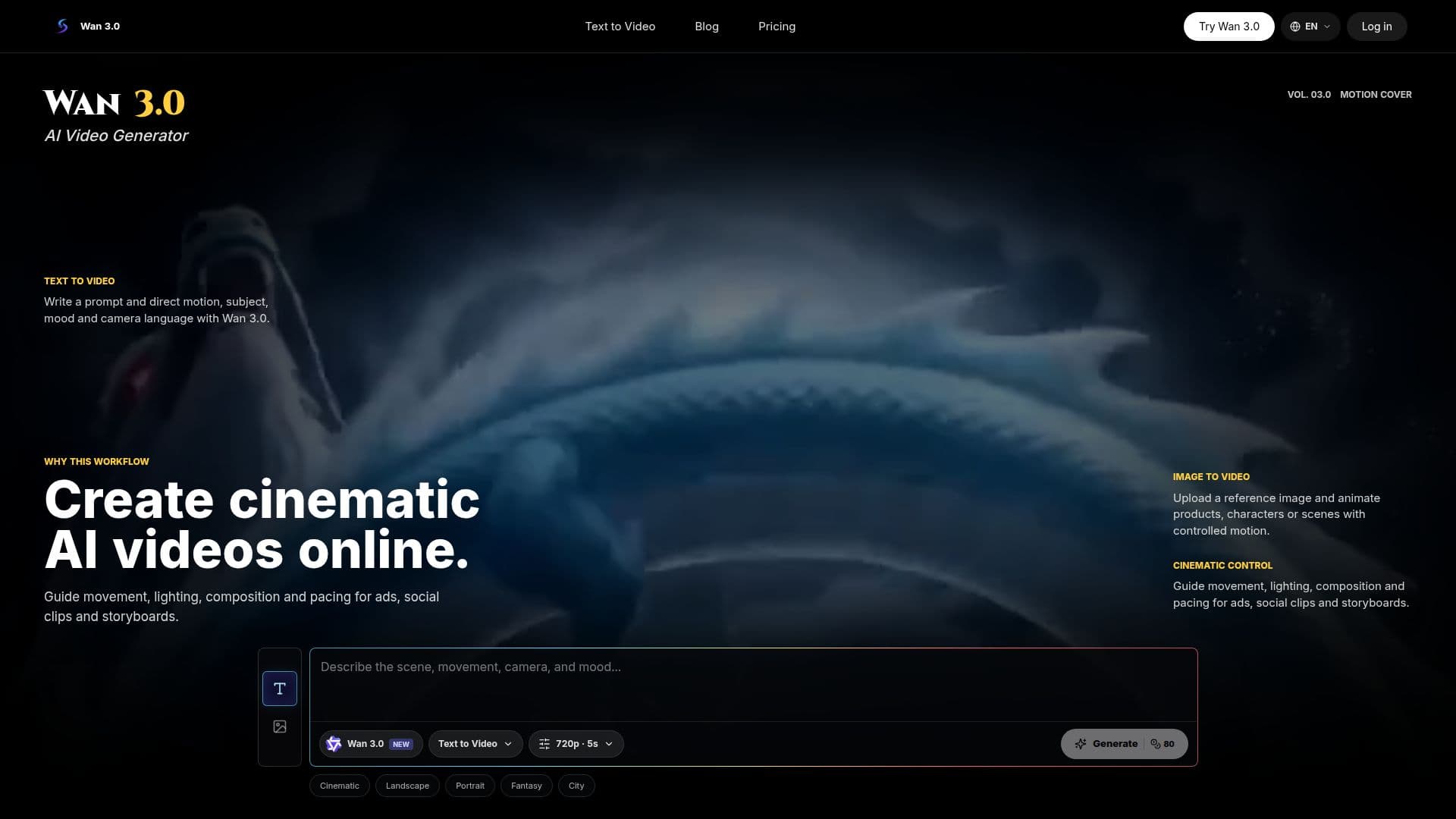
Wan 3.0 is an innovative online AI video generator designed for both text-to-video and image-to-video workflows. This platform allows users to create cinematic videos effortlessly by simply writing scene prompts or uploading reference images. The service is powered by Alibaba's Wan 3.0 video model, which is selected by default when users access the video studio. This streamlined approach ensures that creators can dive right into video generation without unnecessary delays.
Read More
To use Wan 3.0, users begin by opening the AI video studio, where they can write a detailed scene prompt. They also have the option to upload a reference image to enhance the visual continuity of the generated video. Once the prompt and settings are configured, users can generate their videos directly in the browser. This eliminates the need for any local GPU setup, making it accessible for anyone with an internet connection.
Wan 3.0 offers a free trial for new users, providing a small welcome credit grant along with daily sign-in rewards. For those who require more extensive use, paid credit plans are available, allowing for heavier video generation workloads. The platform supports commercial use of the generated videos, provided users adhere to the terms of service and content policies.
The capabilities of Wan 3.0 extend beyond simple video generation. Users can guide movement, lighting, composition, and pacing to create tailored content for various applications, including social media ads, storyboards, and product showcases. The platform also features controls for video duration, resolution, and aspect ratio, ensuring that users can customize their outputs to meet specific requirements. With a focus on fast creative iteration, users can generate clips, review their history, and reuse prompts, making the creative process efficient and effective.
- CategoryAI Video Generators
- Pricing ModelFreemium
- DeploymentCloud
- PlatformsWeb
Wan 3.0 AI Video Generator Online's Core Features
Text-to-video generation
Image-to-video generation
Browser-based studio
No local GPU setup required
Free trial available
Commercial use allowed
Customizable video settings
Daily sign-in rewards
Prompt-first video generation
Reference image animation
How to use Wan 3.0 AI Video Generator Online?
Open the AI video studio: Click 'Create Wan 3.0 Video' to access the workspace.
Write a video prompt: Describe the scene, subject, action, and camera movement.
Optionally upload a reference image: Enhance your video with a still frame.
Generate the video: Run Wan 3.0 and watch the progress of your video creation.
Review and download: Access your history to reuse prompts and download finished clips.
Wan 3.0 AI Video Generator Online's Use Cases
- Social video ads
- Storyboards
- Product videos
- Creator shorts
- Ecommerce videos