
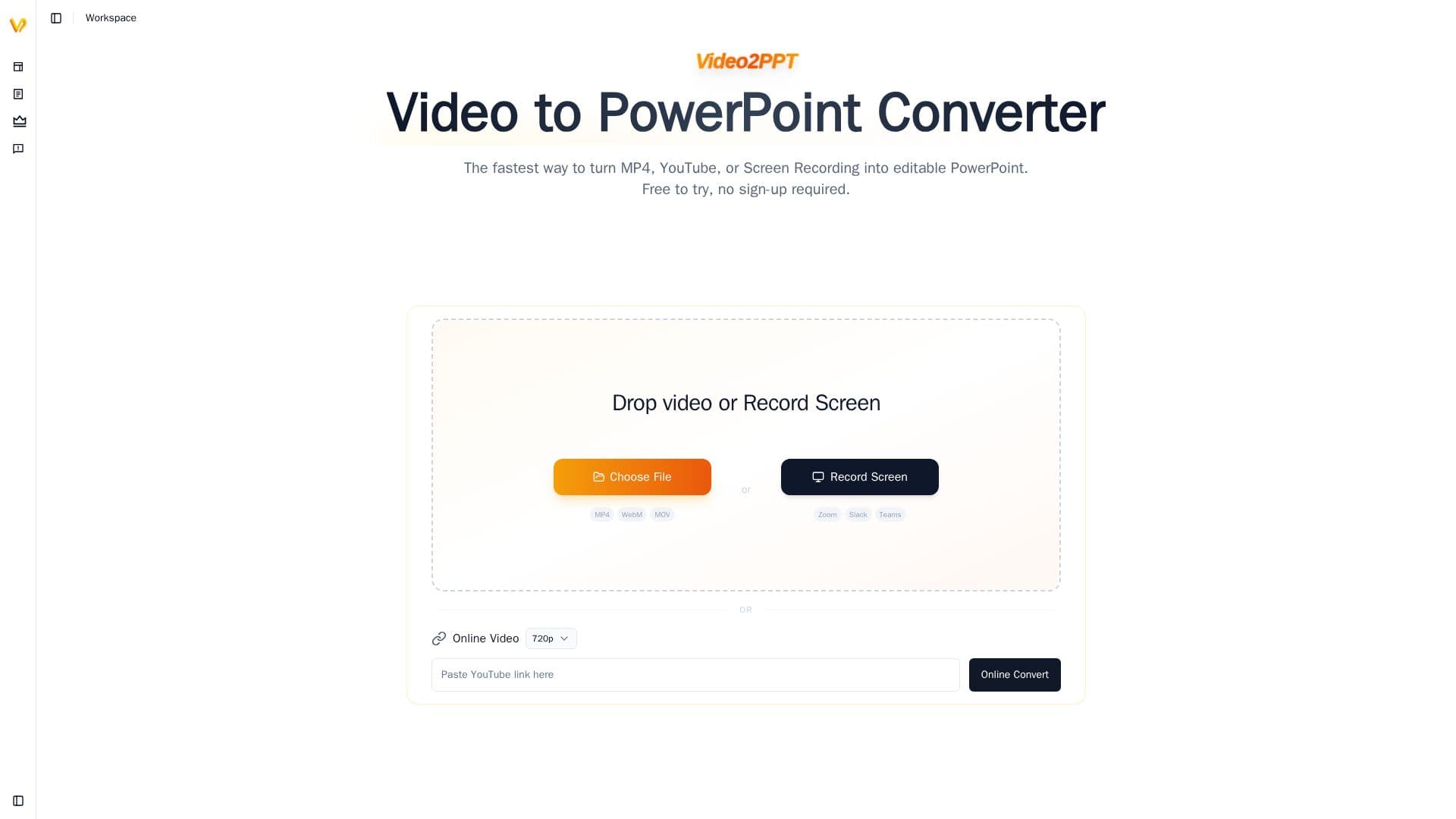
Description
Video2PPT is an online tool that converts video into editable PowerPoint presentations. Users can upload local files, paste online video links, or record their screen in real time, and the AI extracts key slides from the video and delivers them as ready-to-use, editable PowerPoint. It supports major formats such as MP4, AVI, MOV and WMV plus links from platforms like YouTube, TikTok and Vimeo, with no sign-up required to try it.
Read More
A key selling point is privacy: video snapshots are captured using browser canvas technology, so video files never leave the device and screen recording cannot be detected by third-party platforms like Microsoft Teams. The engine uses visual-difference monitoring and slide-flip recognition to detect new slides, then synthesizes them into a structured document, letting users browse a two-hour lecture in under a minute. Output PPTX is fully editable with searchable text, moveable elements and preserved layout, and the tool can also transcribe speech with timestamp-aligned transcripts exported to DOCX.
Additional features include HD screen recording of Zoom, Google Meet and Teams meetings, batch processing of 20+ videos, and multiple export options (PowerPoint, Google Slides, PDF, HTML). A free plan allows up to 10-minute videos and 3 conversions per month, a Pro plan adds unlimited duration and higher limits, and a Lifetime desktop version processes locally with no conversion limits.
- CategoryAI Presentation Makers
- Pricing ModelFreemium
- DeploymentCloud, Browser extension
- PlatformsWeb
Video2PPT's Core Features
Convert video to editable PowerPoint and PDF
Supports uploads, YouTube/Vimeo links and screen recording
Local, private processing in the browser
Fully editable PPTX with searchable text and layout
Video transcription with timestamp-aligned DOCX export
HD screen recording of Zoom, Meet and Teams
Batch processing of 20+ videos
No sign-up required to try
How to use Video2PPT?
Add a video: Drop a file, paste a link, or start a screen recording.
Extract slides: AI detects slide changes and captures key frames.
Review: Check the extracted slides and optional transcript.
Export: Download an editable PowerPoint, Google Slides, PDF or HTML file.
Video2PPT's Use Cases
- Lecture capture
- Webinar slides
- YouTube to slides
- Transcripts