Description
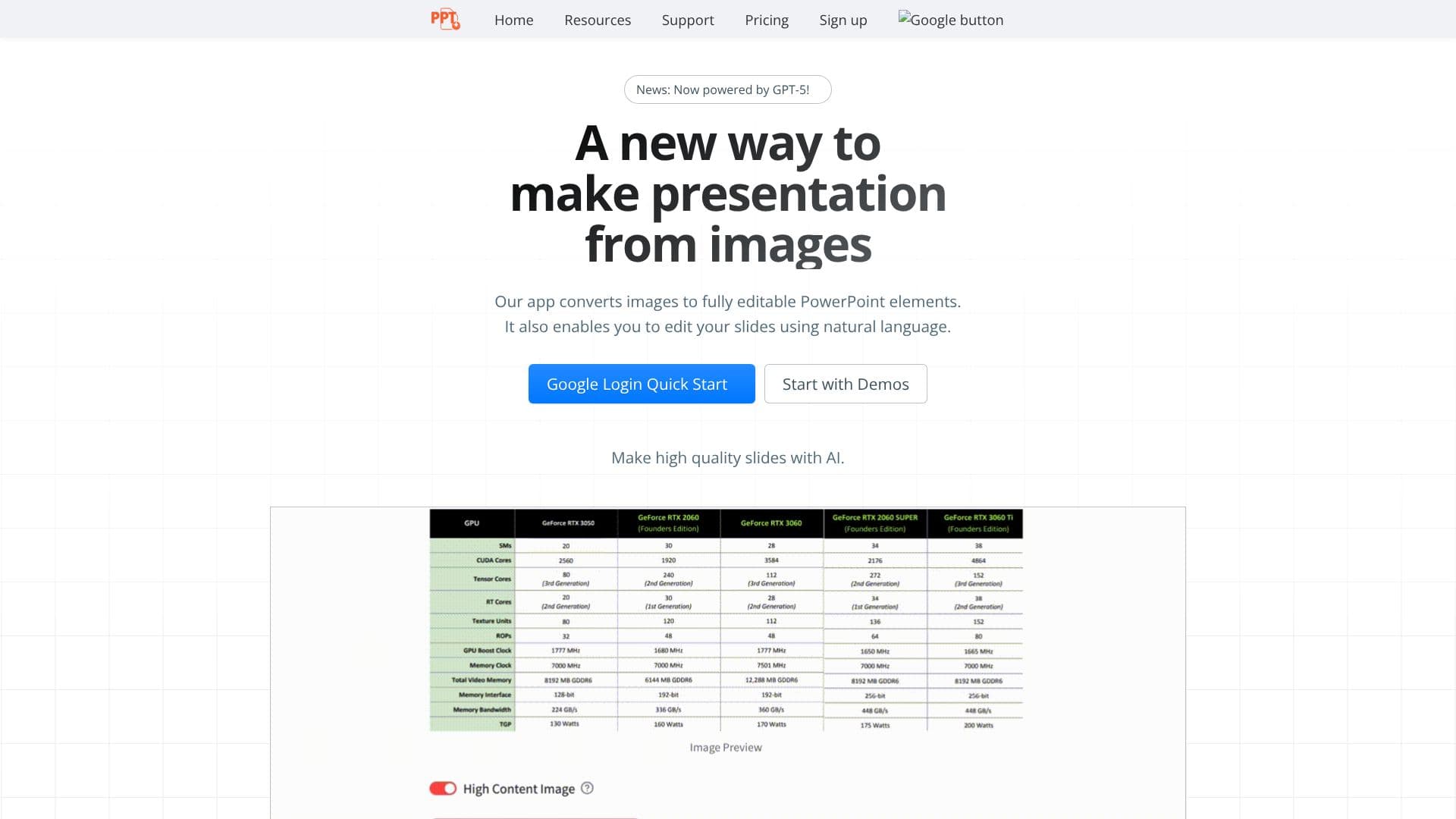
Edit in PPT offers a novel approach to presentation creation by converting any image into a fully editable PowerPoint slide. This AI-powered application leverages advanced models, including GPT-5 and vision-capable AI, to interpret visual data and reconstruct it into interactive PowerPoint elements. Users can bypass the tedious process of manually recreating slides from scratch, significantly reducing the time spent on presentation preparation.
Read More
The core functionality revolves around an intuitive user interface designed for ease of use. Simply upload your images, and the app will process them into high-resolution, editable slides. This ensures that the clarity and detail of the original images are maintained while providing the flexibility of PowerPoint editing. Beyond conversion, Edit in PPT allows users to edit their slides using natural language commands, further streamlining the content refinement process.
This tool is particularly beneficial for professionals, educators, and anyone who frequently needs to create presentations from visual assets. It addresses the common pain point of wasting hours copying data or manually designing slides. By automating these tasks, Edit in PPT enables users to focus on the content and delivery of their presentations, rather than the technicalities of slide creation.
The application operates on a freemium model, offering users 5 free conversions each month upon simple registration. This allows individuals to experience the benefits of the tool before committing to further usage. For those requiring more conversions, additional credits can be purchased. The pricing structure for credits varies based on the complexity of the AI models used, with more capable models for complex images and cost-effective options for simpler ones.
To manage the significant costs associated with AI processing and prevent abuse, users are required to register accounts. This system helps in fair usage management. The development team is a small, dedicated group continuously working on improving the app and encourages user feedback to address any issues and enhance functionality. The commitment to adopting stronger AI models ensures that users receive the best possible results as technology advances.
- CategoryAI Presentation Makers
- Pricing ModelFreemium
- DeploymentCloud
- PlatformsWeb
Edit in PPT's Core Features
Converts images into editable PowerPoint slides
Utilizes GPT-5 and vision-capable AI models
Enables slide editing via natural language commands
Creates high-resolution, editable slides
User-friendly interface for effortless conversion
Offers 5 free conversions per month
Account registration required for usage management
Option to purchase additional credits
Credits priced based on AI model complexity
Continuous app improvement based on user feedback
How to use Edit in PPT?
Upload Image: Select and upload the image you wish to convert.
AI Processing: The app's AI models process the image into editable PowerPoint elements.
Edit Slides: Use natural language commands to modify your newly created slides.
Download Presentation: Save your fully editable PowerPoint presentation.
Edit in PPT's Use Cases
- Image to Slide Conversion
- Presentation Design Automation
- Content Creation Efficiency
- Natural Language Editing
- Professional Slide Generation