Description
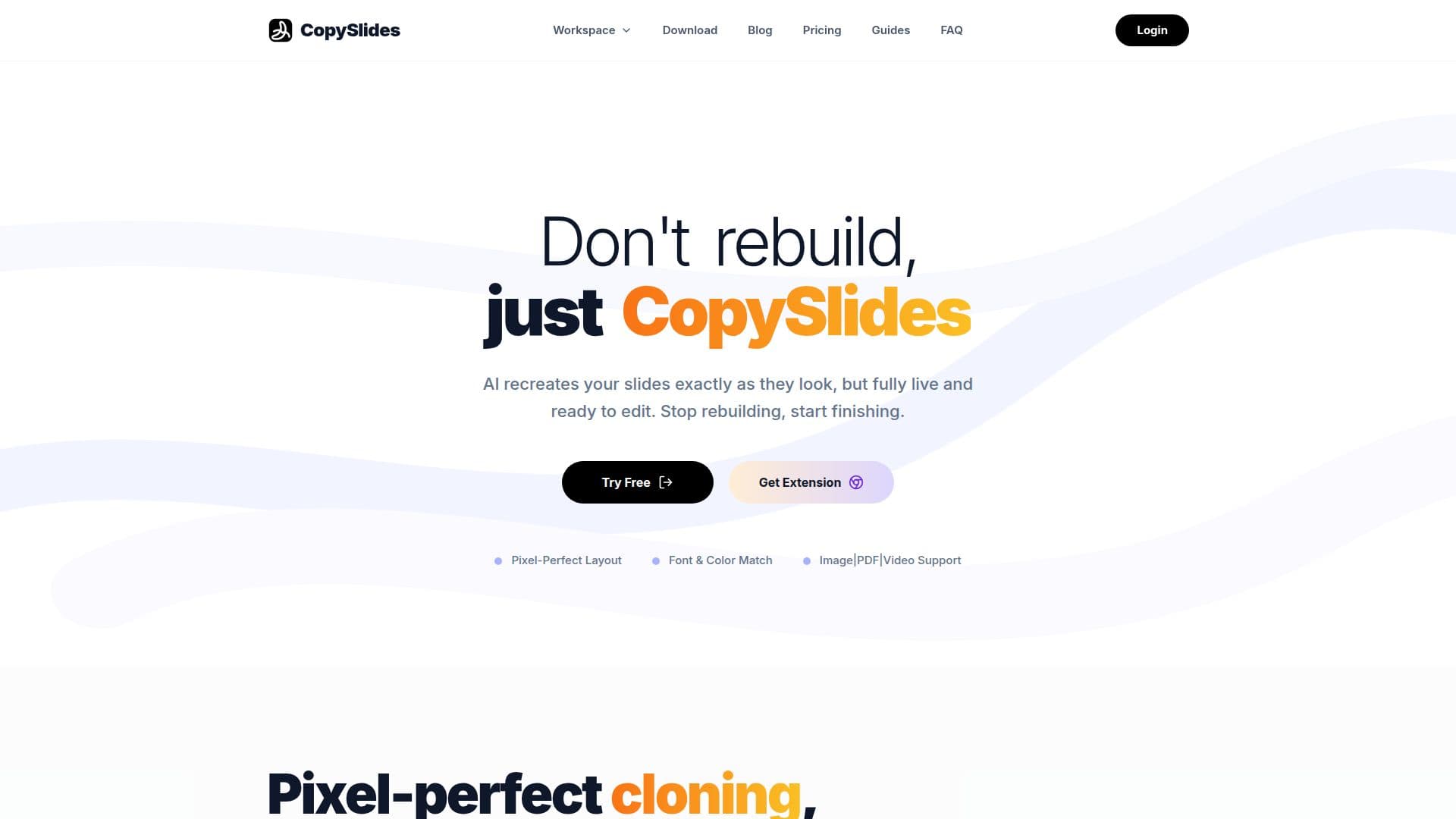
CopySlides AI is designed to transform static documents like PDFs, screenshots, and videos into fully editable PowerPoint presentations. This tool eliminates the need for manual rebuilding of slides, allowing users to focus on enhancing their presentations instead of starting from scratch. With its AI-powered technology, CopySlides recreates slides with pixel-perfect accuracy, preserving the original layout, fonts, colors, and shapes. This ensures that every element is live and ready for editing, making it an invaluable resource for professionals who need to create polished presentations quickly.
Read More
The process is straightforward: users can drag and drop their PDFs or images into the platform, and within minutes, they receive a fully editable PPTX file. This capability is particularly beneficial for those who frequently convert client reports, academic papers, or marketing materials into presentation formats. By maintaining the integrity of the original document's design, CopySlides saves users significant time and effort that would otherwise be spent on reformatting and editing.
CopySlides is built for professionals who require absolute control over their presentation workflow. It offers a desktop version that allows users to work offline, ensuring privacy and unlimited usage without the pressure of recurring subscriptions. The pricing model is transparent, with a free tier available for light users and various paid options for those needing more extensive capabilities. This flexibility makes it suitable for a wide range of users, from students to corporate professionals.
In addition to its core functionality, CopySlides supports batch processing and multi-page PDF conversion, allowing users to convert entire documents into separate slides seamlessly. The tool also offers features like table reconstruction and the ability to export directly to Google Slides, catering to diverse presentation needs. Overall, CopySlides stands out as a powerful solution for anyone looking to streamline their presentation creation process while ensuring high-quality results.
- CategoryAI Presentation Makers
- Pricing ModelFreemium
- DeploymentDesktop
- PlatformsWindows, Mac
Turn Images & PDF into Editable PowerPoint's Core Features
AI-powered slide recreation
Pixel-perfect cloning
Fully offline functionality
Unlimited usage
Lifetime purchase support
Free tier available
Desktop application
Supports multi-page PDF conversion
Table reconstruction
Direct Google Slides export
How to use Turn Images & PDF into Editable PowerPoint?
Upload your PDF or image file to CopySlides.
Allow the AI to analyze and recreate the slides.
Download the generated editable PPTX file.
Open the PPTX file in PowerPoint or Google Slides.
Edit text, images, and layouts as needed.
Save your presentation in the desired format.
Share or present your newly created slides.
Turn Images & PDF into Editable PowerPoint's Use Cases
- Client Reports
- Academic Lectures
- Marketing Materials
- Financial Presentations
- Sales Decks