
Description
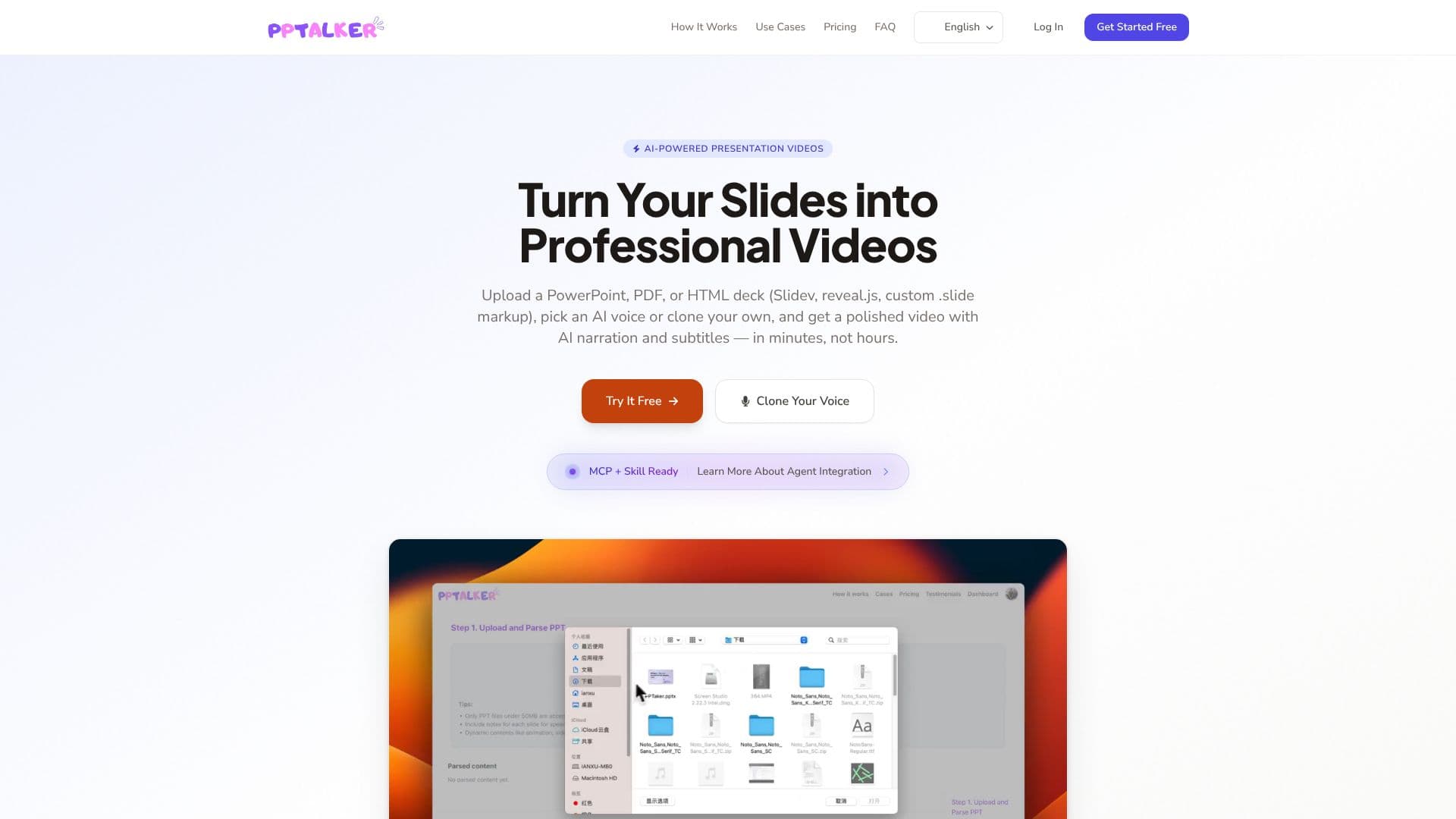
PPTalker is an AI-powered tool designed to convert static presentation slides into dynamic videos, complete with AI-generated narration and subtitles. It supports a variety of input formats, including PowerPoint (.ppt, .pptx), PDF, and HTML decks built with frameworks like Slidev and reveal.js. Users can upload their presentations, select from a wide array of natural-sounding AI voices, or even clone their own voice for a personalized touch. The platform automates the extraction of speaker notes and synchronizes them with the generated audio, creating a seamless viewing experience.
Read More
The process is streamlined into three simple steps: upload your slides, choose an AI voice (or clone your own), and generate the video. This efficiency allows professionals to produce high-quality video content in minutes, significantly reducing the time and effort typically required for video production. PPTalker is built for various professional applications, including education, where lecture slides can be transformed into engaging video lessons; corporate training, for scaling onboarding and skill development with consistent video modules; and sales and marketing, to create compelling pitch videos and product demonstrations.
For advanced users and AI enthusiasts, PPTalker offers integration with AI agents, enabling automated conversion of slides to narrated videos with minimal manual intervention. The platform provides transparent pricing, starting with a free tier for basic use and offering Pro and Max plans with increased minute allowances, slide limits, and advanced features like voice cloning. Security is a priority, with all data encrypted in transit and at rest. PPTalker aims to empower professionals to communicate more effectively through video, saving time and enhancing audience engagement.
- CategoryAI Video Generators
- Pricing ModelFreemium
- DeploymentCloud
- PlatformsWeb
PPTalker AI Voiceover's Core Features
Convert PowerPoint, PDF, and HTML slides to video
AI-generated narration with natural-sounding voices
Voice cloning for personalized audio
Automated speaker note extraction
Synchronized subtitles generation
Support for Slidev and reveal.js HTML decks
AI agent integration for automated workflows
Multiple pricing tiers including a free option
Multilingual subtitle support
Smooth slide transitions in generated videos
Secure data handling with encryption
How to use PPTalker AI Voiceover?
Upload Slides: Drag and drop your PowerPoint, PDF, or HTML presentation files.
Select Voice: Choose from dozens of AI voices or upload a recording to clone your own voice.
Adjust Settings: Customize voice speed and other parameters as needed.
Generate Video: Click 'Generate' to create your video with narration and subtitles.
Share Video: Download and share your polished presentation video.
PPTalker AI Voiceover's Use Cases
- Video Lessons
- Training Modules
- Sales Pitches
- Product Demos
- Marketing Content
- AI Agent Automation
- Global Communication
- Investor Pitches