Description
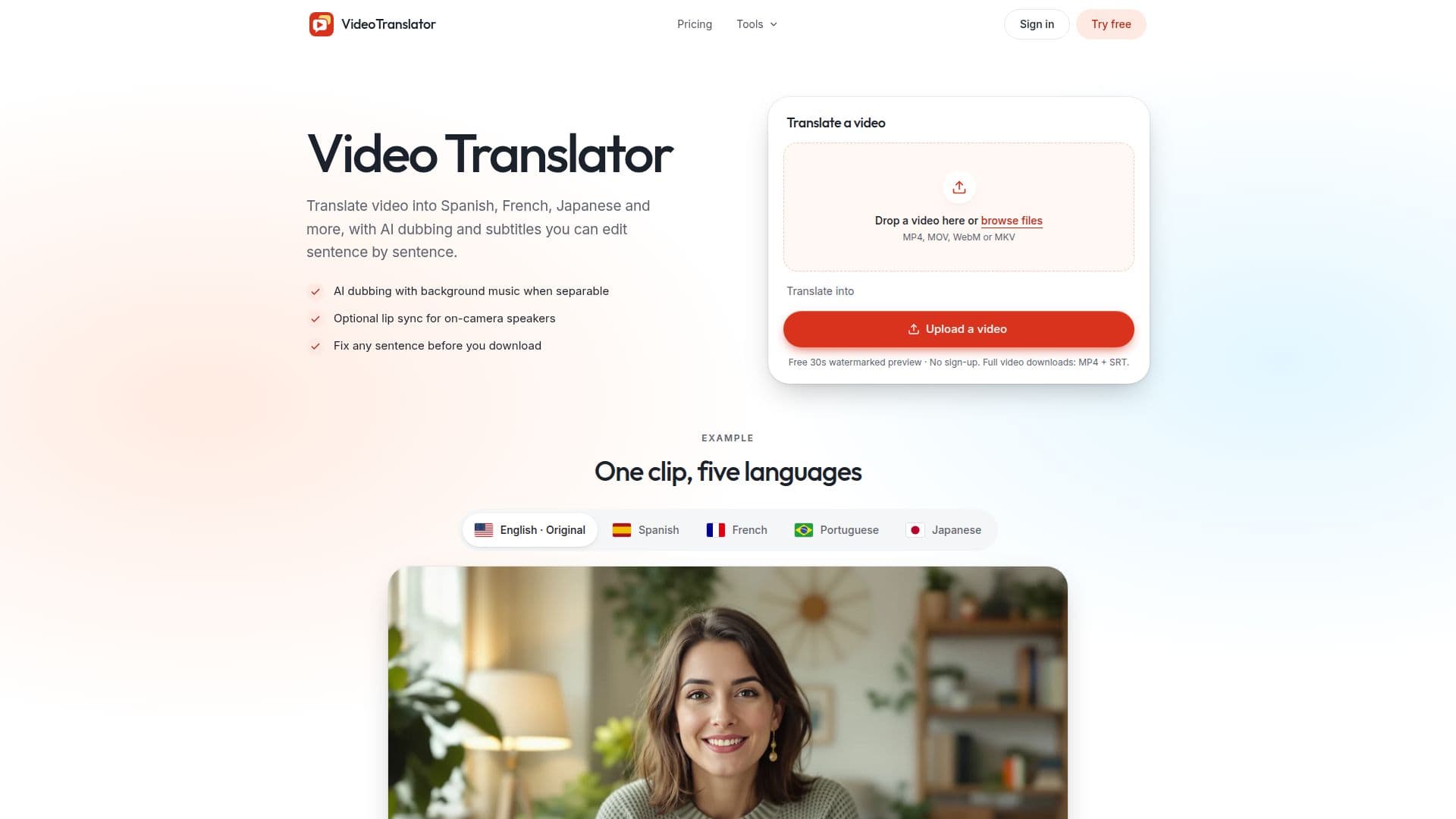
Video Translator provides a comprehensive solution for translating video content into 78 different languages, utilizing AI for both dubbing and subtitle generation. The platform allows users to upload video files in common formats such as MP4, MOV, WebM, or MKV. Once uploaded, users can select their target language and choose between standard dubbing, premium dubbing, or subtitles only. The system first generates translated subtitles, enabling users to review the text while the new AI voice is being created.
Read More
A key feature of Video Translator is its ability to preserve background music when separation is successful, ensuring a more natural-sounding output. It also handles multiple speakers, assigning different AI voices when sufficient options are available for the chosen language. Users have the flexibility to edit translated sentences, correct speaker labels, and adjust voices after the initial processing is complete, allowing for precise control over the final output. The platform also offers an optional paid lip sync add-on for on-camera speakers, available in Standard, HD, or Studio quality, which can be applied after a full dubbed video is finished.
For accessibility and versatility, Video Translator provides SRT and VTT subtitle files for download, or users can choose to burn subtitles directly into the MP4 in various styles. The service supports a wide range of use cases, from localizing online courses and training videos to adapting product demos, sales videos, and advertisements for global markets. Agencies and studios can also leverage the tool to localize client videos and deliver clean, translated media files.
Privacy is a core aspect of the service, with task files remaining private and accessible only to the owning account or preview session. Source files and generated outputs are automatically deleted after 30 days. While a free 30-second watermarked preview is available without signup, full video processing requires an account and sufficient credits, which can be obtained through monthly subscriptions or one-time credit packs. The pricing structure is credit-based, with different services like dubbing, original voice cloning, and lip sync consuming varying amounts of credits per minute.
- CategoryAI Subtitles & Dubbing
- Pricing ModelFreemium
- DeploymentCloud
- PlatformsWeb
Video Translator's Core Features
Translate videos into 78 languages
AI dubbing with standard or premium voices
Editable translated subtitles
Preserves background music when separable
Supports multiple speakers with distinct AI voices
Optional paid lip sync add-on for on-camera speakers
Download MP4 with SRT and VTT files
Burn subtitles directly into MP4 (Social or Classic style)
Edit translated sentences, speaker labels, and voices
Free 30-second watermarked preview available
Supports MP4, MOV, WebM, MKV file uploads
Private task files, deleted after 30 days
Credit-based pricing with monthly subscriptions and one-time packs
Email verification for signup credits
Refund policy for unused credits and failed processing
How to use Video Translator?
Upload Video: Drop an MP4, MOV, WebM, or MKV file into the translator.
Pick Language & Voice: Choose the target language and desired dubbing or subtitles-only option.
Review Subtitles: Read the translated subtitles as they appear while the new voice generates.
Preview Translation: Compare a free 30-second watermarked preview with your original video.
Edit & Refine: Make any necessary edits to translated sentences, speaker labels, or voices.
Download Output: Download the full MP4 with SRT and VTT files, or with burned-in subtitles.
Video Translator's Use Cases
- Localize Online Courses
- Global Product Demos
- International Ad Campaigns
- Agency Client Localization
- Multi-Channel Video Publishing
- Internal Training Videos