Description
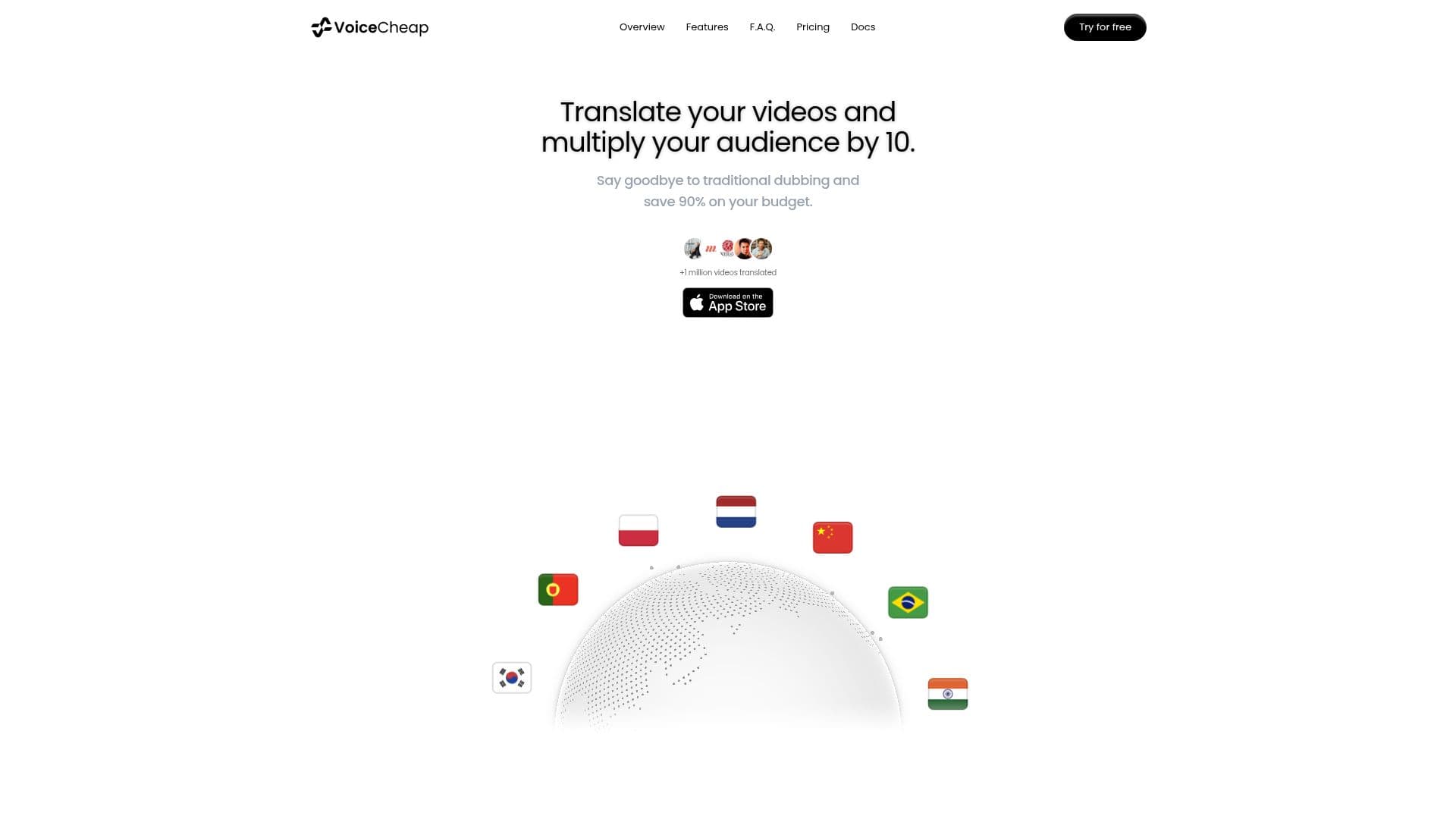
VoiceCheap is an AI-powered video dubbing and translation platform that helps creators, educators, agencies, and businesses expand their content's global reach. It translates and dubs videos into over 70 languages using natural voice cloning, precise lip synchronization, and intelligent contextual translation, positioning itself as a faster, cheaper alternative to traditional dubbing.
Read More
Users can import videos as local files or public links from sources like YouTube, TikTok, and Google Drive, edit the transcript, adapt the script with SmartSync speech adaptation, and produce a natural dubbed version with control at every step. Video translation offers three voice options: direct voice cloning from the video, cloning from an imported audio file, or selecting a voice from the library. VoiceCheap supports import and transcription in many languages and can handle horizontal or vertical, short or long videos, with most plans supporting videos up to 120 minutes.
Features include a Lip-Sync Studio, direct YouTube integration, SRT file import, brand vocabulary, team collaboration, and API access on paid tiers, with GDPR-compliant, privacy-first workflows. Minutes are the credit unit, deducted based on video duration; unused minutes generally do not roll over except on Enterprise plans. VoiceCheap offers a free token allowance to start, subscription plans, and a refund policy where unsatisfactory results can be refunded within 48 hours.
- CategoryAI Subtitles & Dubbing
- Pricing ModelFreemium
- DeploymentCloud
- PlatformsWeb
VoiceCheap's Core Features
AI video dubbing and translation into 70+ languages
Voice cloning from video, audio file, or a voice library
Lip synchronization (Lip-Sync Studio)
Smart contextual translation and SmartSync speech adaptation
Direct YouTube integration and SRT file import
Brand vocabulary and team collaboration
API access on paid tiers
GDPR-compliant, privacy-first workflows
How to use VoiceCheap?
Import a video: Upload a local file or paste a public link from YouTube, TikTok, or Google Drive.
Edit the transcript: Review and adjust the transcription of your video.
Choose a voice: Clone the original or imported voice, or pick one from the library.
Adapt the script: Use SmartSync to fine-tune timing and translation.
Produce and export: Generate the dubbed video, then download or schedule publishing.
VoiceCheap's Use Cases
- Creator localization
- Course translation
- Agency and marketing
- Brand consistency
- Social publishing