Description
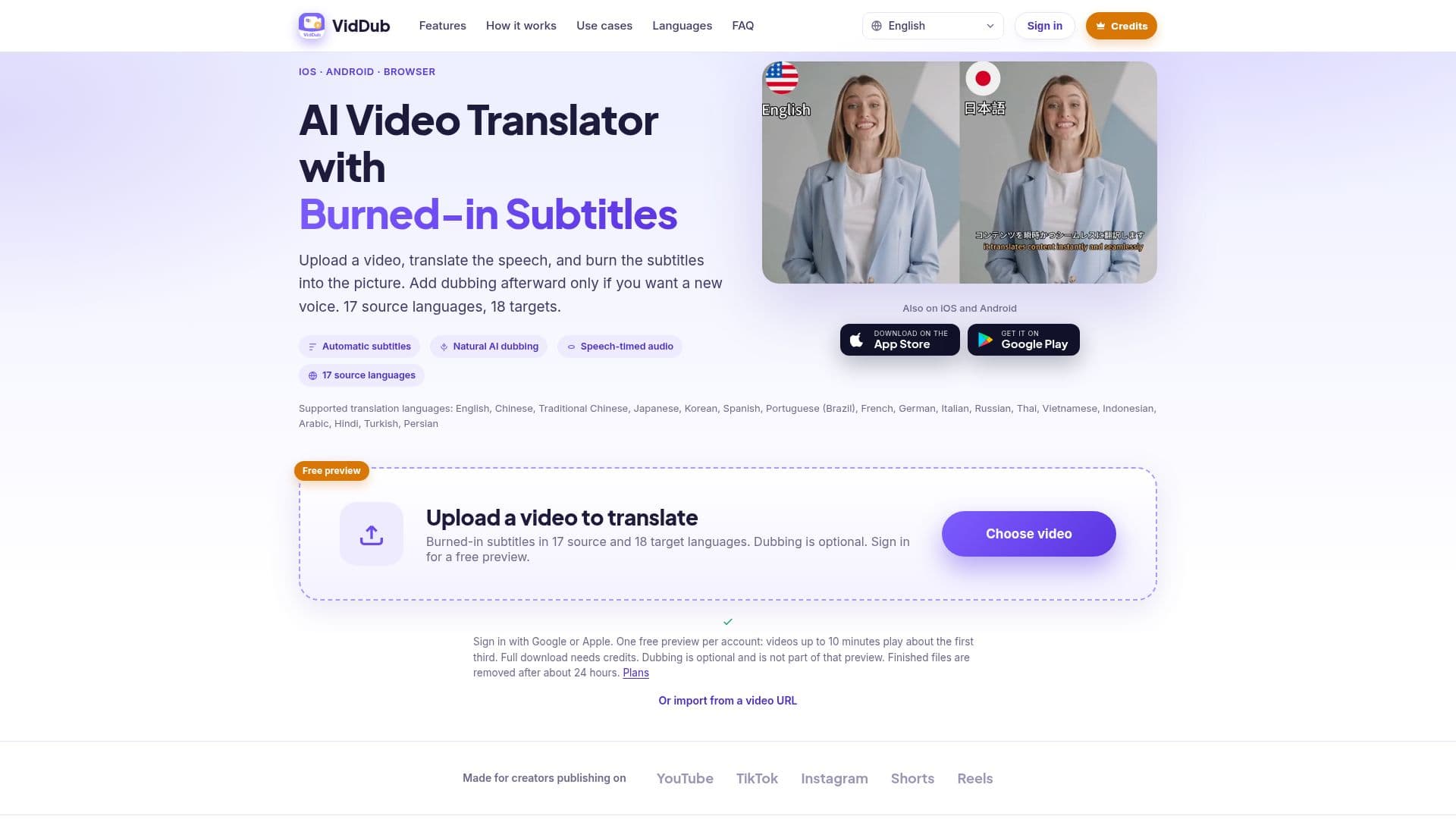
VidDub is a comprehensive AI video translation and dubbing tool designed to help creators localize their video content efficiently. Available as a web application at viddubapp.com and as native apps for iOS and Android, VidDub simplifies the process of making videos accessible to a wider, multilingual audience.
Read More
The core functionality involves uploading a video file, after which VidDub transcribes the spoken content. This transcription is then translated into a chosen target language, and the translated subtitles are burned directly into the video. A key feature is the optional AI voice dubbing, which can be added as a second step after the initial translation and subtitling are complete. This allows users to either provide subtitles only or include a new voice track.
VidDub supports a robust set of languages, with 17 source languages and 18 target languages, including Traditional Chinese as an additional target. Users can customize subtitle styles, including position, vertical offset, color, size, and choose between single or bilingual display, with a live preview available. The platform ensures privacy by deleting finished videos from the cloud after approximately 24 hours and explicitly states that user content is not used to train third-party AI models.
Targeting a diverse range of creators, VidDub is beneficial for YouTubers and TikTokers looking to publish content in viewers' native languages without re-editing, cross-border e-commerce businesses localizing product videos, educators making lessons accessible to international students, marketing teams needing multilingual cuts, and podcasters/vloggers expanding their reach. The tool is built for ease of use, allowing users to upload local files or import videos via URL, set languages and subtitle styles, and then export the translated video or copy a short-lived link.
While VidDub offers advanced translation and dubbing capabilities, it has specific limitations: it does not clone voices, change lip movements, or download videos directly from YouTube or TikTok. Users must upload files they have the right to use. Pricing operates on a freemium model, offering a free preview for eligible videos up to 10 minutes (covering about the first third) and then requiring credits for full exports. One-time minute packs are available on the web, while monthly Pro and Max plans are offered through the iOS and Android apps.
- CategoryAI Subtitles & Dubbing
- Pricing ModelFreemium
- DeploymentCloud
- PlatformsWeb, iOS, Android
VidDub's Core Features
AI Video Translation
Burned-in Subtitles
Optional AI Voice Dubbing
17 Source Languages Supported
18 Target Languages Supported (including Traditional Chinese)
In-browser Operation
iOS and Android Apps Available
Customizable Subtitle Styles (position, color, size)
Bilingual Subtitle Display Option
Speech-timed Dubbing
Video Upload from Local File or URL
Free Preview for Eligible Videos (up to 10 minutes)
Pay-as-you-go Credit Packs
Monthly Subscription Plans (Pro and Max in apps)
Video Data Privacy (deleted after 24 hours, not used for AI training)
How to use VidDub?
Sign In: Access VidDub via viddubapp.com or the iOS/Android apps and sign in with Google or Apple.
Upload Video: Upload a local video file or paste a video URL (files over 2 GB not accepted).
Choose Languages & Style: Select your source and target languages, then customize subtitle style (position, color, size, bilingual display).
Translate & Preview: Start the translation process. For eligible short videos, a free preview of the first third is available.
Add Dubbing (Optional): After translation, choose a voice from the catalog to generate an AI-dubbed version.
Export & Share: Download the translated video, copy a short-lived link, or export subtitles. Finished files are deleted after about 24 hours.
VidDub's Use Cases
- Localize YouTube & TikTok Videos
- Cross-Border E-commerce
- Educational Content Translation
- Multilingual Marketing Campaigns
- Film & Short Video Distribution
- Podcast & Vlog Expansion