
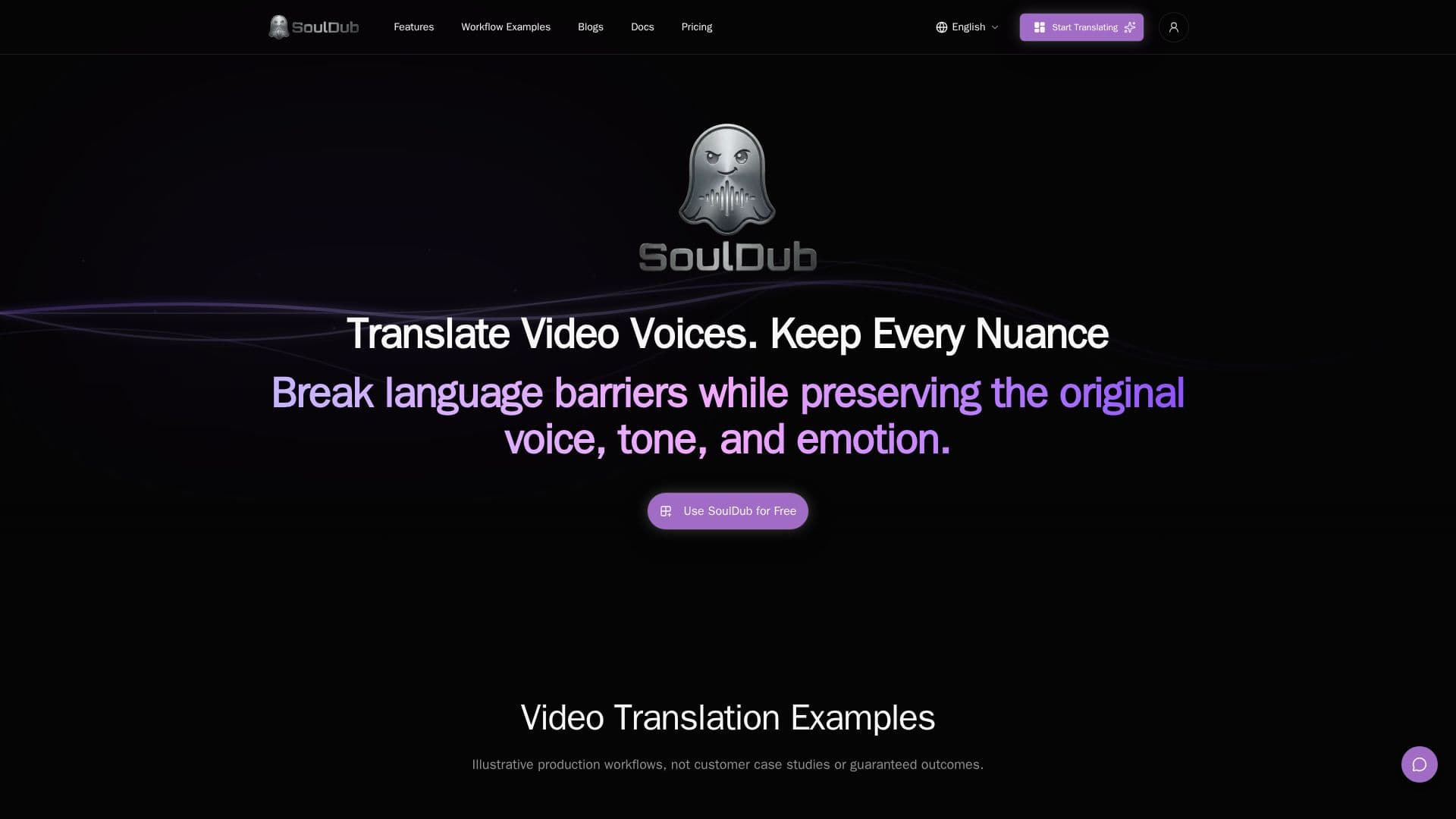
Description
SoulDub is a comprehensive AI video translation platform designed to facilitate multilingual localization of video content. It offers a seamless workflow that includes automatic generation of subtitles and AI voice-overs, along with manual fine-tuning capabilities. Users can upload videos, select source and target languages, and create translation tasks that are automatically processed by SoulDub. The platform supports editing and refining of subtitles and voice segments, ensuring that the original tone and emotional expression of the video are preserved.
Read More
SoulDub's workflow is straightforward, involving three main steps: uploading the video, selecting the target language, and creating a translation task. The platform automatically processes subtitles and voice-overs, allowing users to review and edit each segment for accuracy and authenticity. This ensures that the final output is natural and suitable for global audiences.
The platform supports a wide range of video content, including educational courses, creator videos, and short-form social media content. It is designed to break language barriers while maintaining the nuances of the original speech. Users can download completed video outputs along with subtitle and audio assets, making it easy to distribute localized content.
SoulDub offers various pricing plans to cater to different production needs, including free, monthly, yearly, and enterprise options. The free plan includes 10 credits per month, while the standard and premium plans offer more credits and higher processing capabilities. An API is also available for developers to integrate SoulDub's translation capabilities into their own workflows.
- CategoryAI Subtitles & Dubbing
- Pricing ModelFreemium
- DeploymentCloud
- PlatformsWeb
SoulDub's Core Features
Automatic subtitle generation
AI voice-over creation
Manual subtitle editing
Segment-level voice regeneration
Multilingual localization
API integration
Downloadable video outputs
Credit-based pricing model
How to use SoulDub?
Upload: Start by uploading your source video in MP4 format.
Select Language: Choose the target language for translation.
Create Task: Generate subtitles and AI voice-over automatically.
Edit: Review and fine-tune subtitles and voice segments.
Download: Export the completed video and subtitle files.
SoulDub's Use Cases
- Creator Video Localization
- Educational Content Translation
- Short-Form Social Video
- Corporate Training Videos
- Marketing Video Localization