
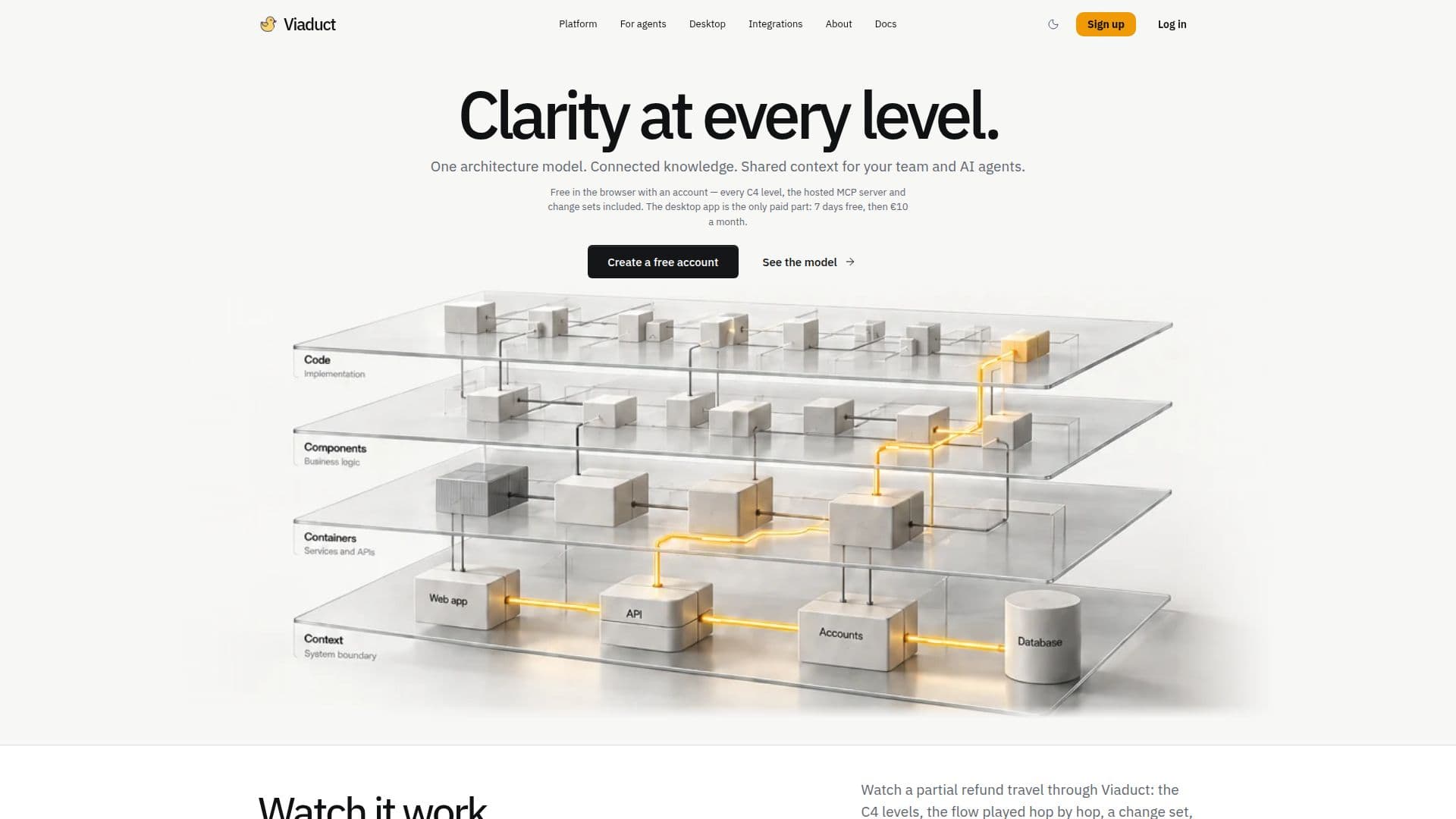
Description
Viaduct is a comprehensive C4 modeling tool designed for software teams to create and maintain system context, container, component, and code diagrams. It offers a hosted MCP server that provides live architecture context to AI development tools, enabling seamless integration with coding agents like Cursor and Claude Code. The tool supports live collaboration, allowing teams to work together in real-time, and offers change sets that coding agents can implement against a pinned version.
Read More
The browser version of Viaduct is free with an account, providing access to all C4 levels, the MCP server, collaboration features, and change sets. Users can sign up using GitLab, Google, or GitHub identities without the need for a credit card. The desktop app, available for macOS, Windows, and Linux, offers the same features as the browser version but runs locally on the user's machine. It is free for the first seven days, after which it requires a subscription of €10 per month, covering up to three machines.
Viaduct's AI assistant helps fill in model details by writing descriptions for elements, naming unnamed flow steps, and reviewing the entire model. It operates on a monthly allowance basis, with suggestions requiring user approval before application. The tool also supports JSON import and export, allowing users to move workspaces or keep copies outside the service.
Viaduct is particularly beneficial for teams needing a living architecture model that keeps services, interactions, and team context connected. It provides a robust platform for AI agents to read and write models, facilitating the addition of services, endpoints, connections, and documentation. The tool ensures that architecture models remain current and accessible, with projects stored on EU servers or locally on the user's machine.
- CategoryCoding & Development
- Pricing ModelFreemium
- DeploymentCloud, Desktop
- PlatformsmacOS, Windows, Linux
Viaduct's Core Features
C4 modeling tool
Hosted MCP server
Live collaboration
Change sets
JSON import and export
AI assistant for model details
Free browser version
Desktop app subscription
How to use Viaduct?
Sign up: Create a free account using GitLab, Google, or GitHub.
Log in: Access Viaduct through the browser or desktop app.
Configure: Set up your C4 model with system context, container, component, and code diagrams.
Use: Collaborate with your team and utilize the AI assistant for model details.
Optimize: Export models as JSON and integrate with AI development tools.
Viaduct's Use Cases
- Software Architecture
- Team Collaboration
- AI Integration
- Model Export
- Architecture Review