
Description
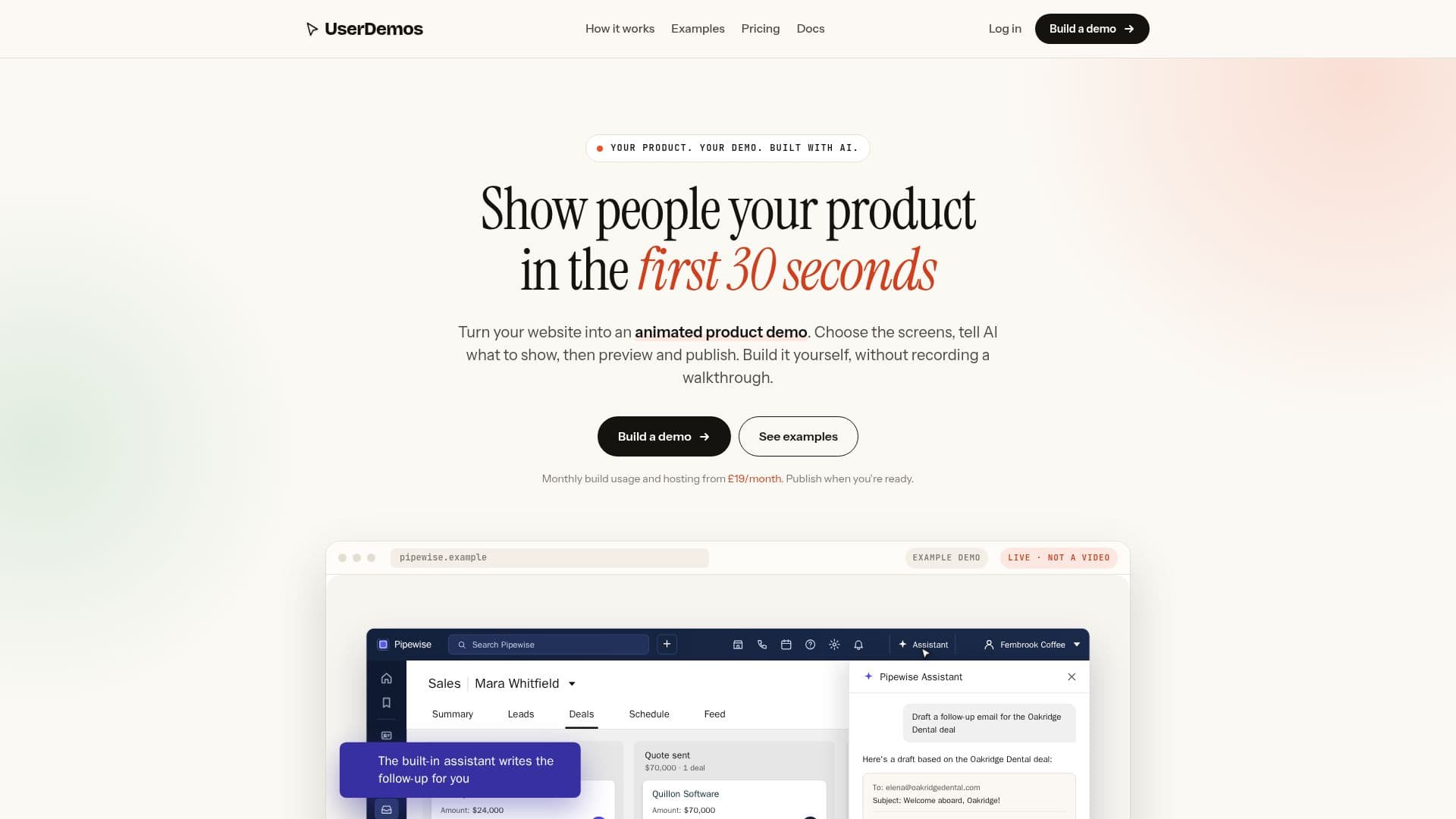
UserDemos provides a platform for building interactive product demos directly from your public website. Instead of traditional screen recording, the tool uses AI to generate animated walkthroughs by selecting specific screens from your existing site. This approach eliminates the need for scripting and re-recording, offering a more efficient way to create engaging product showcases.
Read More
The process begins by pasting a public website URL and providing a brief description of the desired demo. UserDemos then identifies images and screens from the site, allowing users to pick the most relevant ones. An animated draft is generated, which can be previewed and refined within the workspace. If needed, users can regenerate the demo with a different selection of screens, ensuring the final output accurately reflects their product story.
Once satisfied, the demo can be published and embedded on any website that supports iframes or HTML embed blocks, including popular platforms like Webflow, WordPress, Framer, HubSpot, Squarespace, Shopify, and Next.js. This flexibility ensures broad compatibility for various website builders. Demos are managed from a central dashboard, where they can be updated by regenerating them from the latest website screens, maintaining the same published address.
Key advantages include responsive design, as demos are built with HTML, CSS, and animation, scaling seamlessly with the page. UserDemos also offers features like generating spoken narration from the demo script and adding background music. The platform handles hosting and encoding, simplifying the deployment process. Pricing plans include monthly build usage and hosting, with options for additional usage packs.
UserDemos is designed for businesses and individuals looking to create professional, interactive product demonstrations without the complexities of video production. It supports multiple users and provides a clear workflow from website input to published embed, making it a valuable tool for sales, marketing, and product teams.
- CategoryMarketing & SEO
- Pricing ModelSubscription
- DeploymentCloud
- PlatformsWeb
UserDemos's Core Features
Generate animated product demos from public websites
Select specific screens for demo creation
Preview and refine demo drafts
Publish and embed demos using iframe code
Manage live demos from a central dashboard
Regenerate demos from updated website screens
Add background music to demos
Generate spoken narration from demo scripts
Supports embedding on various website builders (Webflow, WordPress, Framer, HubSpot, Squarespace, Shopify, Next.js)
No branding or watermarks on published demos
Monthly build usage included in plans
Hosting for live demos included
Multiple user access
Usage packs available for additional builds
One workspace for all demos
How to use UserDemos?
Enter Website URL: Paste a public website URL into UserDemos.
Describe Demo: Provide a short brief outlining what the demo should showcase.
Select Screens: Choose the desired screens from the images found on your website.
Generate Draft: Use your monthly usage allowance to generate an animated draft.
Review and Refine: Preview the draft in your workspace and regenerate if necessary.
Publish Demo: Once satisfied, publish the demo to get a public link and embed code.
Embed on Website: Copy the iframe code and embed it into your website.
UserDemos's Use Cases
- Product Walkthroughs
- Sales Demos
- Onboarding Tutorials
- Website Showcases
- Feature Announcements
- Marketing Content
- Support Documentation