


Description
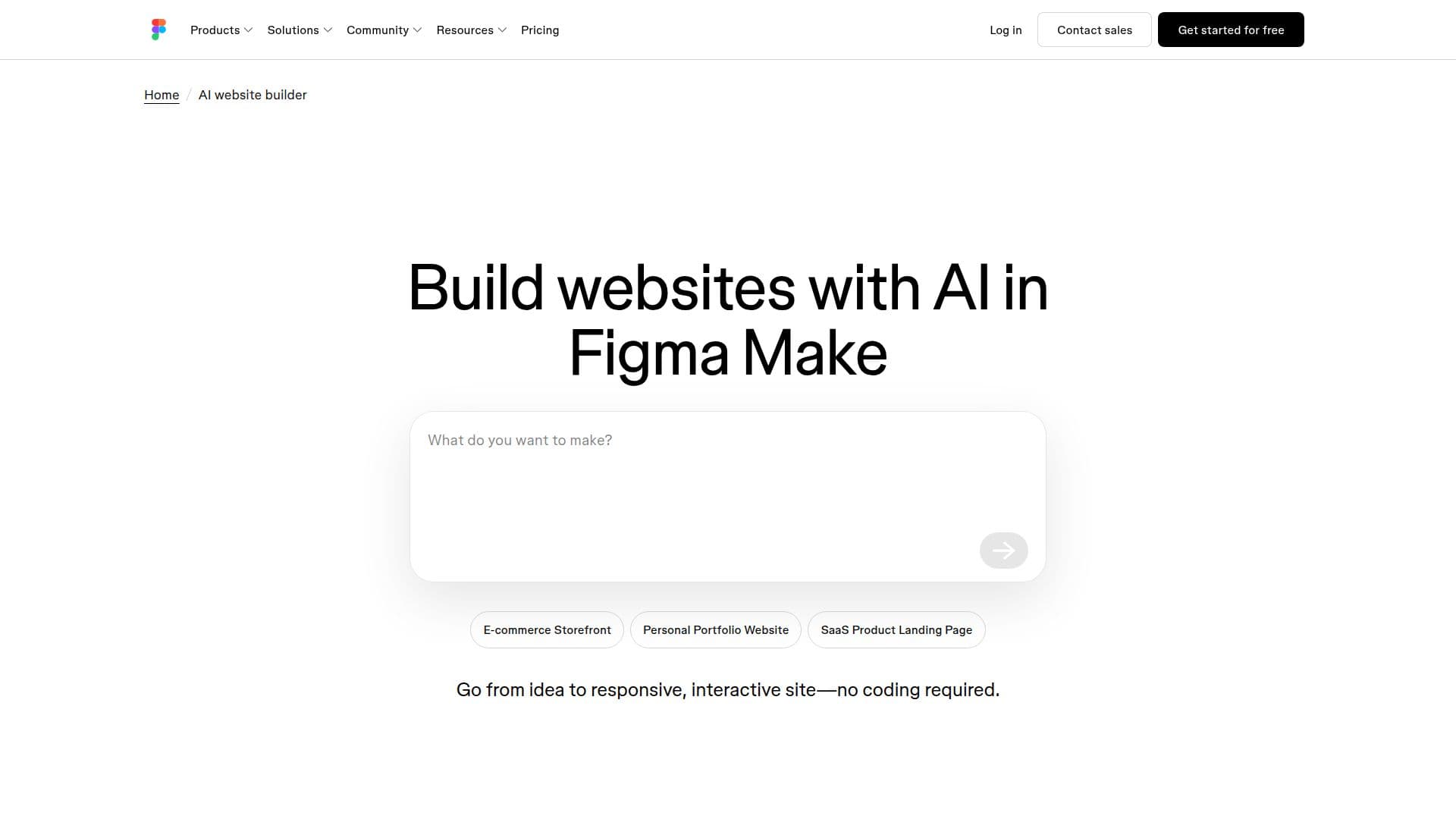
Figma Sites is an innovative AI-powered website builder that allows users to transform their ideas into live websites quickly and efficiently. By leveraging natural language prompts, Figma Sites enables users to describe their desired layout, sections, and content, which the platform then translates into a fully responsive and interactive website. This process eliminates the need for coding, making it accessible to users without technical expertise.
The platform offers a seamless workflow, allowing users to start from scratch or use existing frames from Figma Design. Once the initial setup is complete, Figma Sites builds a styled site with real interactions. Users can further refine their websites by prompting for changes, adding animations, or connecting to a backend to simulate dynamic content. This flexibility ensures that the final product meets the user's expectations and is ready for publishing.
Figma Sites is suitable for a variety of applications, including e-commerce storefronts, personal portfolios, SaaS product landing pages, and more. The platform's integration with Figma Make allows users to design, test, and publish fully interactive sites, providing a comprehensive solution for modern teams. Additionally, Figma Sites supports the connection of custom domains and the use of dynamic data, enhancing the functionality and reach of the websites created.
The platform is available on a freemium model, with a free Starter plan offering limited access and paid plans providing advanced features. Users can try Figma Sites for free, with the option to upgrade for more capabilities. Figma Sites is designed for businesses and individuals looking to create professional websites efficiently, without the need for extensive coding knowledge.
Figma Sites's Core Features
AI-powered website generation
Responsive design capabilities
Interactive site creation
Natural language prompts
No coding required
Integration with Figma Make
Support for dynamic data
Custom domain connection
How to use Figma Sites?
Start: Begin with a frame in Figma Make
Describe: Use natural language to outline your site
Build: Watch as Figma Sites creates your website
Refine: Make changes and add animations
Publish: Connect a domain and go live
Figma Sites's Use Cases
- E-commerce Storefront
- Personal Portfolio
- SaaS Landing Page
- Blog
- Business Website