
Description
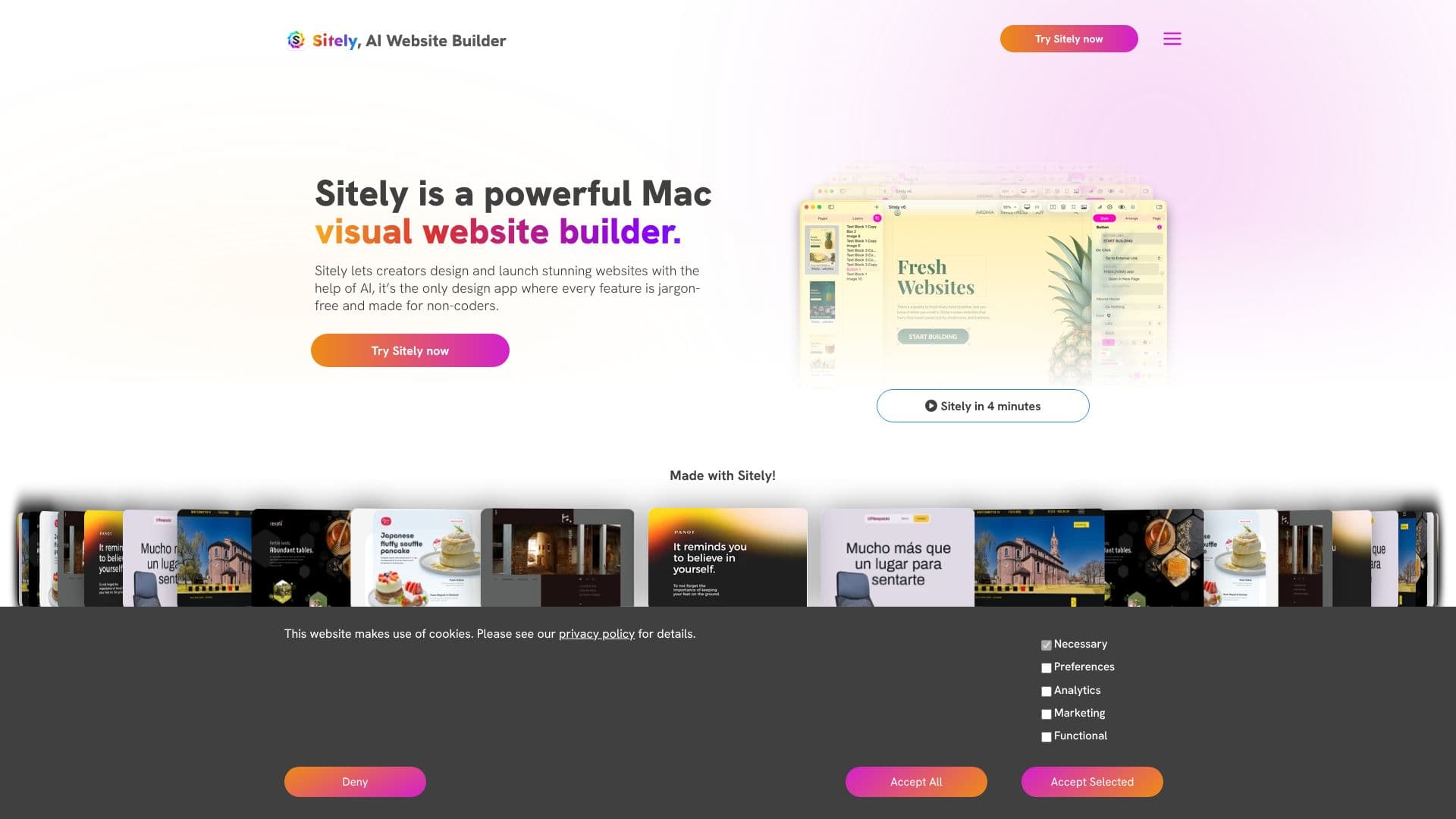
Sitely is the rebrand of Sparkleapp; sparkleapp.com now redirects to sitely.app. The site calls the current release "Sitely 7" and positions it as "the website builder that belongs on iPad," with a companion Mac app for the same projects, aimed at people building a site without writing code.
Read More
Building happens through direct manipulation on a canvas rather than filling in a fixed template: elements can be moved freely, text is edited in place with live formatting, and a project can hold complete multi-page sites organized with drag-and-drop, duplicated layouts and grouped pages. A Layers panel lists every element on a page; selecting one in the list highlights it on the canvas and opens its settings.
The feature unique to the iPad version is Wireframe Mode: a person sketches a layout with Apple Pencil or a finger, and Sitely creates real website elements directly from that sketch, with no separate conversion step, so the sketch can be refined afterward in the normal editor. Any design can be previewed instantly across phone, tablet and desktop breakpoints without leaving the app, so a builder can check how a layout adapts before publishing.
A built-in Assistant reviews a project for accessibility, SEO and quality issues and links each suggestion to the exact part of the site that needs a fix. The site also lists more than 1,600 built-in fonts, alongside support for custom fonts, and describes additional building blocks available in the app: payments and bookings, blogs, advanced animations, AI-built widgets and 3D models.
System requirements are iPadOS 18 or later (optimized for iPadOS 26) for the iPad app, and macOS 10.14 or later (optimized for macOS 26) for the Mac app; projects sync through iCloud, so a design can be started on one device and finished on the other. The company behind Sitely is named Crinon. Customer examples shown on the page include a film director, a photographer, a carpentry studio, an architecture firm, a composer, an illustrator, a non-profit and a web design agency, each running a live site built with the tool.
No pricing figures appear on the homepage itself; separate Pricing, Documentation and Community pages are linked instead. Because Sitely is a native iPad and Mac application rather than a browser-based editor, it requires one of those two platforms to build on, and there is no indication of a web-only editing option on the site.
- CategoryAI Website Builders
- Pricing ModelNot specified
- DeploymentCloud
- PlatformsMac
Sitely's Core Features
Direct-manipulation canvas editing: move any element freely rather than filling a fixed template
Wireframe Mode: sketch a layout with Apple Pencil or a finger and get real website elements back
Live responsive preview across phone, tablet and desktop breakpoints inside the app
Built-in Assistant that flags accessibility, SEO and quality issues before publishing
Multi-page site management with drag-and-drop reordering and page duplication
Layers panel for selecting and adjusting any element on a page
iCloud sync so a project moves between iPad and Mac
1,600+ built-in fonts, plus support for custom fonts
Additional building blocks: payments and bookings, blogs, advanced animations, AI-built widgets and 3D models
How to use Sitely?
Download Sitely for iPad (iPadOS 18+) or Mac (macOS 10.14+).
Start a page: add elements from the built-in library, or sketch a layout in Wireframe Mode.
Edit in place: adjust text, typography and layout directly on the canvas.
Preview responsively: switch between phone, tablet and desktop views to check the design.
Run the Assistant: fix any flagged accessibility, SEO or quality issues.
Publish the site, which Sitely says loads without a loading screen.
Sitely's Use Cases
- Portfolio sites
- Local business sites
- iPad-first design
- Freelance web design