
Description
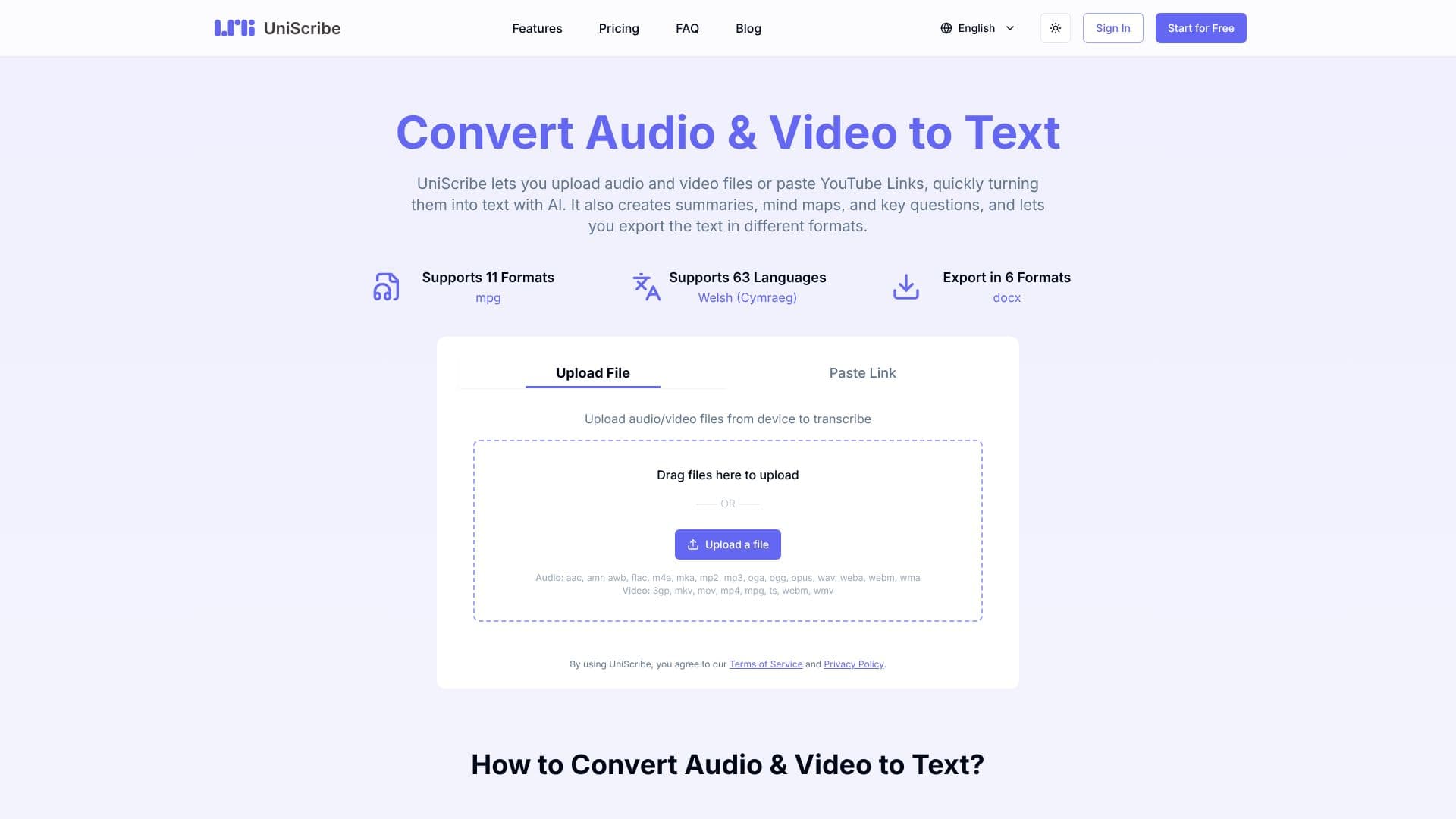
UniScribe offers a powerful AI-driven solution for converting audio and video content into text, accessible online and free to use. Users can upload files directly from their device or paste YouTube links to initiate the transcription process. The platform supports a wide array of audio formats including MP3, WAV, and FLAC, as well as video formats like MP4, MOV, and MKV.
Read More
Beyond simple transcription, UniScribe leverages AI to provide additional valuable features. It can automatically generate concise summaries of the transcribed content, create visual mind maps to highlight key themes and relationships, and extract important questions and answers from the audio or video. This makes it an ideal tool for researchers, journalists, students, and content creators who need to quickly digest and analyze large volumes of spoken or visual information.
The service supports transcription in 63 languages, including English, Spanish, French, German, and Italian, making it a versatile global tool. Once transcribed, users have the flexibility to export their text in various formats such as TXT, DOCX, PDF, SRT, CSV, and VTT. This ensures compatibility with different workflows and applications. For collaborative projects or easy sharing, UniScribe also allows users to share a direct link to view the transcript online.
UniScribe offers a tiered pricing model, including a free tier that provides 120 minutes of transcription per month, with limitations on file length and daily uploads. Paid plans offer increased transcription minutes, longer file support, higher accuracy models, speaker identification, and API access for bulk transcription needs. The platform emphasizes ease of use, with a straightforward process: upload or paste, transcribe, and then export or share the results.
- CategoryAI Transcription Tools
- Pricing ModelFreemium
- DeploymentCloud
- PlatformsWeb
UniScribe: Audio & Video to Text's Core Features
AI-powered audio and video to text transcription
Supports uploading audio/video files from device
Accepts YouTube links for transcription
Generates summaries from transcribed content
Creates mind maps for visual content analysis
Extracts key questions and answers
Supports transcription in 63 languages
Exports transcripts in multiple formats (TXT, DOCX, PDF, SRT, CSV, VTT)
Offers a free tier for basic usage
Provides tiered subscription plans for increased usage and features
Includes speaker identification in premium plans
API access available for bulk transcription
How to use UniScribe: Audio & Video to Text?
Upload or Paste: Upload audio/video files from your device or paste an online video link.
Transcribe: Click 'Transcribe' and wait for the AI to process your content.
Generate Insights: Automatically create summaries, mind maps, and key questions.
Export or Share: Export the transcribed text in various formats or share a link to view it.
UniScribe: Audio & Video to Text's Use Cases
- Meeting Transcription
- Lecture Summarization
- Interview Analysis
- Podcast Transcription
- Video Content Analysis
- Content Repurposing
- Accessibility Features