Description
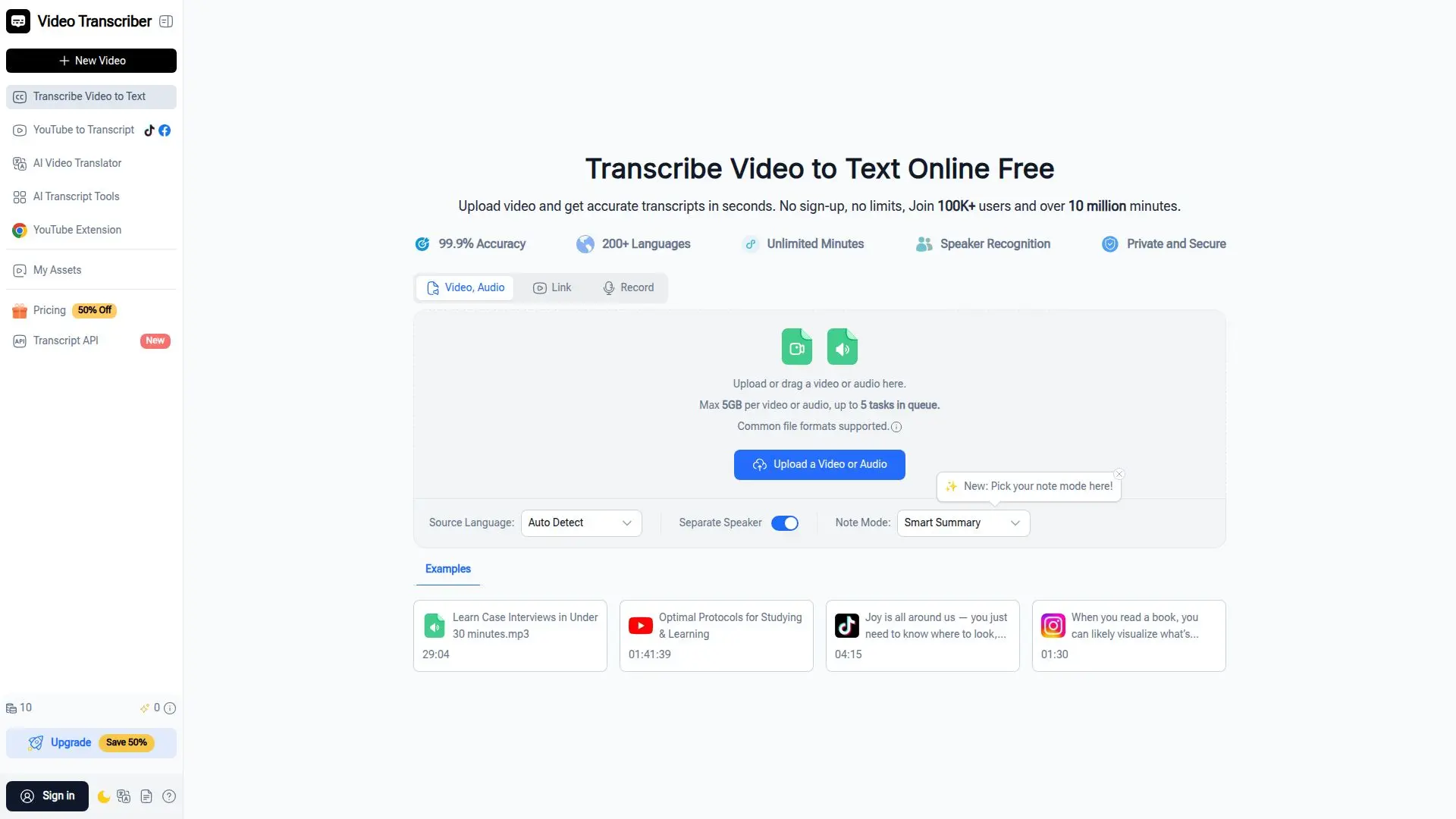
Video Transcriber AI is a free, all-in-one online tool that transcribes videos and audio into text, generates subtitles, and creates summaries. It works with uploaded files and direct links from YouTube, TikTok, Instagram, Facebook, and X, as well as formats like MP4, MOV, AVI, MP3, and WAV, with no login required.
Read More
The tool transcribes in over 100 languages with speaker recognition, sentence-level timestamps, and AI chapters. Beyond transcripts, it can translate content into 200+ languages, add AI dubbing, generate subtitles for download as SRT and VTT, and produce summaries, mind maps, and infographics.
Video Transcriber AI is used by students, teachers, professionals, content creators, researchers, and journalists to turn lectures, meetings, interviews, and social videos into readable, searchable text. A free tier covers short jobs, and paid plans add higher minute allowances, larger file sizes up to 5 GB, best-accuracy transcription, and more AI dubbing minutes.
- CategoryAI Transcription Tools
- Pricing ModelFreemium
- DeploymentCloud
- PlatformsWeb
Video Transcriber AI's Core Features
Transcribe video and audio to text in 100+ languages
Works with YouTube, TikTok, Instagram, Facebook, X, and file uploads
Speaker recognition and sentence-level timestamps
Multiple transcription accuracy modes
AI translation into 200+ languages
AI dubbing and auto-generated subtitles
Export SRT and VTT subtitles
Summaries, AI chapters, mind maps, and infographics
How to use Video Transcriber AI?
Upload your file or paste a link: Add a video or audio file, or paste a YouTube, TikTok, or other URL.
Start transcribing: Let the AI process the file and convert speech into accurate text.
Review the transcript: Check the text, speaker labels, and timestamps, and choose a language.
Copy, download, or share: Export the transcript or subtitles, or further summarize and translate it.
Video Transcriber AI's Use Cases
- Students and learners
- Meetings and webinars
- Content creation
- Research
- Journalism