
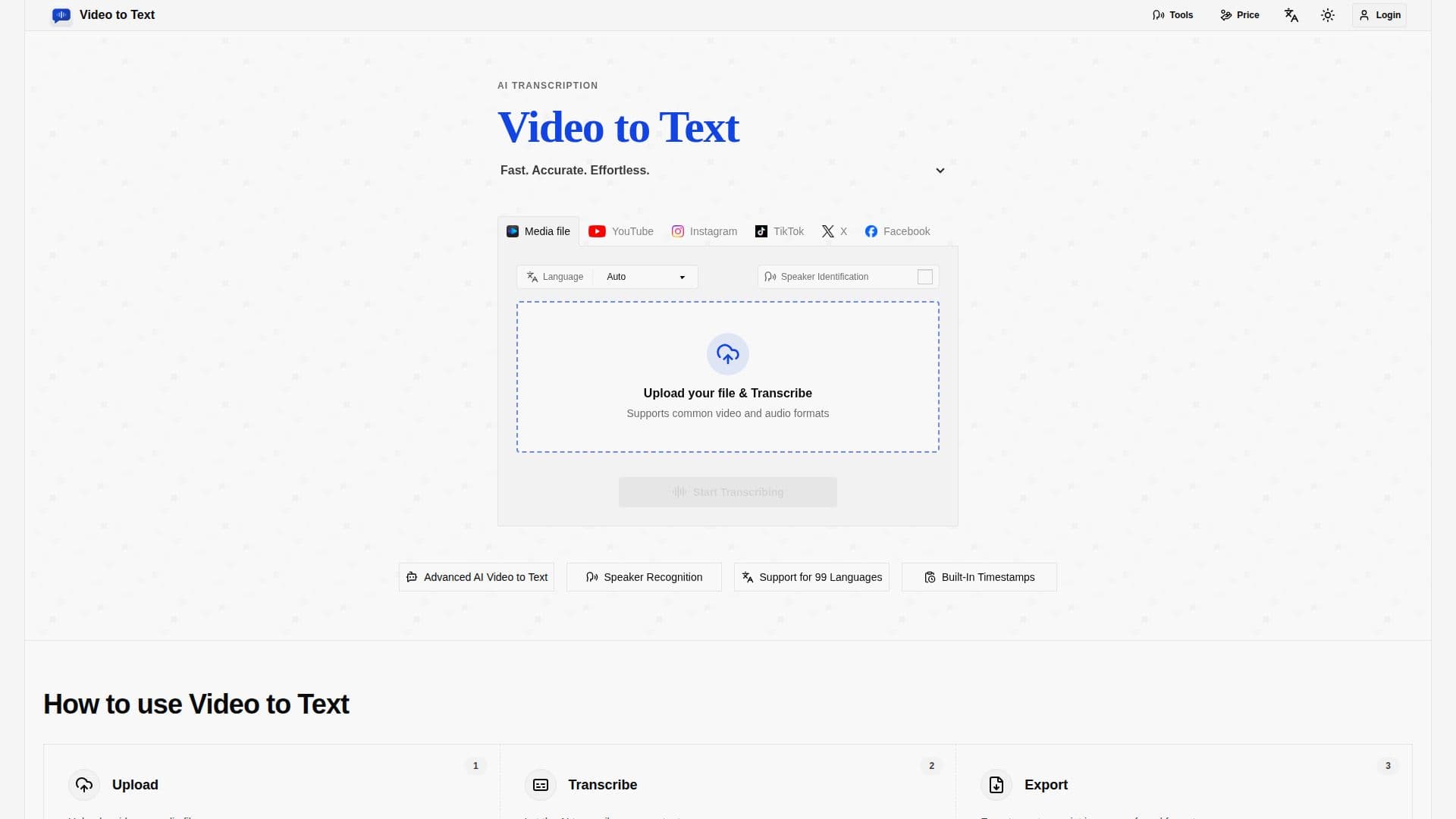
Description
Video to Text AI Converter is a web application designed to transform video and audio files into text transcripts. It supports 99 languages, including English, Spanish, Portuguese, French, and Chinese, making it suitable for a wide range of users. The tool is particularly useful for creating subtitles, meeting notes, interviews, courses, podcasts, and multilingual content workflows. Users can upload files in common formats such as MP4, MOV, MKV, WEBM, and M4V for video, and MP3, WAV, M4A, FLAC, OGG, AAC, and OPUS for audio.
Read More
The AI-powered transcription service offers features like speaker diarization, which helps identify different speakers in the transcript, and timestamps, which allow users to jump to specific moments in the media. This is especially beneficial for subtitle creation, editing, and content review. The service also supports automatic language detection and multi-language recognition, enabling it to handle bilingual or multilingual conversations with ease.
Video to Text AI Converter operates on a simple pay-as-you-go pricing model, with no subscription required. New users receive 30 free credits to try the service, and additional credits can be purchased as needed. The tool charges 1 credit per minute of content or per social media video transcribed. Users can export transcripts in various formats, including TXT, SRT, VTT, and CSV, making it easy to integrate with different workflows.
The tool is designed for creators, teams, and individuals who need fast, accurate speech-to-text conversion without the complexity of setting up their own transcription pipeline. It is particularly beneficial for YouTube subtitles, online courses, social media clips, meetings, webinars, interviews, lectures, and language learning. The service is built by an independent developer, focusing on providing a straightforward and efficient transcription experience.
- CategoryAI Transcription Tools
- Pricing ModelFreemium
- DeploymentCloud
- PlatformsWeb
Video2Text's Core Features
Transcribes video and audio to text
Supports 99 languages
Speaker diarization
Timestamps for easy navigation
Automatic language detection
Multi-language recognition
Exports in TXT, SRT, VTT, CSV
Pay-as-you-go pricing model
How to use Video2Text?
Upload: Upload a video or audio file
Transcribe: Let the AI transcribe your content
Export: Export your transcript in your preferred format
Optimize: Use timestamps and speaker labels for better clarity
Video2Text's Use Cases
- YouTube Subtitles
- Meeting Notes
- Interview Transcription
- Lecture Notes
- Language Learning