Description
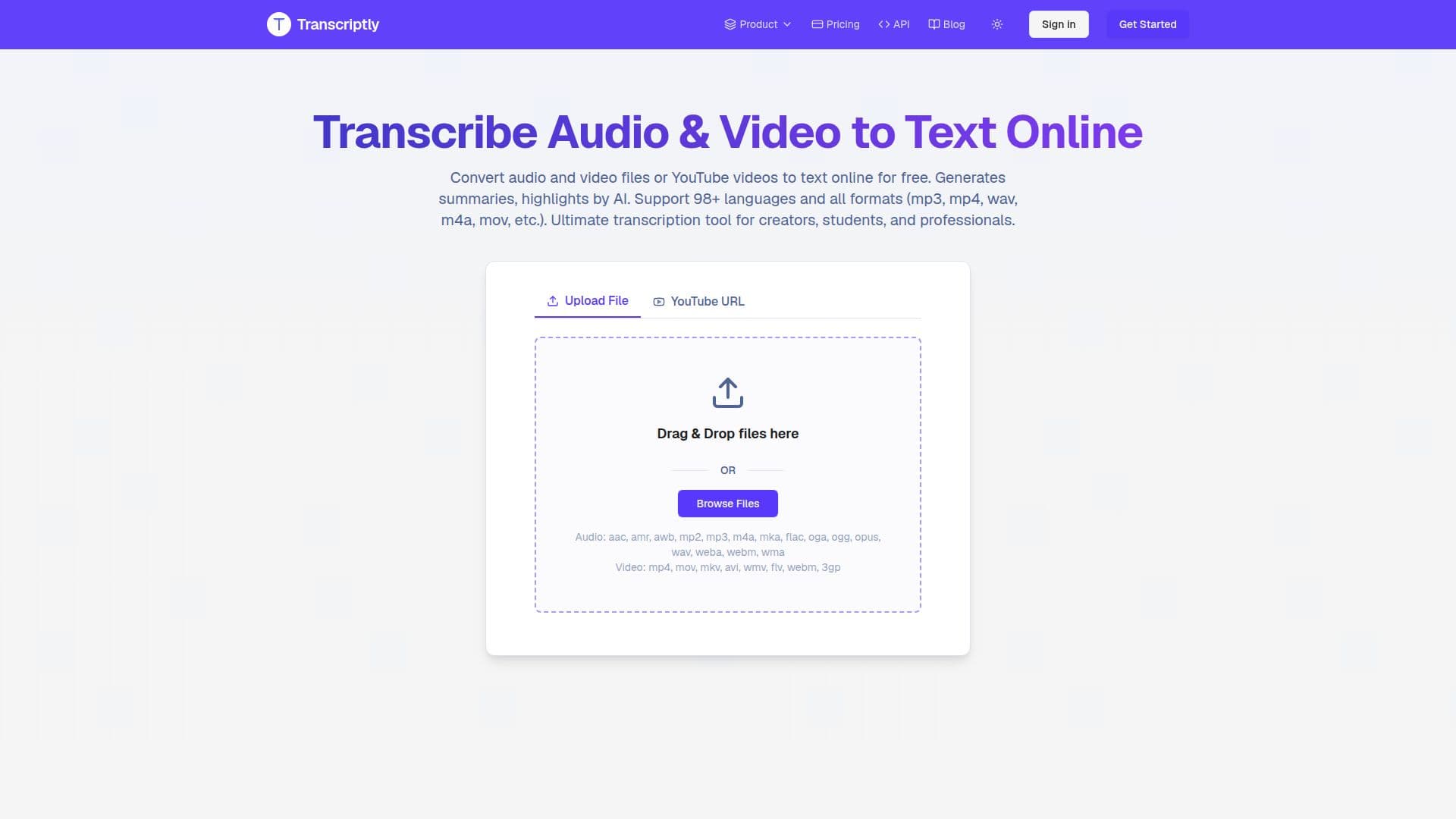
Transcriptly is an online audio and video to text converter that transcribes local files or YouTube videos into text and subtitles. It supports 98+ languages and common formats including MP3, MP4, WAV, M4A, and MOV, and it can generate AI summaries and highlights alongside the transcript. The tool is aimed at content creators, students, journalists, researchers, and businesses who need to turn spoken content into usable text.
Read More
Beyond plain transcription, Transcriptly offers timestamps, speaker detection, and an interactive transcript analysis feature that lets you chat with your transcripts to summarize content, extract key points, and generate insights. Transcripts and subtitles can be exported in multiple formats — SRT, VTT, TXT, CSV, PDF, and DOCX — for use in editing and publishing workflows.
Developers can use a dedicated API to batch-process YouTube video transcripts at higher volumes. Transcriptly is free to start with 10 monthly credits, with paid plans adding more capacity, additional formats, and higher processing limits.
- CategoryAI Transcription Tools
- Pricing ModelFreemium
- DeploymentCloud
- PlatformsWeb
Transcriptly's Core Features
Audio, video, and YouTube to text and subtitle conversion
Support for 98+ languages
Support for common audio/video formats (MP3, MP4, WAV, M4A, MOV, and more)
AI summaries and highlights of transcribed content
Timestamps and speaker detection
Interactive transcript analysis to chat with your transcripts
Export to SRT, VTT, TXT, CSV, PDF, and DOCX
Developer API for batch YouTube transcript extraction
How to use Transcriptly?
Upload or link: Upload an audio/video file from your device or paste a YouTube URL.
Transcribe: Click Transcribe and the AI engine converts speech to text.
Review and analyze: Read the transcript with timestamps and speakers, and optionally chat with it for summaries and key points.
Export or share: Download the transcript or subtitles in SRT, VTT, PDF, DOCX, TXT, or CSV, or share a secure link.
Transcriptly's Use Cases
- Students and researchers
- Content creators
- Journalists and writers
- Businesses and marketers