Description
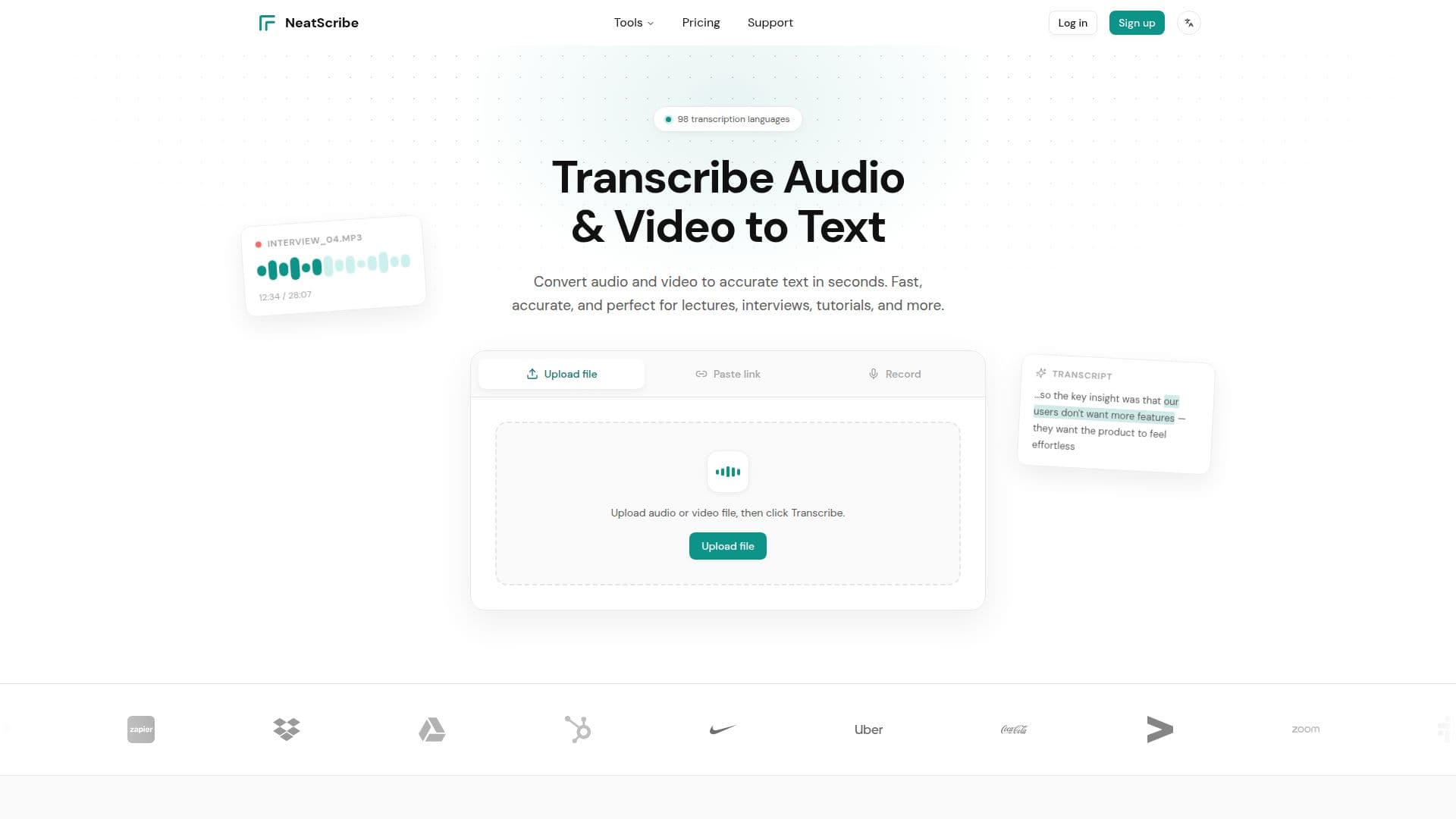
NeatScribe converts audio and video into accurate, editable text directly in the browser. Users upload a file or paste a public link, and a timestamped transcript is generated in seconds. The transcript can be edited like a document, with word-level timestamps to find and fix lines quickly, then exported in formats including TXT, PDF, DOCX, SRT, VTT, CSV, and LRC.
Read More
The speech-to-text engine supports a wide range of audio and video formats and covers 98 transcription languages with broad accent and dialect coverage. Additional features include automatic speaker identification, AI translation to turn a finished transcript into another language, AI mind maps that summarize long recordings into a structured visual overview, and the ability to transcribe from links without downloading the media first.
NeatScribe includes dedicated tools for audio-to-text, video-to-text, a YouTube transcript generator, a subtitle generator, an audio compressor, and a subtitle converter. It can pull transcripts from links across YouTube, Instagram, Facebook, X, Twitter, TikTok, and Vimeo. It is used by creators, educators, journalists, podcast producers, and researchers to turn recordings into searchable, editable text.
A free plan offers a limited number of transcriptions per week with a per-file length cap, all 98 languages, AI mind maps, and standard exports. Paid Pro and Premium plans add monthly credits, larger file sizes, AI translation, speaker diarization, saved uploads, and commercial use.
- CategoryAI Transcription Tools
- Pricing ModelFreemium
- DeploymentCloud
- PlatformsWeb
NeatScribe's Core Features
Audio and video to timestamped text in seconds
In-browser transcript editing with word-level timestamps
98 transcription languages with accent and dialect coverage
Automatic speaker identification
AI translation of finished transcripts
AI mind maps summarizing long recordings
Transcribe from links across YouTube, Instagram, TikTok, and more
Exports to TXT, PDF, DOCX, SRT, VTT, CSV, and LRC
How to use NeatScribe?
Upload or paste: Drag and drop a file, choose one from your device or cloud, or paste a supported link.
Transcribe: Generate a timestamped transcript in seconds.
Edit: Refine the text in the browser using word-level timestamps and speaker labels.
Export: Download the transcript or subtitles in your chosen format, ready to share or publish.
NeatScribe's Use Cases
- Interview transcription
- Subtitles for creators
- Lecture notes
- Research analysis