
Description
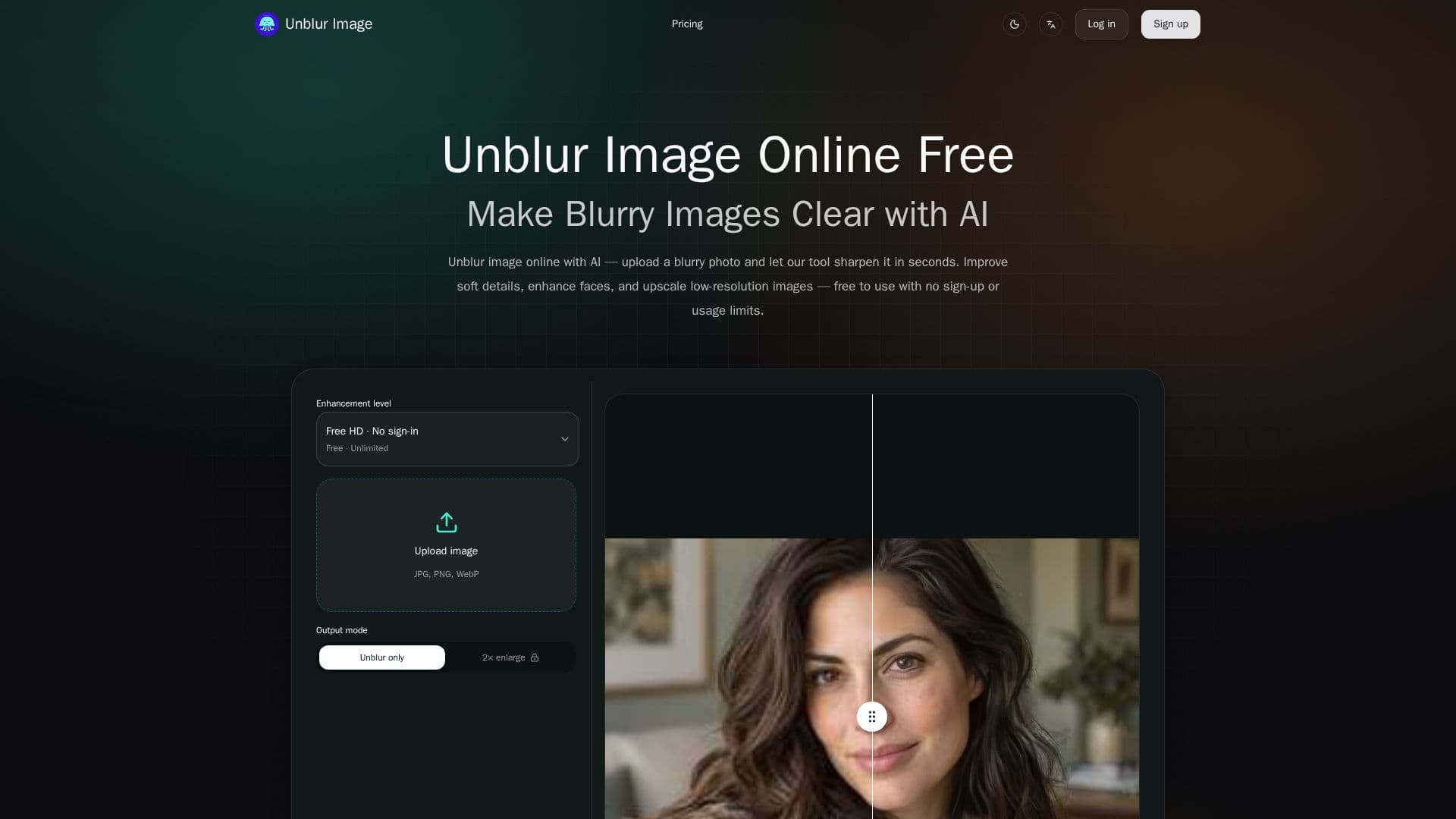
Unblur Image is a dedicated online AI tool that transforms blurry photographs into clear, sharp images within seconds. This platform is engineered to address various types of blur, including motion blur, lens blur, and soft focus, without requiring any manual editing skills from the user. Its core functionality revolves around advanced AI algorithms that analyze and enhance image details, making it accessible for anyone looking to improve their photo quality.
Read More
The tool offers several key capabilities, such as AI unblurring and deblurring for instant clarity, face recovery and portrait sharpening to bring out lost facial details, and the ability to unblur and enlarge images. It also excels at unblurring text and documents, making blurry screenshots, scanned papers, and whiteboard photos legible again. Additionally, Unblur Image incorporates noise reduction and clarity enhancement features to minimize grain, compression artifacts, and scan noise while preserving the main subject.
Using Unblur Image is a straightforward three-step process: users upload their blurry image (supporting formats like PNG, JPEG, JPG, and WebP), the AI automatically applies enhancements, and then the crystal-clear image can be downloaded. A real-time before/after preview allows users to compare the original with the enhanced result. While standard unblurring is completely free and requires no account, optional 2x enlargement is available upon sign-in for supported devices. The platform emphasizes its commitment to being 100% free for HD mode, with no sign-up, credit card, or trial period required for basic unblurring.
Unblur Image caters to a diverse audience, including e-commerce sellers who need sharp product photos, portrait and selfie enthusiasts aiming for clearer shots, individuals involved in old photo restoration, and content creators or designers who need to sharpen screenshots and design assets. The tool is designed for fast, simple image enhancement, working seamlessly across desktop and mobile browsers without the need for app installations or plugins. For more advanced features or higher resolution outputs (beyond 2x enlargement), the platform offers one-time credit packs for cloud image enhancement, which include Standard, High Fidelity, and Strong Restore modes, with purchased credits never expiring.
- CategoryAI Photo Editors
- Pricing ModelFreemium
- DeploymentCloud
- PlatformsWeb
Unblur Image's Core Features
AI Unblur & Deblur Images Instantly
Face Recovery & Portrait Sharpening
Unblur and Enlarge Images (2x/4x upscale)
Unblur Text & Documents
Noise Reduction & Clarity Enhancement
100% Free, No Usage Limits for HD mode
No Sign-Up Required for standard unblurring
AI Upscale and Face Enhancement controls
Real-Time Before/After Preview
Works on Desktop & Mobile browsers
Supports common image formats (PNG, JPEG, JPG, WebP)
Often Ready in Seconds
No Watermark on enhanced images
Multiple enhancement modes (Standard, High Fidelity, Strong Restore) with credit packs
One-time credit packs with no expiration
How to use Unblur Image?
Upload Your Blurry Image: Drag and drop your photo or click to browse and select it.
AI Unblurs It Automatically: The AI analyzes and applies enhancements; choose upscale level and face enhancement.
Preview the Result: Compare your original blurry image against the AI unblur result using the before/after slider.
Download Your Crystal-Clear Image: Save your enhanced photo to your device.
Unblur Image's Use Cases
- E-commerce Product Enhancement
- Portrait & Selfie Improvement
- Old Photo Restoration
- Content Creation & Design
- Document & Text Clarification
- Reducing Image Noise