
Description
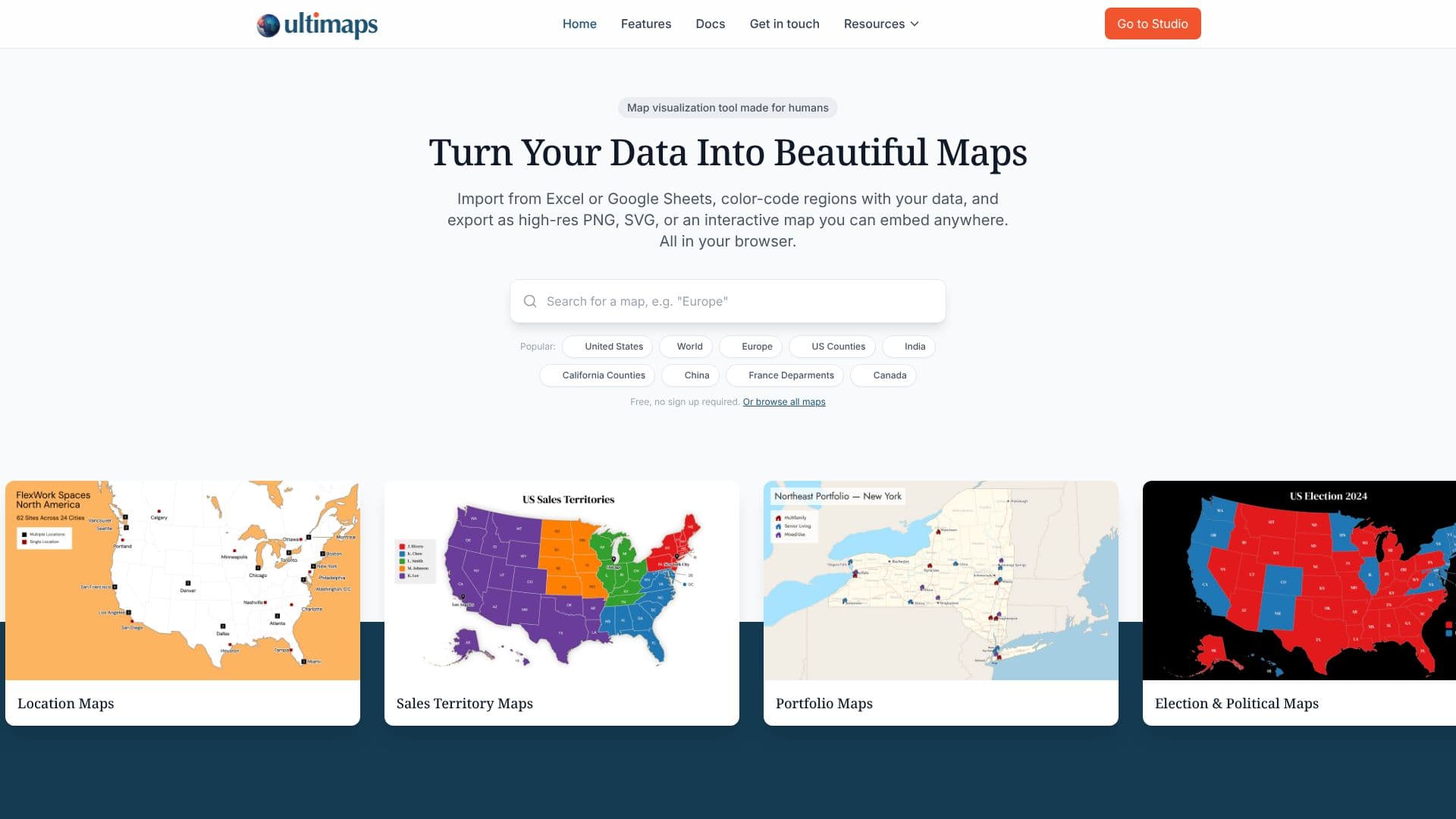
Ultimaps empowers users to transform their data into visually compelling maps directly within their web browser. This intuitive tool simplifies the process of data visualization, allowing individuals and businesses to create custom maps without requiring any prior design or coding expertise. Users can import data from common sources like Excel, Google Sheets, or Notion, or even use AI prompts to generate maps based on descriptive requests.
Read More
The platform offers a wide array of pre-built vector maps, covering countries, continents, and administrative regions such as US states and counties. These maps can be color-coded based on imported data, enabling the creation of choropleth maps, sales territory maps, election maps, and more. The tool automatically matches data to the correct regions, even with messy formatting, and provides smart color scaling for publication-ready outputs.
Beyond static exports, Ultimaps excels in creating interactive maps. These embeddable maps can feature tooltips on hover and popups on click, providing additional details to viewers. They can also include click-through links to external URLs. This functionality is invaluable for websites, blogs, and investor reports, allowing for dynamic data presentation. Interactive maps are mobile-responsive and load quickly, enhancing user experience.
Ultimaps offers a generous free tier that includes unlimited map creation and standard PNG exports with attribution. For users requiring higher resolution exports, vector formats (SVG, PDF), or attribution-free maps, a Pro plan is available. Custom map creation services are also offered for specific regional needs. The platform is designed for a broad audience, from educators and researchers to sales teams and real estate professionals, all seeking an accessible and powerful mapping solution.
- CategoryData Visualization
- Pricing ModelFreemium
- DeploymentCloud
- PlatformsWeb
Ultimaps's Core Features
Create custom maps from spreadsheet data
Generate choropleth maps with data visualization
Import data from Excel, Google Sheets, and Notion
Use AI prompts for map generation
Export maps as high-resolution PNG, SVG, and PDF
Embed interactive maps on websites
Add tooltips and popups to interactive maps
Over 200 pre-built vector maps available
No sign-up required for basic map creation
Color-code regions based on imported data
Sales territory and real estate portfolio mapping
Election and political mapping capabilities
Business presence and location mapping
How to use Ultimaps?
Select Map: Choose from over 200 available vector maps.
Add Data: Import from files, connect spreadsheets, or use AI prompts.
Customize: Fine-tune colors, add annotations, and configure interactive elements.
Export/Embed: Download as PNG, SVG, PDF, or publish as an interactive embed.
Ultimaps's Use Cases
- Sales Territory Mapping
- Real Estate Visualization
- Election Analysis
- Demographic Data Display
- Business Presence Mapping
- Educational Resource
- Interactive Website Embeds