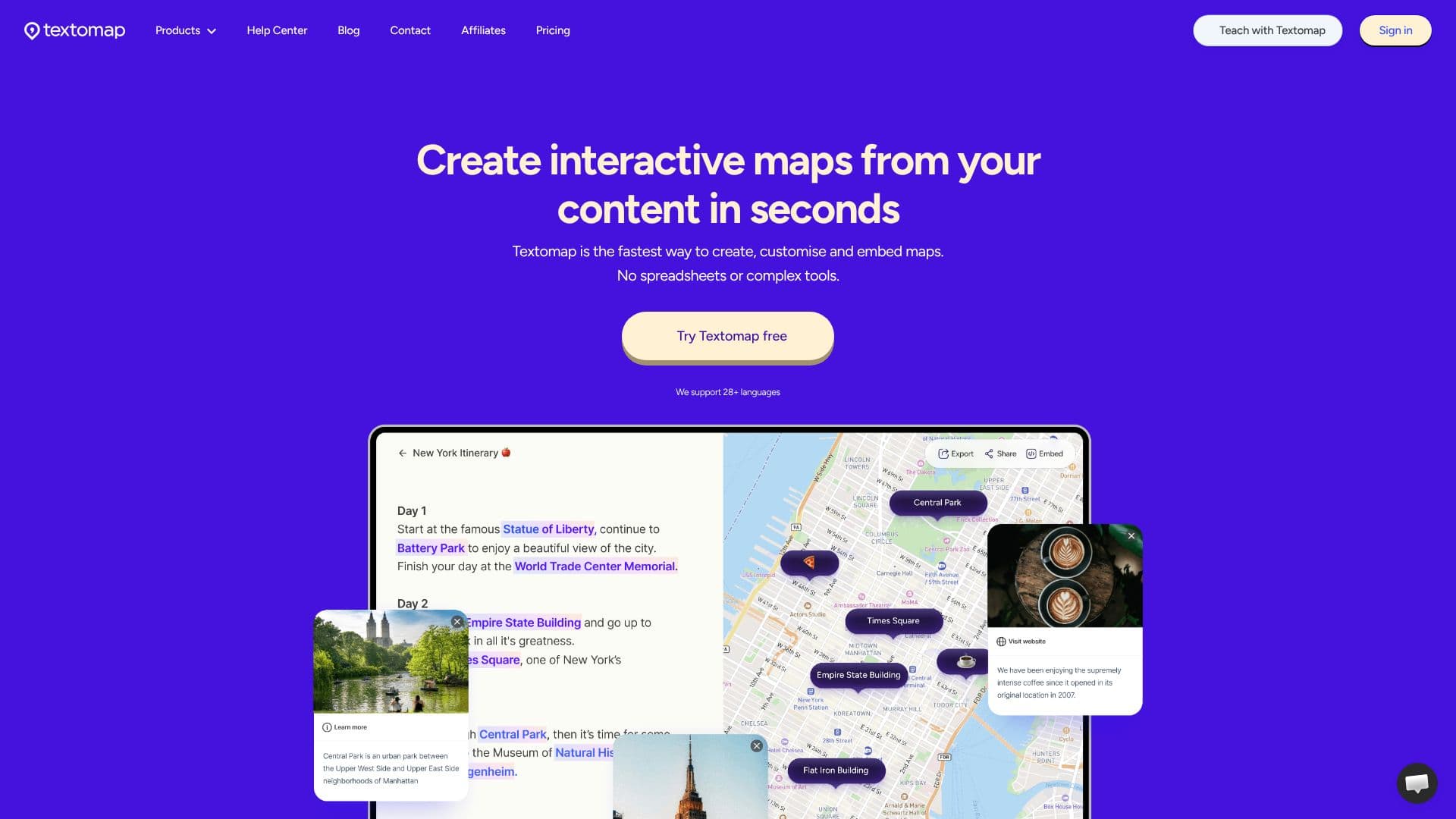
Description
Textomap is an AI-powered tool designed to generate interactive maps from a wide variety of content sources. It simplifies the process of visualizing location-based information, making it accessible to users without technical expertise. The platform can convert text, images, AI prompts, questions, CSV files, and URLs into dynamic maps in mere seconds.
Read More
This tool is particularly beneficial for educators, content creators, bloggers, travel agents, and media outlets. Students can use Textomap to engage with geography, history, and science interactively, while teachers can create custom learning materials. Bloggers and content creators can enrich their posts with visual location data, and travel professionals can map out itineraries and destinations.
Textomap offers seamless integration with existing workflows. Users can embed maps directly into their websites or blog posts with a simple copy-paste. For WordPress users, a dedicated plugin is available. The platform also provides a Chrome Extension, allowing users to create and view maps directly within their browser, across various websites, social media, documents, and emails.
Key capabilities include the ability to customize locations with links, images, and descriptions. Textomap supports over 28 languages, automatically recognizing the language of the input content. For data-driven map creation, users can import CSV files. The tool also allows for exporting map data as a CSV file or opening it directly in Google Maps. For advanced users, a Pro plan unlocks unlimited maps and additional features.
Textomap emphasizes ease of use, eliminating the need for spreadsheets or complex mapping software. The platform aims to provide a productive and simple way to visualize information, harnessing AI with human creativity. Users can sign up for free and explore its features, with options to upgrade for enhanced functionality and an ad-free experience.
- CategoryData Visualization
- Pricing ModelFreemium
- DeploymentCloud
- PlatformsWeb, Chrome Extension, WordPress Plugin
Textomap's Core Features
Generate interactive maps from text, images, AI prompts, questions, CSVs, and URLs.
Create, customize, and embed maps quickly without spreadsheets or complex tools.
Supports 28+ languages with automatic language recognition.
Offers a Chrome Extension for in-browser map creation and viewing.
Provides a WordPress Plugin for easy website integration.
Allows customization of locations with links, images, and descriptions.
Enables export of map data as CSV or opening in Google Maps.
Facilitates embedding maps into websites and blog posts.
Offers a free tier for basic usage.
Provides an AI agent for generating maps from prompts and questions.
Allows users to create maps from webpages with copy-paste functionality.
Updates embedded and shared maps automatically.
How to use Textomap?
Configure: Select your content source (text, image, prompt, URL, CSV).
Generate: Input your content and let Textomap create the interactive map.
Customize: Add details to locations, including links, images, and descriptions.
Embed: Copy the embed code and paste it into your website or blog.
Share: Share your map via a direct link.
Export: Download your map data as a CSV file or open it in Google Maps.
Textomap's Use Cases
- Educational Content
- Blog Post Enhancement
- Travel Itineraries
- News Reporting
- AI Prompt Visualization
- Image-Based Mapping
- Website Content Mapping