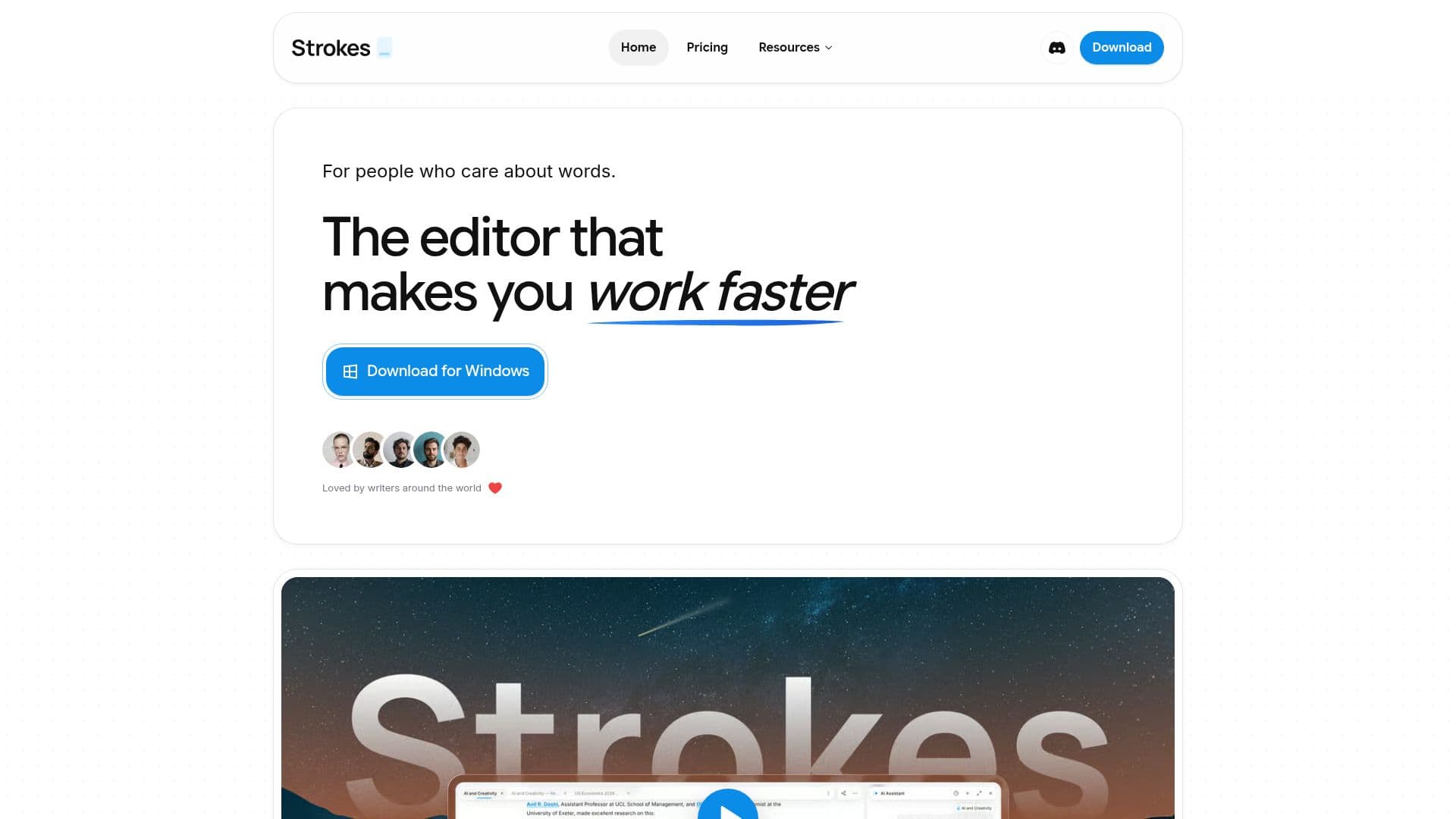
Description
Strokes is a desktop writing application tailored for individuals who are passionate about words and writing. It provides a seamless environment where users can write, revise, and enhance their thinking with the aid of a personal assistant. Unlike many cloud-based editors, Strokes ensures that your documents remain on your local machine, providing a true offline experience. This feature is particularly beneficial for users who prefer to work without an internet connection or have concerns about data privacy.
Read More
The application supports various file formats, allowing users to import Word files, Markdown notes, or Notion exports while maintaining the original formatting. This flexibility ensures that users can integrate Strokes into their existing workflows without any hassle. Additionally, the app is designed to handle documents of any size with ease, ensuring that even a 300-page document operates as smoothly as a single-page note.
Strokes also includes an intelligent assistant that allows users to interact with their text without the need to switch between different applications. This feature is particularly useful for writers who want to ask questions or make edits without leaving the writing space. The app's AI capabilities extend to chat, editing, writing, web research, and even image generation, providing a comprehensive suite of tools for creative and professional writing.
The pricing model for Strokes includes a free tier that offers essential features to get started. Users can upgrade to the Plus plan for $9 per month for additional support, or the Pro plan for $29 per month for more ambitious projects. These plans offer varying levels of AI usage, cloud backups, and priority support, catering to different user needs.
Strokes is ideal for writers, thinkers, and teams looking for a robust writing tool that combines the power of AI with the security of local file storage. Its comprehensive feature set and flexible pricing make it a valuable tool for anyone looking to enhance their writing process.
- CategoryAI Writing Assistants
- Pricing ModelFreemium
- DeploymentDesktop app
- PlatformsDesktop
Strokes's Core Features
Desktop writing application
Personal intelligent assistant
True offline experience
Supports Word, Markdown, Notion
Handles large documents efficiently
AI chat, edit, and write capabilities
Web research and image generation
Flexible pricing plans
How to use Strokes?
Install: Download and install the app
Configure: Set up your preferences
Use: Start writing and use the assistant
Optimize: Upgrade for more features
Strokes's Use Cases
- Creative Writing
- Professional Documents
- Offline Writing
- File Integration
- AI-Assisted Editing