Description
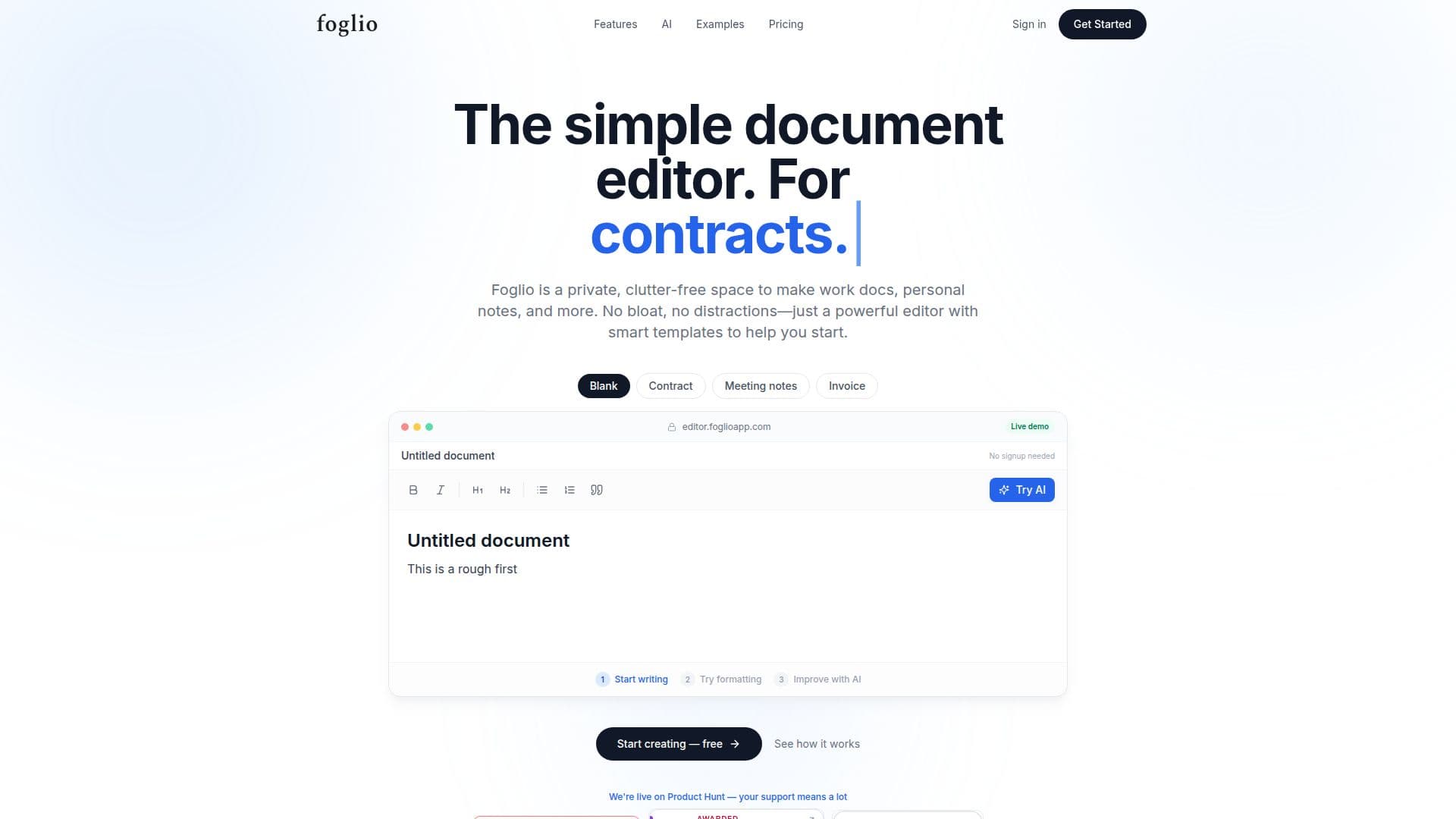
Foglio is a straightforward document editor designed to provide a private and clutter-free environment for creating various types of documents, including work documents, personal notes, contracts, and meeting notes. The platform offers smart templates that help users get started quickly with contracts, NDAs, proposals, invoices, and meeting notes. Additionally, Foglio integrates AI writing assistance directly into the editor, allowing users to improve their writing, adjust tone, or refine sections without leaving the platform.
Read More
Foglio's user-friendly interface is designed to eliminate distractions, offering a focused space for document creation. Users can organize their documents using folders and share them easily via links. The platform supports exporting documents to PDF, HTML, and Markdown formats, with advanced export options available in paid plans.
The platform offers a free Basic plan that includes a distraction-free editor, 2GB of storage, 5 AI templates per month, and document sharing capabilities. For users needing more features, the Pro plan is available at £4.99 per month, providing 50GB of storage, 100 AI templates per month, priority support, and advanced export options. The Team plan, priced at £15 per month, supports up to 5 team members, shared folders, and an admin dashboard, with 200GB of storage.
Foglio is ideal for individuals and small teams looking for a simple yet powerful document editing solution. It stands out from traditional editors like Word or Google Docs by offering a streamlined, distraction-free experience with integrated AI tools. Users can cancel their subscriptions at any time, with no long-term contracts or cancellation fees.
- CategoryAI Document & PDF Tools
- Pricing ModelFreemium
- DeploymentCloud
- PlatformsWeb
Foglio's Core Features
Distraction-free document editor
Smart templates for various document types
AI writing improvement tools
Folder organization for documents
Export to PDF, HTML, and Markdown
Document sharing via links
Team shared folders and admin dashboard
Instant auto-save with zero latency
How to use Foglio?
Create: Start a new document using a template
Edit: Use AI tools to refine your writing
Organize: Arrange documents in folders
Share: Distribute documents via shareable links
Foglio's Use Cases
- Blogger
- Small Team
- Note-taker
- Freelancer
- Project Manager