Description
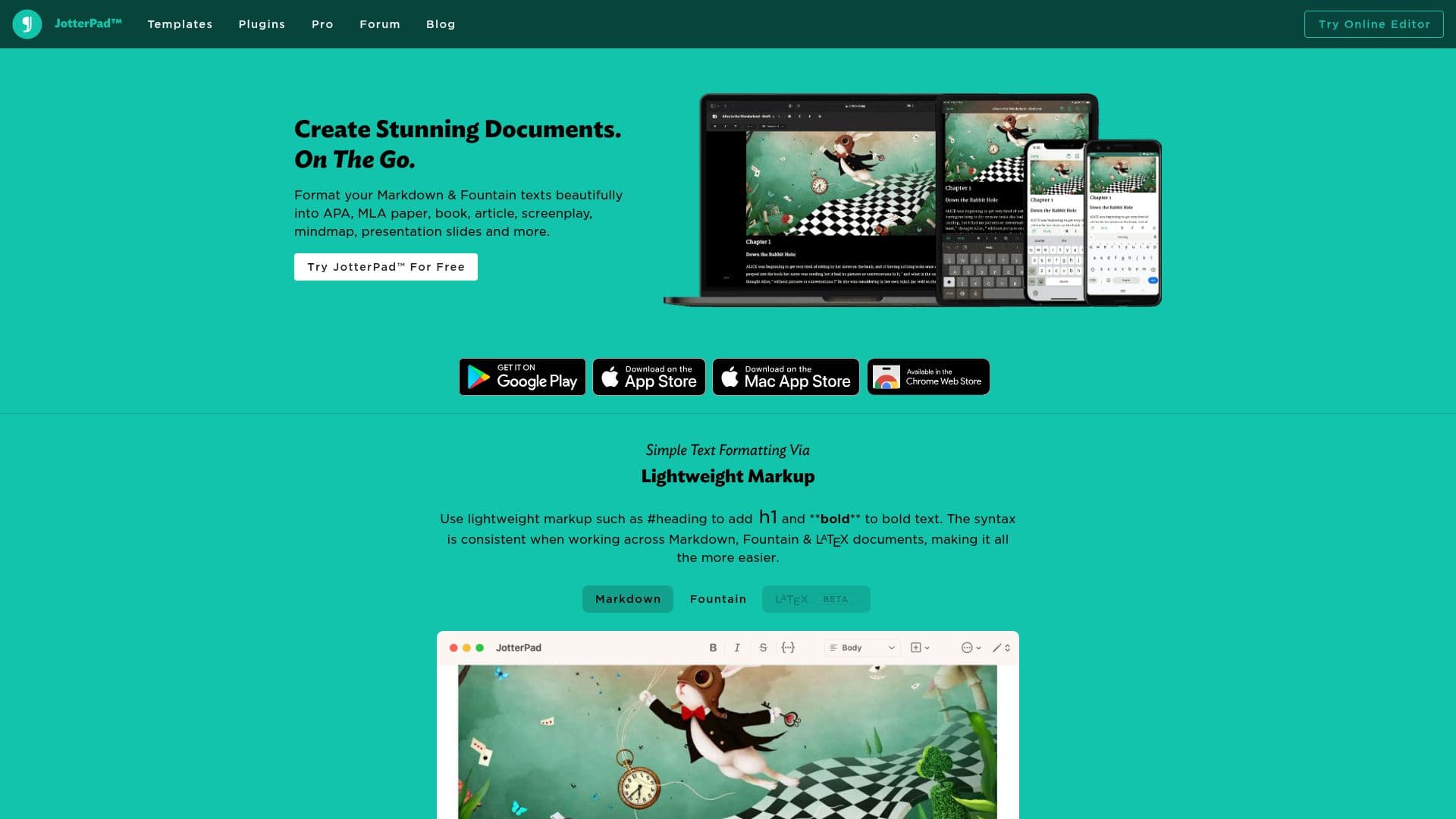
JotterPad is a versatile text editor designed for writers and screenplay writers, providing a professional platform to create stunning documents on the go. It supports lightweight markup languages such as Markdown, Fountain, and LaTeX, enabling simple text formatting with consistent syntax across documents. Users can integrate seamlessly with popular cloud services like iCloud, Google Drive, Dropbox, and Microsoft OneDrive, allowing them to work directly without leaving the application.
Read More
JotterPad offers powerful integrated plugins that expand its capabilities, including mind maps, flow charts, musical notation, and chemistry equations. The application also features efficient bibliography management with BibTex, allowing users to add citations easily and manage them using popular citation formats like APA, MLA, Chicago, and AMA.
The Wizard A.I., powered by GPT-3 technology, assists users in generating writing suggestions and prompts, making it a valuable tool for brainstorming and content generation. JotterPad also allows users to embed images into Markdown files by uploading them to the cloud, creating unique links for easy access across devices.
For those looking to enhance their documents visually, JotterPad provides access to high-quality images from Unsplash. The built-in dictionary and thesaurus offer quick research capabilities, including word definitions, synonyms, antonyms, and a rhyming dictionary.
JotterPad supports publishing to blogging platforms such as Ghost, WordPress, and Tumblr, and exporting documents to multiple formats, including DOCX, PDF, and FDX. Users can also create formatted eBooks in ePub format, viewable on platforms like Apple Books, Nook, Kobo, and Amazon Kindle. With over 100 beautifully designed templates, JotterPad simplifies formatting for novels, screenplays, articles, reports, letters, and presentation slides.
- CategoryAI Writing Assistants
- Pricing ModelFreemium
- DeploymentCloud, Mobile app
- PlatformsWeb, iOS, Android
JotterPad's Core Features
Supports Markdown, Fountain, and LaTeX
Integrates with iCloud, Google Drive, Dropbox, OneDrive
Offers plugins for mind maps, flow charts, and more
Bibliography management with BibTex
Wizard A.I. for writing suggestions
Embed images with cloud links
Access Unsplash for high-quality images
Built-in dictionary and thesaurus
Publish to Ghost, WordPress, Tumblr
Export to DOCX, PDF, FDX
Create eBooks in ePub format
Over 100 templates for various documents
How to use JotterPad?
Configure: Set up cloud integrations
Use: Write and format documents
Publish: Export or publish to platforms
Optimize: Utilize plugins for enhanced functionality
JotterPad's Use Cases
- Screenplay Writing
- Academic Writing
- Blog Publishing
- eBook Creation
- Creative Writing