
Description
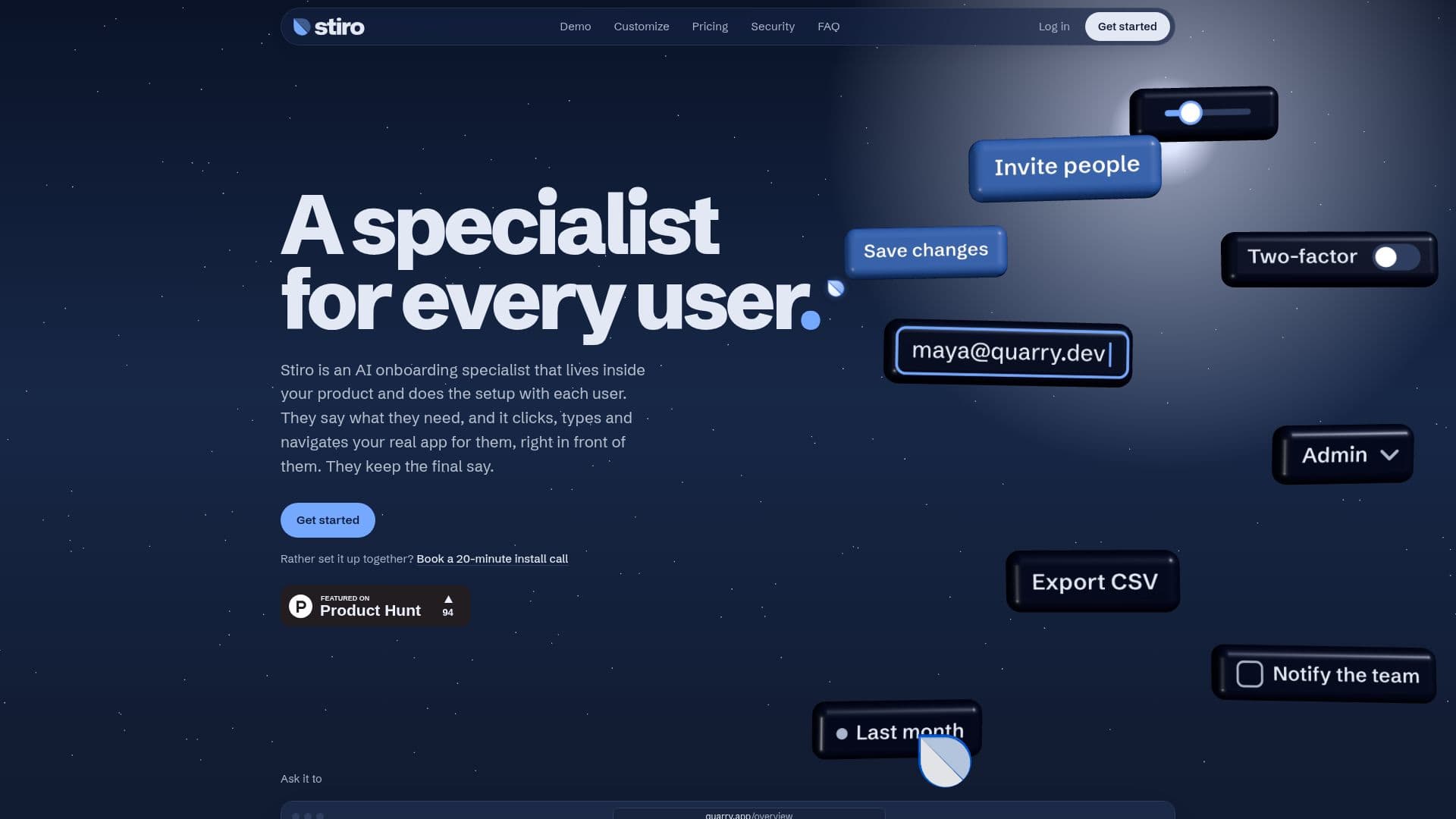
Stiro AI functions as an AI onboarding and customer success agent embedded directly within SaaS and web applications. It empowers users to articulate their needs in natural language, either by typing or speaking, and then autonomously performs the necessary clicks, typing, and navigation within the application's live interface. This innovative approach eliminates the need for traditional product tours or support chatbots that merely explain steps, instead directly executing tasks for the user while they observe.
Read More
The platform is designed for easy integration, requiring only a single script tag to be added to a web app. It works with any web technology, including React, Vue, Svelte, Angular, Rails, Phoenix LiveView, or plain HTML. Stiro AI operates by understanding user requests and interacting with the existing UI, meaning there are no complex flows to record or maintain, and it automatically adapts as the product interface evolves. This differentiates it from custom AI copilot frameworks that demand continuous code maintenance for every action.
Stiro AI handles a variety of in-app customer success tasks, such as getting users set up, addressing "how do I" queries, and locating relevant features. It is built to hand back any actions involving sending, spending, or deleting for user confirmation, ensuring user control over sensitive operations. If Stiro AI encounters a task it cannot complete, it stops and explains why, allowing the user to message the support team directly from the same panel, with the context of their request already attached. It can also integrate with existing helpdesks like Intercom or Zendesk.
Customization options are available on paid plans, allowing businesses to align Stiro AI's appearance with their brand by choosing colors, fonts, cursor styles, and the name users see. It also offers controls for setting daily usage limits per user and tying site keys to specific domains for security. Stiro AI prioritizes user privacy and security, only accessing what's necessary to fulfill a request and never storing sensitive information like passwords or card numbers. It loads asynchronously to avoid impacting app performance.
- CategoryCustomer Success & Onboarding
- Pricing ModelFreemium
- DeploymentCloud
- PlatformsAny Web App (React, Vue, Svelte, Angular, Rails, Phoenix LiveView, HTML)
Stiro AI's Core Features
In-app AI onboarding and customer success agent
Understands plain language requests (type or speak)
Automates clicks, typing, and navigation within the app's UI
Works with existing web app interfaces (React, Vue, HTML, etc.)
No flows to record or maintain; adapts to UI changes
Handles setup and "how do I" requests
Hands back sensitive actions (send, spend, delete) for user confirmation
Provides reasons when a task cannot be completed
Allows users to message support directly from the panel
Integrates with existing helpdesks (Intercom, Zendesk)
Customizable appearance (colors, font, cursor, name) on paid plans
Configurable daily usage limits per user
Domain-tied site keys for security
Asynchronous loading to prevent app slowdown
Does not browse or scrape other websites
Never types passwords or card numbers
How to use Stiro AI?
Integrate: Paste one script tag into your web application.
Customize: On paid plans, choose colors, font, cursor, and the name your users see.
Configure: Tell Stiro about each page and signed-in user with one attribute.
Set Limits: Choose where its launcher shows and set daily limits per user.
Use: Users ask for what they want in plain words (type or speak).
Observe: Stiro clicks, types, and navigates your interface to complete the task.
Confirm: Review and confirm any actions involving sending, spending, or deleting.
Support: If Stiro stops, users can message your team from the panel, or it hands off to your helpdesk.
Stiro AI's Use Cases
- SaaS Onboarding Automation
- Customer Success Support
- CRM Task Execution
- Project Management Updates
- Calendar Management
- User Interface Navigation
- Digital Customer Service
- Reducing Support Tickets