
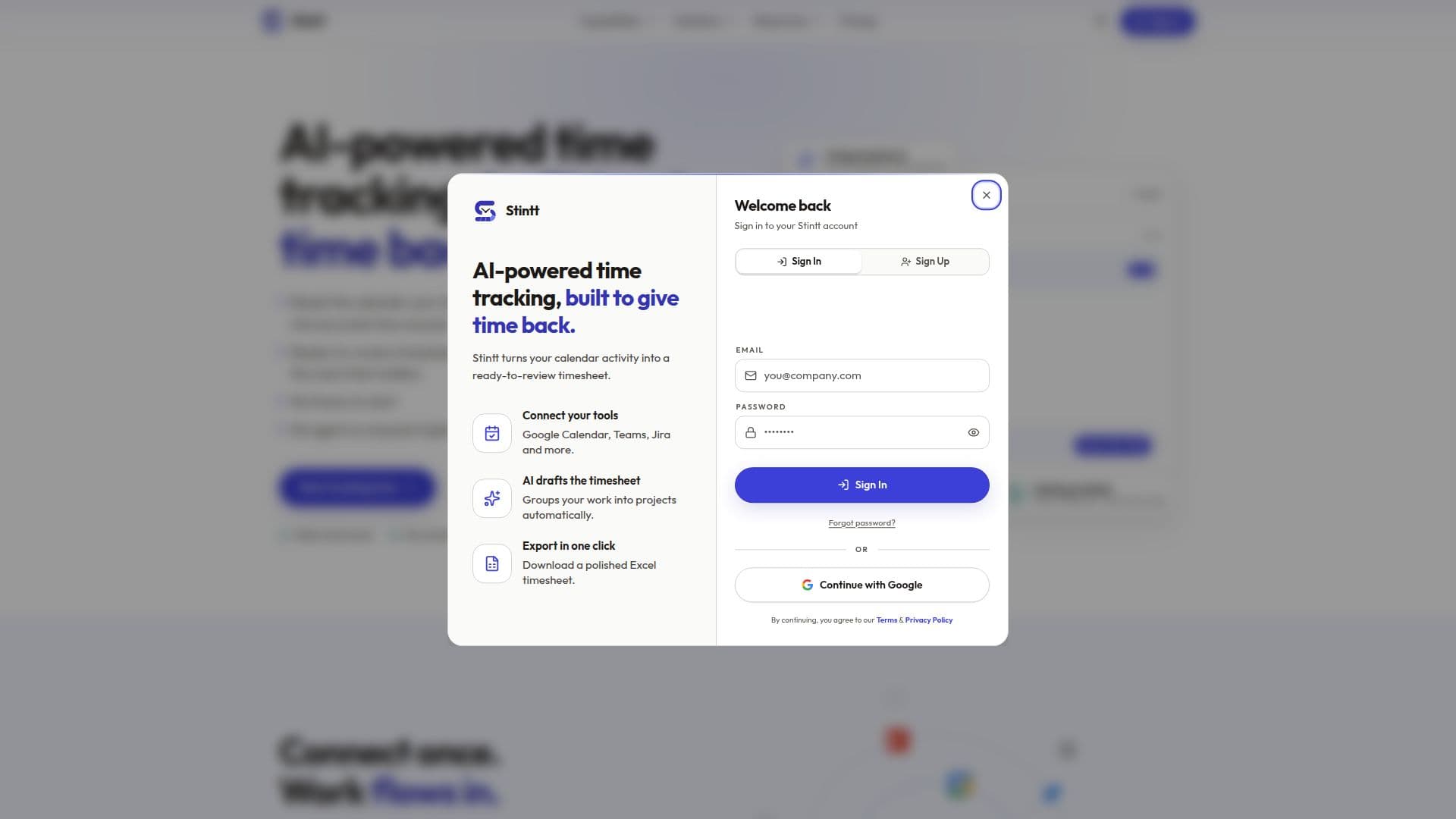
Description
Stintt is an automatic time tracking application designed to simplify and streamline the process of logging work hours. It transforms existing calendar events and activity from various work tools into accurate, approvable timesheets without requiring manual timers or data entry. The core purpose of Stintt is to give professionals, freelancers, and teams back the time often lost to administrative tasks like reconstructing their week from memory.
Read More
The platform operates by connecting to your existing digital tools, primarily Google Calendar, and other project management systems like Microsoft Teams, Jira, ClickUp, and Asana. Once connected with read-only access, Stintt automatically captures activity signals and categorizes them into different work types such as meetings, focus time, admin, breaks, or time off. This AI-powered categorization learns from user corrections, improving accuracy over time. Users can then review, tweak if needed, and approve their timesheets, which are ready for export in formats like Excel, CSV, and PDF.
Key capabilities include automatic timesheet generation, AI categorization of events, flexible export options with various templates, and timezone-aware reminders for timely submissions. For teams, Stintt offers approval workflows where managers can review, edit, or send back timesheets, with an auto-approve option for efficiency. It also supports logging time via chat bots in Telegram and Google Chat, allowing quick entry of unbooked work. Advanced features for Workspace plans include team dashboards, AI capacity briefings, meeting cost analysis, and invoicing capabilities to roll tracked time into billable line items.
Stintt offers a Free plan, a Pro plan at $9/month, and a Workspace plan at $12 per seat/month, with custom pricing for larger teams. The Free plan provides core timesheet generation for up to 21 days of events and one calendar source. Pro unlocks full history, multiple integrations, and advanced templates. Workspace adds team management features like dashboards, capacity insights, and invoicing. The platform emphasizes privacy by design, processing calendar data locally in the browser by default, with server-side processing only for opt-in AI features or team analytics, fully disclosed in their Privacy Policy.
Stintt targets agencies, consultancies, freelancers, and remote teams who struggle with manual time logging, under-billing due to forgotten work, or the need for defensible billable hours without intrusive monitoring software. It aims to provide visibility for managers and accurate data for better decision-making and resource allocation, ultimately reclaiming productive time for users.
- CategoryAI Scheduling Tools
- Pricing ModelFreemium
- DeploymentCloud
- PlatformsWeb
Stintt's Core Features
Automatic Time Tracking from Calendar Events
AI Categorization of Work Activities (Meetings, Focus, Admin, Breaks)
One-Click Timesheet Export to Excel, CSV, PDF
Customizable Export Templates (Standard, Detailed, Daily, Client Billing, Simple Grid)
Timesheet Approval Workflows for Managers
Time Logging via Chat Bots (Telegram, Google Chat, In-app)
Personal Insight Panels and Workspace Health Score
Capacity and Burnout Signals for Teams
Invoicing with Tax Engine and PDF Export
Read-Only Calendar Access (No Write/Delete Permissions)
No Software Installation Required (Web-based)
Support for Multiple Calendar and Project Management Integrations
Custom Spreadsheet Template Upload for Pro Users
Team Dashboard and AI Capacity Briefings for Workspace Users
Meeting Cost Analysis and Focus Fragmentation Scores
How to use Stintt?
Connect Tools: Grant read-only access to your Google Calendar, Microsoft Teams, Jira, or other supported project management tools.
Automatic Capture: Stintt automatically captures your calendar events and work activity, turning them into draft timesheet entries.
Review & Tweak: Access your Inbox to review automatically categorized entries, confirm untagged items, and make any necessary adjustments.
Approve Timesheets: Managers can approve, edit, or send back timesheets for review, ensuring only approved hours reach invoices.
Export & Utilize: Export polished timesheets in Excel, CSV, or PDF format for billing, reporting, or internal analysis.
Generate Insights: Use personal insight panels and team dashboards to understand time allocation, capacity, and potential burnout risks.
Stintt's Use Cases
- Automatic Timesheet Generation
- Client Billing & Invoicing
- Project Time Tracking
- Team Capacity Planning
- Freelancer Time Management
- Administrative Overhead Reduction
- Meeting Cost Analysis
- Compliance & Audit Trails