
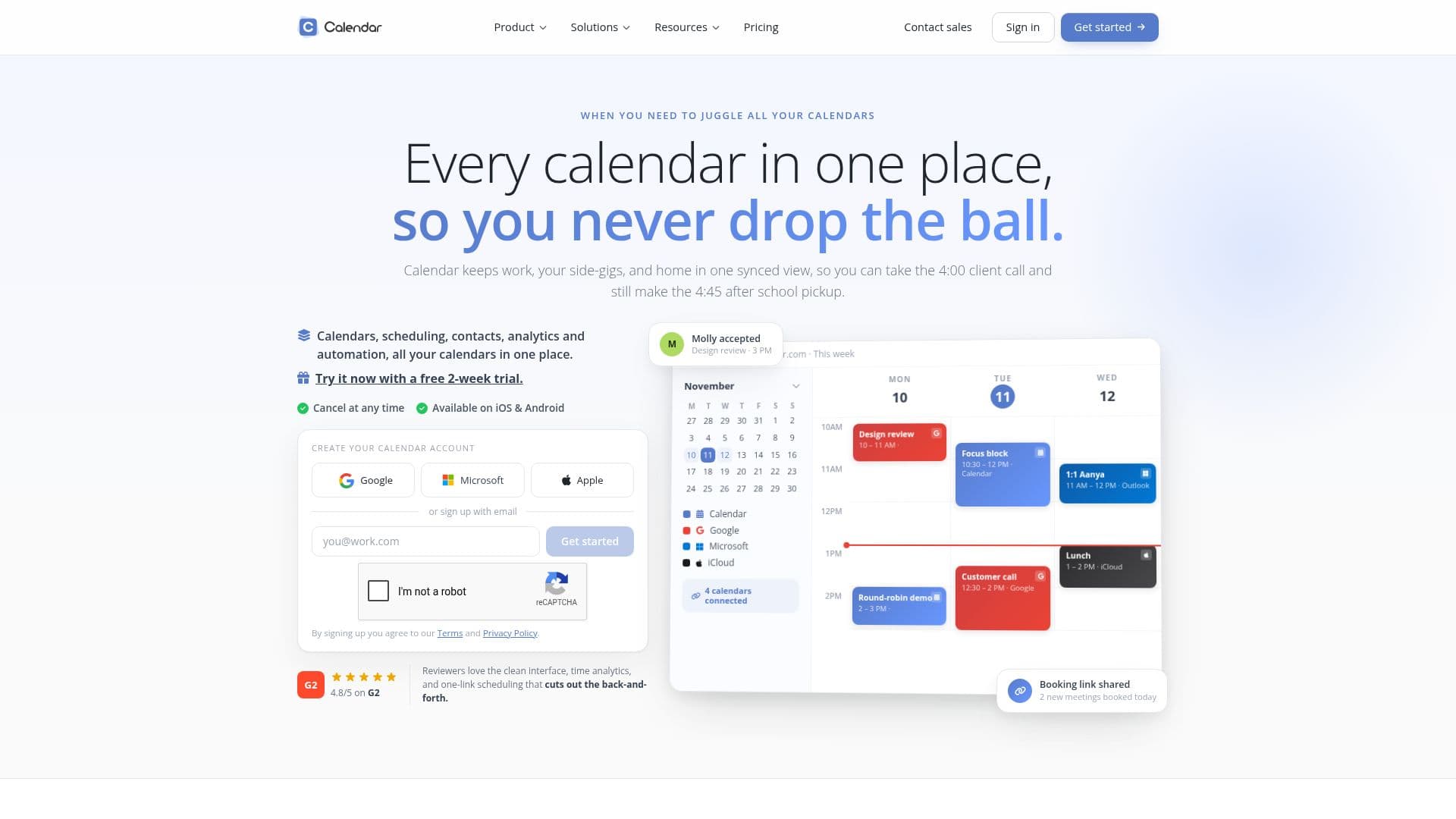
Description
Calendar is a comprehensive online scheduling and calendar application designed to streamline the process of managing multiple calendars. It allows users to integrate various calendars, such as Google, Microsoft, and Apple, into a single, unified view. This integration ensures that personal and professional commitments are easily accessible and manageable from one platform.
Read More
The app is particularly beneficial for teams and individuals who need to coordinate schedules across different time zones and platforms. Calendar offers a range of features including one-click scheduling, which allows users to send a link for others to pick a convenient time, automatically adding the event to both parties' calendars. This feature eliminates the back-and-forth communication typically associated with scheduling meetings.
Calendar also provides advanced analytics, helping users understand how they spend their time and optimize their schedules for better productivity. The app supports multi-person scheduling, event cloning, and workflows that automate booking processes, making it a powerful tool for businesses and individuals alike.
Pricing for Calendar is structured to cater to different needs, with plans starting from $20 per month for the Standard plan, which is suitable for individuals and small teams. The Pro plan, starting at $30 per month, offers advanced features for larger teams, while the Enterprise plan provides custom solutions for teams of 30 or more.
With its user-friendly interface and robust feature set, Calendar is ideal for professionals, entrepreneurs, and teams looking to enhance their scheduling efficiency and productivity. The app's ability to integrate with popular platforms like Gmail and its focus on privacy, ensuring personal events remain private by default, further enhance its appeal.
- CategoryAI Scheduling Tools
- Pricing ModelFreemium
- DeploymentCloud
- PlatformsGoogle, Microsoft, Apple
Calendar: Team Scheduling Software's Core Features
Unified calendar integration
One-click scheduling
Time-zone aware scheduling
Multi-person scheduling
Event cloning
Automated workflows
Advanced team analytics
Integration with Gmail
How to use Calendar: Team Scheduling Software?
Configure: Integrate your calendars
Use: Schedule meetings with one-click links
Optimise: Analyze time usage with analytics
Automate: Set up workflows for booking
Calendar: Team Scheduling Software's Use Cases
- Team Coordination
- Client Meetings
- Time Management
- Event Planning
- Remote Work