Description
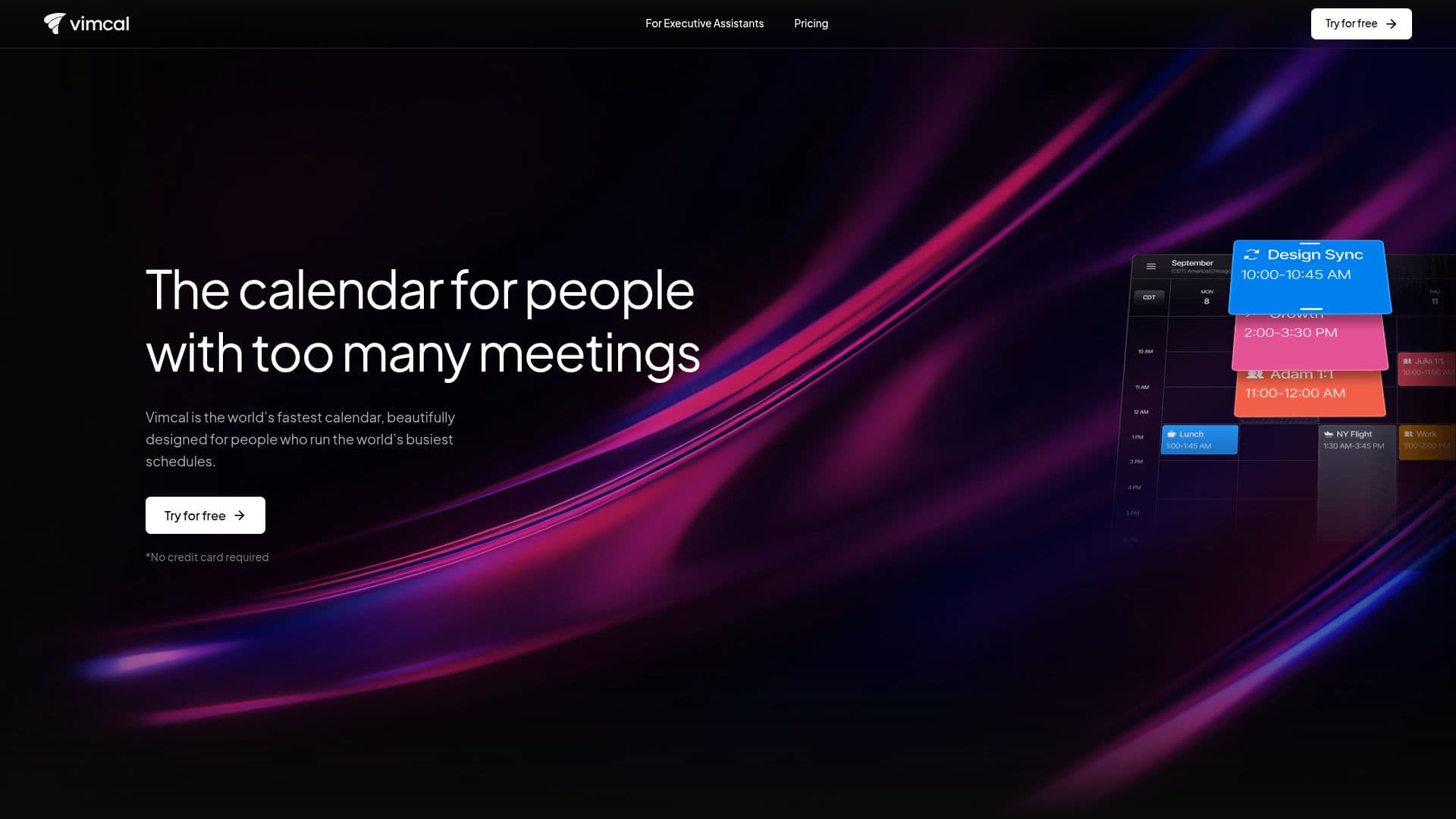
Vimcal is designed for individuals who manage hectic schedules and have too many meetings. It is touted as the fastest calendar available, providing a beautifully crafted interface that caters to the needs of busy professionals. With Vimcal, users can effortlessly share their availabilities and schedule meetings across different time zones, eliminating the common frustrations associated with traditional calendar tools.
Read More
One of the standout features of Vimcal is its ability to integrate seamlessly with both Outlook and Google calendars, allowing users to see all their events in one unified view. This eliminates the need to switch between different calendar applications, making it easier to coordinate meetings and manage time effectively. The calendar also boasts instant response times of less than 100 milliseconds, ensuring that users can navigate and schedule with lightning speed.
Vimcal is particularly beneficial for Executive Assistants, as it includes features tailored specifically for their workflows. The platform supports multi-executive scheduling, smart buffers, and travel-time automation, making it an ideal choice for those who handle complex scheduling tasks. Additionally, Vimcal offers AI-assisted tools that help users find free time and manage their schedules more efficiently.
The calendar also includes thoughtful features such as color-coded tags and metrics, which allow users to categorize their events based on keywords and analyze how they spend their time. Furthermore, Vimcal provides a Do Not Disturb mode, transforming the calendar experience with ambient sounds and a pomodoro timer to enhance focus.
In summary, Vimcal is not just a calendar; it is a comprehensive scheduling tool designed to streamline the meeting process for busy professionals. Its combination of speed, integration capabilities, and user-friendly features makes it a valuable asset for anyone looking to improve their time management and productivity.
- CategoryAI Scheduling Tools
- Pricing ModelFreemium
- DeploymentCloud
- PlatformsWeb, iOS, Android
Vimcal's Core Features
Unified calendar view
Instant response times (<100ms)
AI-assisted scheduling
Multi-executive scheduling
Smart buffers and travel-time automation
Color-coded tags and metrics
Do Not Disturb mode
Mobile calendar functionality
How to use Vimcal?
Configure: Set up your calendar by integrating with Google and Outlook.
Schedule: Use the unified view to find available times across all calendars.
Share: Easily share your availability with others through booking links.
Manage: Utilize AI tools to find free time and schedule meetings efficiently.
Focus: Activate Do Not Disturb mode for uninterrupted work sessions.
Vimcal's Use Cases
- Executive Scheduling
- Time Zone Coordination
- Event Management
- Focus Enhancement
- Availability Sharing