
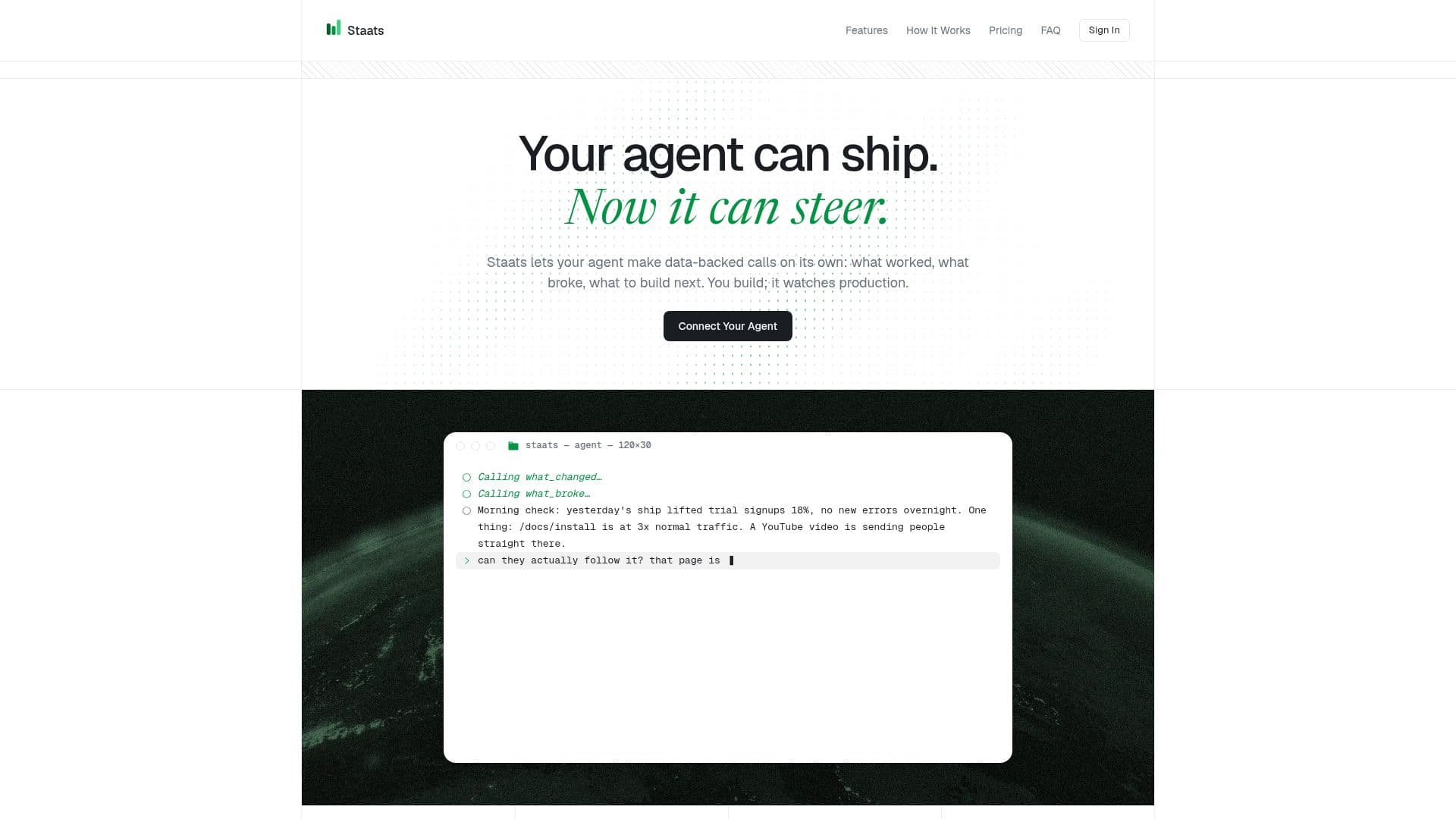
Description
Staats is a web analytics tool designed specifically for coding agents, offering a cookieless and privacy-first alternative to traditional analytics platforms like Google Analytics. It allows developers to measure every deployment, flag changes, and surface insights without needing explicit prompts. Staats is particularly beneficial for developers who want their agents to make data-backed decisions autonomously, such as identifying what worked, what broke, and what to build next.
Read More
The platform operates without the need for cookie banners, as it does not log IP addresses or set cookies, ensuring a seamless user experience for visitors. Staats uses a lightweight script, approximately 1.5 KB when compressed, which can be easily integrated into any project with a single terminal command. This setup eliminates the need for additional SDKs or complex installations.
Staats supports a variety of coding agents and IDEs, including Claude Code, Cursor, Windsurf, Codex, and VS Code. It provides a dashboard-less experience where the agent itself becomes the interface, allowing users to query traffic data directly through chat. This approach simplifies the process of obtaining insights, as users can ask questions like "How did the launch go?" and receive immediate feedback.
The platform offers several pricing tiers to accommodate different needs, from a free plan for side projects to a scale plan for high-traffic SaaS portfolios. Each plan includes a specific number of events and errors per month, with a 25% grace buffer to prevent abrupt service interruptions. Staats also ensures that error tracking is included in every plan, capturing uncaught JavaScript errors passively.
Overall, Staats is ideal for developers and teams looking for a streamlined, privacy-focused analytics solution that integrates seamlessly with their existing workflows. Its ability to operate alongside other analytics tools like Google Analytics, PostHog, or Plausible makes it a versatile choice for modern web development.
- CategoryData & Analytics
- Pricing ModelFreemium
- DeploymentCloud
- PlatformsWeb
Staats's Core Features
Cookieless web analytics
Privacy-first design
Agent-driven insights
Lightweight script integration
Dashboard-less interface
Supports multiple coding agents
Error tracking included
Flexible pricing plans
How to use Staats?
Create your account: Sign in with Google or GitHub.
Connect your agent: Use the one-line connection snippet.
Add the script tag: Insert it into your page head.
Ask your first question: Query traffic data via chat.
Staats's Use Cases
- Deployment Monitoring
- Error Tracking
- Privacy-Focused Analytics
- Agent-Driven Insights
- Seamless Integration