Description
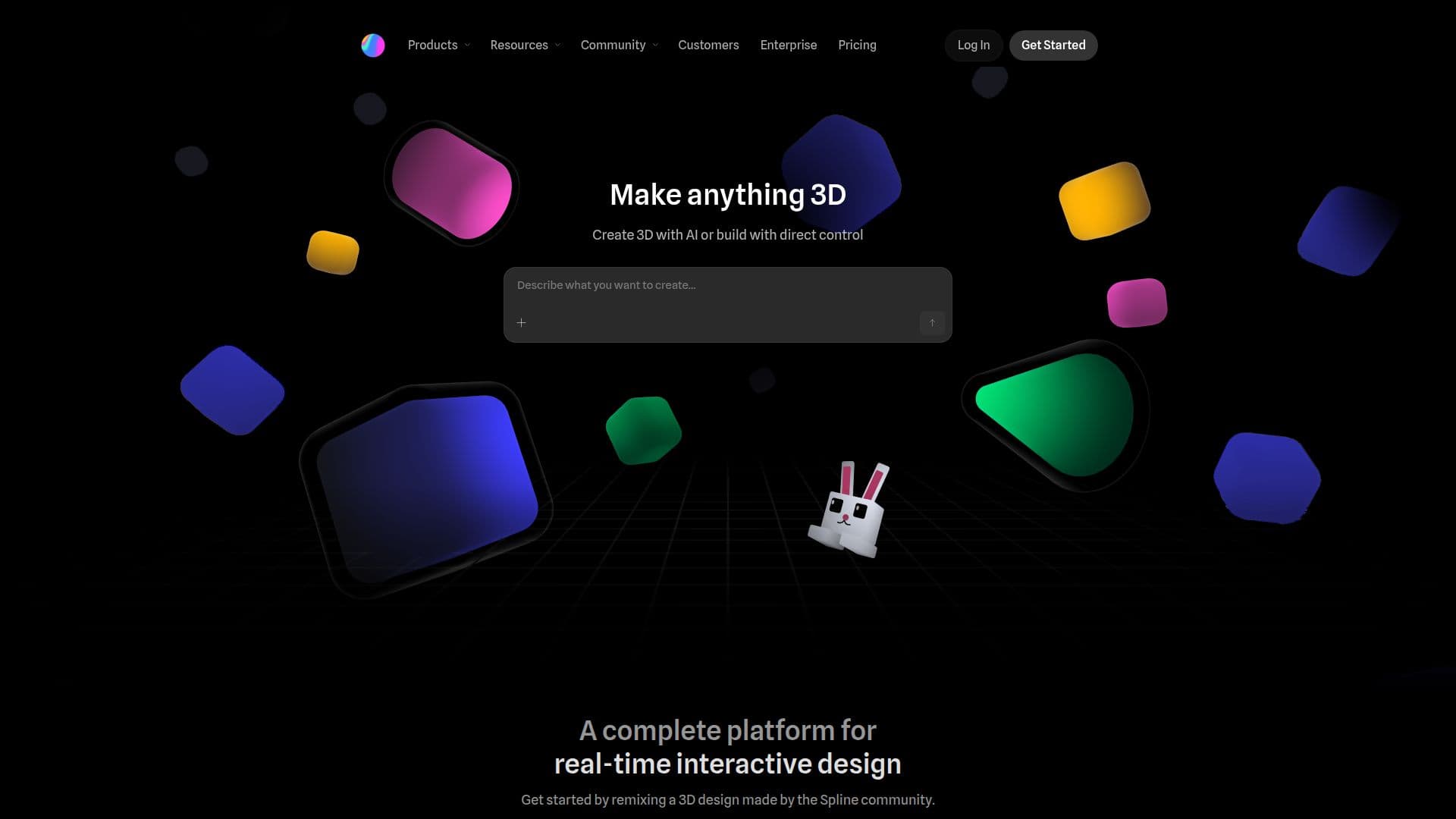
Spline is a web-based 3D design tool that allows users to create interactive experiences in real-time. It is designed for both individuals and teams, providing a platform where creativity can flourish. With Spline, users can easily create 3D models, animations, and textures, all within their browser. The tool supports direct control for 3D creation, as well as AI-assisted design options, making it versatile for various skill levels.
Read More
One of the standout features of Spline is its real-time collaboration capabilities. Teams can work together seamlessly, allowing for immediate feedback and adjustments. This is particularly beneficial for organizations looking to deliver production-ready interactive experiences. Spline empowers users to remix designs from the community, providing a rich library of resources to kickstart projects.
The platform is equipped with familiar design tools that streamline the creative process. Users can create unique materials with layer-based options, add interactivity and motion through a powerful event system, and integrate real-time data using Variables, Webhooks, and APIs. This flexibility makes Spline suitable for a wide range of applications, from product design to gamified experiences.
Spline also offers a comprehensive library and academy for users to learn and explore. With video tutorials and written documentation, getting started with Spline is straightforward. The platform supports various industries, including automotive, education, and marketing, making it a valuable tool for professionals looking to enhance their projects with interactive 3D elements.
In terms of security, Spline adheres to best practices, ensuring data protection and compliance with standards like ISO 27001 and SOC 2. This commitment to security allows users to focus on their creative work without worrying about the safety of their designs. Overall, Spline is a powerful tool for anyone looking to create engaging 3D content in a collaborative environment.
- CategoryAI UI & UX Design Tools
- Pricing ModelFreemium
- DeploymentWeb, iOS, Android
- PlatformsBrowser-based
Spline's Core Features
Real-time collaboration
3D modeling
Animation tools
Layer-based materials
Interactivity & motion
Variables & data integration
Community design library
Video tutorials
Cross-platform support
How to use Spline?
Create a new project: Start by selecting a template or a blank canvas.
Design your 3D model: Use the intuitive tools to create shapes and apply materials.
Add interactivity: Implement animations and event triggers to enhance user engagement.
Collaborate in real-time: Invite team members to work on the project simultaneously.
Export your design: Choose the desired format for web, iOS, or Android deployment.
Spline's Use Cases
- Product Design
- Marketing Campaigns
- Education
- Gamified Experiences
- Brand Identity