Description
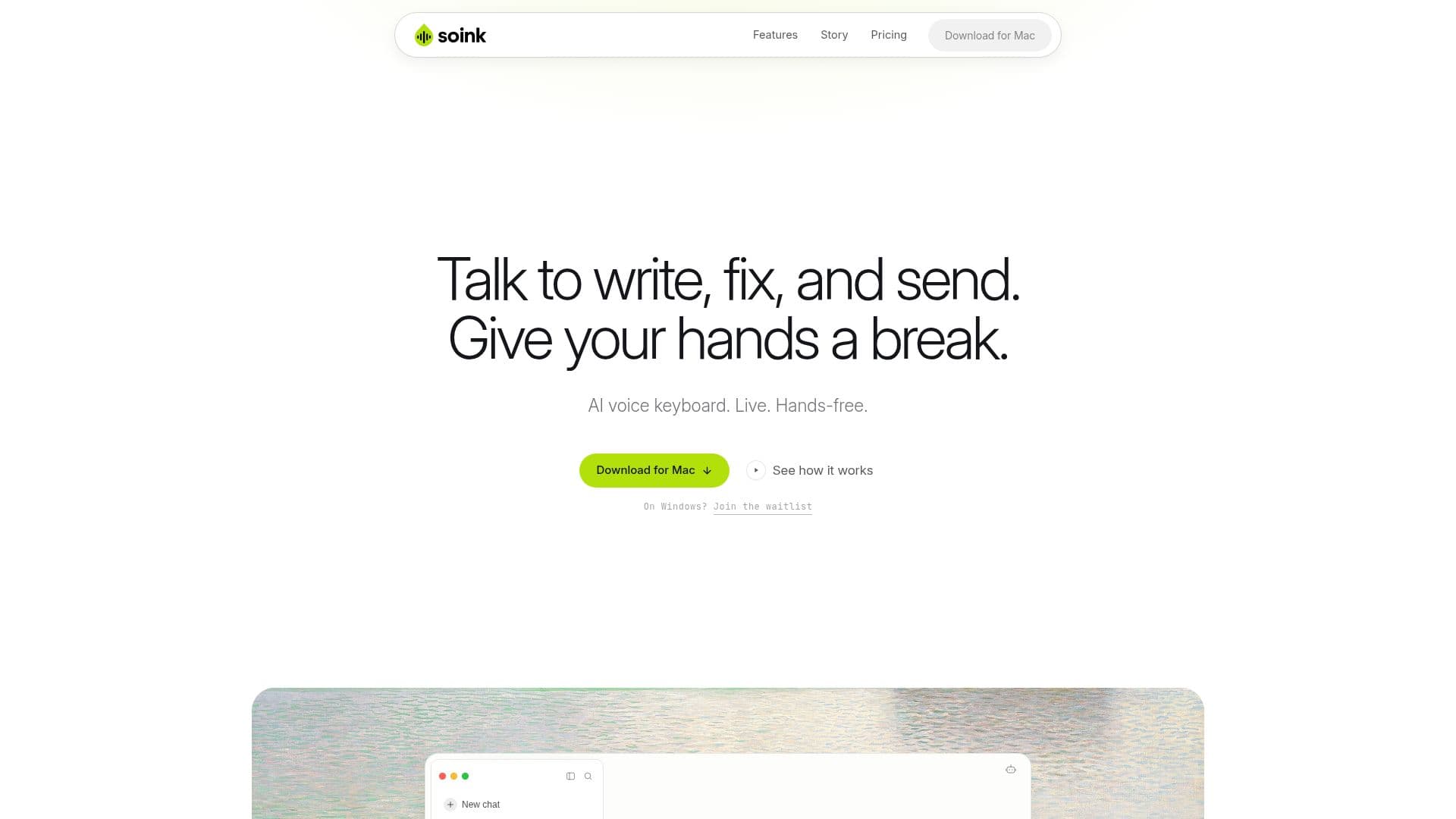
soink is an AI voice keyboard tailored for those who spend long hours typing and need to alleviate wrist pain, such as TFCC injuries or repetitive strain injuries. This innovative tool offers a hands-free dictation experience, allowing users to speak naturally while their words appear in real-time within any application. The AI technology cleans up the text as you speak, ensuring clarity and coherence without the need for extensive editing afterward.
Read More
The core functionality of soink revolves around its live streaming capability. Unlike traditional dictation tools that require users to pause and wait for their text to be transcribed, soink delivers each word directly to the text field as it is spoken. This immediate feedback helps maintain the flow of thought and reduces the cognitive load associated with typing. Users can dictate continuously, and when they pause, soink automatically stops listening, making the experience feel seamless and intuitive.
One of the standout features of soink is its voice editing capability. If users need to make corrections mid-sentence, they can simply say the correction out loud, such as "change Tuesday to Wednesday," and the app will execute the change without requiring any manual selection or retyping. Additionally, when users are finished with a message, they can simply say "send," and soink will press enter for them, further enhancing the hands-free experience.
soink supports a wide range of languages, currently offering 11 languages across 16 variations, including English, Spanish, Chinese, Arabic, Portuguese, French, German, Hindi, Italian, Japanese, and Korean. This makes it accessible to a diverse user base. The app prioritizes user privacy, ensuring that no typing or voice data is logged, saved, or uploaded, and all audio is deleted after being converted to text.
While soink operates in the cloud to provide the best speech recognition and AI models, the developers are actively working on local-first models to offer offline functionality in the future. The app is designed to be user-friendly, with a straightforward installation process and a free trial available for new users. Overall, soink represents a significant advancement in dictation technology, particularly for those who need to minimize keyboard use due to pain or injury.
- CategoryAI Transcription Tools
- Pricing ModelFreemium
- DeploymentCloud
- PlatformsMac
soink's Core Features
Real-time dictation
Voice editing
Hands-free operation
Continuous dictation
Multi-language support
Privacy-focused
Cloud-based
Seamless integration with any app
How to use soink?
Download soink: Visit the website and download the app.
Install the app: Open the downloaded file and drag the soink icon into your Applications folder.
Open soink: Launch the app from your Applications folder.
Start dictating: Tap once to start and begin speaking to see your words appear in real-time.
Edit by voice: Make corrections by saying the changes out loud.
Send messages: Conclude your message by saying 'send' to submit it.
Switch between voice and keyboard: Use both input methods fluidly as needed.
Explore features: Take advantage of the app's capabilities in various applications.
soink's Use Cases
- Hands-free typing
- Real-time editing
- Multilingual support
- Seamless integration
- Continuous dictation