Description
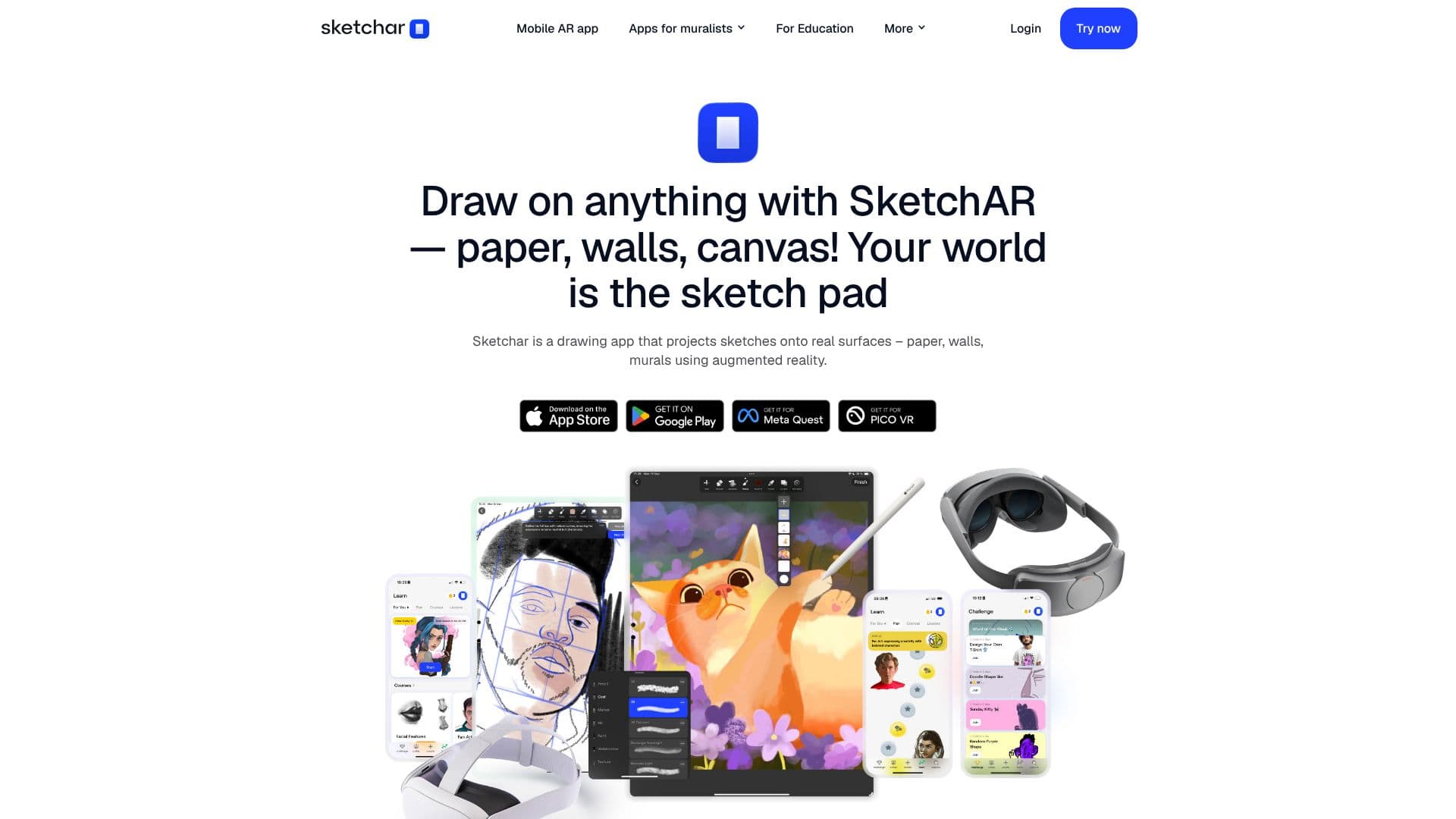
Sketchar transforms your world into a sketchpad by projecting digital drawings onto real-world surfaces using augmented reality. This innovative app is trusted by over 13 million creators and 100,000 mural artists globally, offering unlimited opportunities for artistic expression. Whether you're a beginner looking to master drawing techniques or a professional muralist seeking to accelerate your workflow, Sketchar provides the tools you need.
Read More
Learn to draw with confidence through mobile AR, guided by over 1000 detailed courses covering a wide range of subjects like anime, portraits, animals, and landscapes. Sketchar also offers personalized drawing plans to help you track and improve your progress. For muralists, the app significantly speeds up the creation process by allowing instant projection of sketches onto any surface, eliminating the need for traditional projectors and grids. This functionality is further enhanced with VR headset compatibility, including Meta Quest and Pico devices, for immersive mural projection.
Sketchar is designed for cross-platform use, with instant synchronization across devices and a single subscription unlocking all features everywhere. The app is available on iOS, Android, and VR headsets like Meta Quest 3 and Pico 4 Ultra, with future support for Apple Vision Pro. Beyond AR projection, Sketchar includes a built-in digital canvas with professional tools such as brushes, layers, stroke smoothing, and time-lapse recording. The unique liquid brush adds another dimension to digital creation. Furthermore, Sketchar enables collaborative drawing in real time through its Multiplayer feature, allowing multiple users to co-create on a shared canvas across iOS and Android devices.
Sketchar is also recognized for its educational value, being trusted by art educators in over 20 countries. It empowers students to learn and create together, fostering a collaborative and engaging learning environment. The app aims to make art accessible and enjoyable for everyone, helping users reduce anxiety and stress while improving their drawing skills simultaneously. Join the growing community of 14 million+ creators and start your artistic journey with Sketchar.
- CategoryAI Graphic Design Tools
- Pricing ModelFreemium
- DeploymentCloud
- PlatformsiOS, Android, Meta Quest, Pico
Sketchar's Core Features
Augmented reality projection of sketches onto any surface
Over 1000 detailed drawing lessons and courses
Personalized drawing growth plans
Real-time collaborative drawing with Sketchar Multiplayer
Built-in digital canvas with professional drawing tools
Time-lapsed process recording
VR headset integration for mural projection (Meta Quest, Pico)
Cross-device sync with a single subscription
Liquid brush tool for unique digital effects
Automatic stroke smoothing
Image projection from mobile to VR
Free 7-day trial available
How to use Sketchar?
Project: Use the AR feature to project your digital sketch onto any real-world surface.
Draw: Trace the projected lines or use the digital canvas to create your artwork.
Learn: Access over 1000 lessons to master new drawing techniques and styles.
Collaborate: Invite friends or colleagues to draw together in real time using Multiplayer.
Create: Utilize the digital canvas tools for detailed editing and painting.
Share: Record your process with time-lapse and share your creations.
Sketchar's Use Cases
- Mural Art Creation
- Learning to Draw
- Digital Artistry
- Collaborative Projects
- Art Education
- Surface Art Projection
- Skill Improvement